If you're searching for "how to connect Slack to OpenClaw", the real question is usually not just whether the connection is possible. It's how to make Slack usable inside an OpenClaw workflow with the right model, the right context, and the right level of control.
That's the practical framing.
OpenClaw gives you the orchestration layer: connectors, skills, tools, prompts, approvals, and the ability to run workflows where your team already works. Slack provides the domain context. The integration becomes valuable when those two pieces are connected cleanly.
Slack + OpenClaw: The Real Relationship
When people search for "how to connect Slack to OpenClaw," they're usually asking one of two different questions. The first group wants to use Slack as the chat surface for their self-hosted OpenClaw agent — so their team can talk to the AI in DMs and channels. The second group already uses Cody (OpenClaw managed hosting) and wants to understand what's happening under the hood.
Both are legitimate. But they have very different setup paths, so let's address each separately.
Path A: Self-Hosted — Connect OpenClaw to Slack Yourself
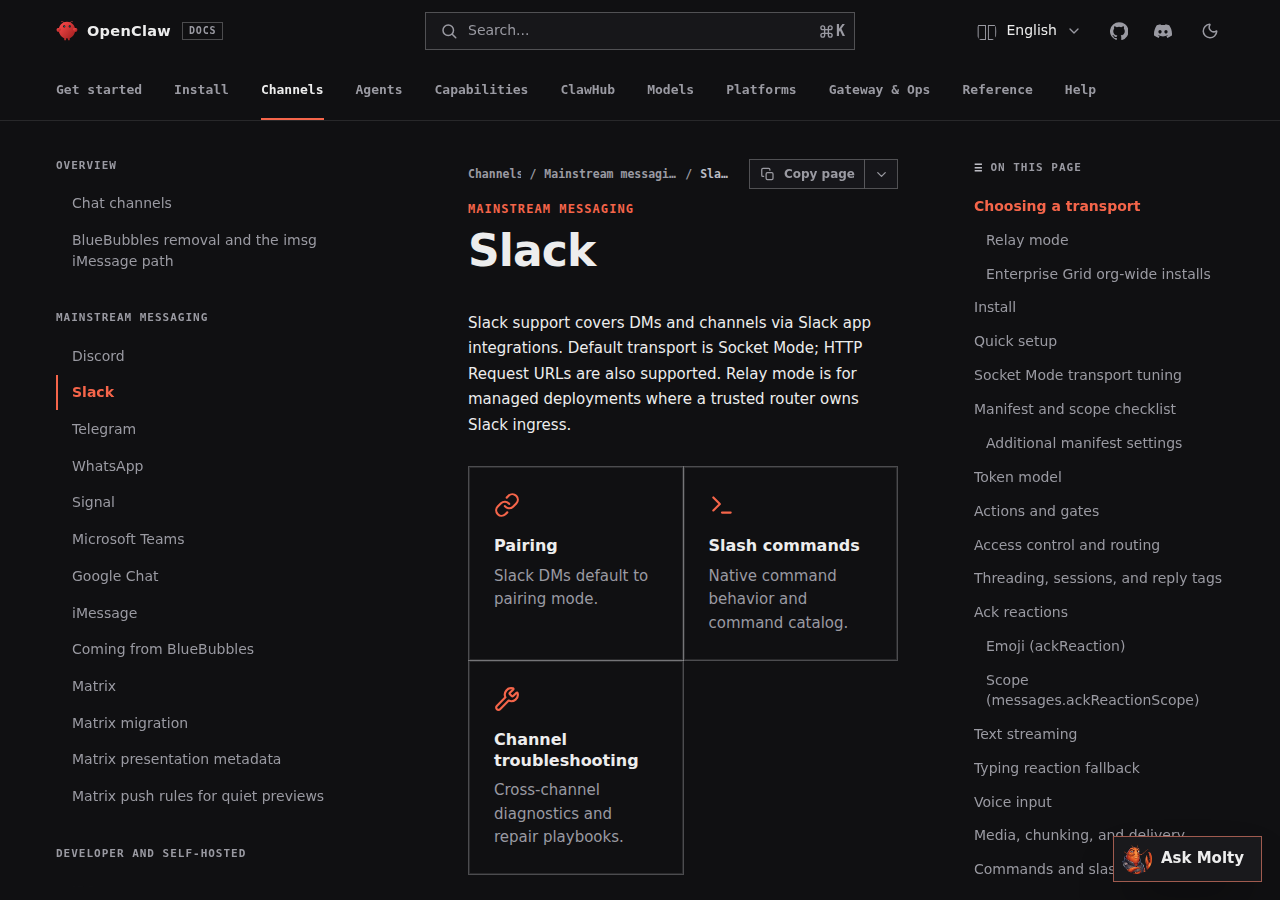
If you're running OpenClaw on your own server (or planning to), Slack is the primary channel. OpenClaw was built for Slack first — it supports DMs, channel messages, @mentions, threaded replies, slash commands, file sharing (inbound and outbound), and App Home. But the setup has real complexity that most guides gloss over.
Step 1: Choose a Transport — Socket Mode or HTTP Request URLs
This is the first decision, and it shapes every authentication and networking step that follows:
| Concern | Socket Mode (default) | HTTP Request URLs |
|---|---|---|
| Public URL | Not required | Required (DNS, TLS, reverse proxy) |
| Network | Outbound WSS to Slack only | Inbound HTTPS from Slack |
| Tokens needed | Bot token + App-Level Token (connections:write) | Bot token + Signing Secret |
| Firewall-friendly | Yes — works behind firewall | Needs public HTTPS endpoint |
| Horizontal scaling | One Socket Mode session per app per host | Stateless — multiple replicas, one app |
| Slash commands | Delivered over WS | POST to configured URL |
Pick Socket Mode if your OpenClaw server is on a single EC2 instance, a dev laptop, or inside a corporate network that can reach *.slack.com outbound but can't accept inbound HTTPS.
Pick HTTP Request URLs if you're running multiple Gateway replicas behind a load balancer, or if outbound WebSocket connections are blocked but inbound HTTPS is already managed.
Step 2: Create a Slack App with the Right Scopes
Go to api.slack.com/apps and click Create New App → From scratch. Give it a clear name your team will recognize (e.g., "OpenClaw Agent" or "Engineering Bot"). Select your workspace.
Then configure the OAuth scopes. Getting these right matters — too few and your agent can't function; too many and you're granting unnecessary access:
| Scope | Required? | What it does |
|---|---|---|
app_mentions:read |
✅ Required | Read @mentions of your bot |
chat:write |
✅ Required | Send messages as the bot |
chat:write.customize |
Recommended | Post with custom username/avatar (multi-agent setups) |
channels:history |
✅ Required | Read messages in public channels |
groups:history |
✅ Required | Read messages in private channels |
im:history |
✅ Required | Read DM messages |
files:read |
Recommended | Download files shared with the bot |
files:write |
Optional | Upload generated files back to Slack |
reactions:write |
Optional | Add emoji reactions (visual feedback while processing) |
users:read |
Optional | Address users by name instead of ID |
⚠️ Critical: Only add Bot Token Scopes, not User Token Scopes. User tokens act on behalf of individual users, which introduces unnecessary permission escalation for an AI agent.
Step 3: Enable Socket Mode or Event Subscriptions
For Socket Mode: In your Slack app settings, go to Socket Mode and enable it. Generate an App-Level Token (xapp-...) with the connections:write scope. This token authenticates the WebSocket connection — OpenClaw uses it to establish an outbound WSS tunnel to wss-primary.slack.com.
For HTTP Request URLs: Go to Event Subscriptions, enable events, and enter your webhook URL (typically https://yourdomain.com/slack/events). Slack will POST a verification challenge to confirm the endpoint is reachable. Subscribe to message.channels, message.groups, message.im, and app_mention events.
Step 4: Configure OpenClaw's Slack Plugin
OpenClaw uses a JSON5 configuration block for Slack. For Socket Mode:
{
  channels: {
    slack: {
      enabled: true,
      mode: "socket",
      appToken: {
        source: "env",
        provider: "default",
        id: "SLACK_APP_TOKEN"
      },
      botToken: {
        source: "env",
        provider: "default",
        id: "SLACK_BOT_TOKEN"
      },
      dmPolicy: "open",
      groupPolicy: "allowlist",
      channels: {
        C0123456789: { requireMention: true }
      }
    }
  }
}
For HTTP Request URLs, use mode: "http" and add a signingSecret instead of appToken.
⚠️ Important: If you're using multiple Gateway instances that share a single Slack app, Slack may deliver events to any connected Socket Mode session. You need either equivalent routing/auth on every Gateway, or separate Slack apps per Gateway. HTTP Request URLs avoid this entirely since they're stateless.
Step 5: Install and Test
Install your app to the workspace via the OAuth flow (OAuth & Permissions → Install to Workspace). Copy the Bot Token (xoxb-...) into your environment variables. Invite the bot to a test channel (/invite @YourBotName) and @mention it. If the bot responds, the core integration works.
From here you can configure channel allowlists, set up a dedicated #ask-ai channel, write skill files for your team's tools, and add approval gates for high-risk actions.
Path B: Managed — Cody (OpenClaw Hosted)
If the self-hosted path above looks like a full engineering project, that's because it is. Between OAuth scopes, Socket Mode vs HTTP decision, app-level tokens, event subscriptions, channel allowlists, Gateway config, and ongoing maintenance, a production Slack + OpenClaw setup takes a solid 4-6 hours for someone who knows what they're doing — and longer if you're learning as you go.
Cody gives you the same OpenClaw agent, connected to your Slack workspace, without any of the infrastructure. You authorize the Slack workspace with a few clicks, and Cody handles:
- Slack App creation and scope management
- Socket Mode or HTTP transport (chosen based on your deployment)
- Bot token rotation and renewal
- Channel allowlisting and DM policies
- Multi-model support (Claude, GPT-4o, Gemini — switch per task)
- Approval workflows for sensitive operations
The agent experience is identical — it lives in Slack, responds to @mentions and DMs, uses skills and tools, and operates with the same OpenClaw model flexibility. The difference is zero infrastructure debt.
Start with Cody → or see the Slack AI Assistant features page.
Real Use Cases for a Slack + OpenClaw Agent
Here's what teams actually build once the connection is working — not generic "ask questions" examples, but real workflows:
1. Channel Triage for Distributed Teams
You come back from PTO to 400 unread messages across three project channels. Instead of reading everything, you DM the agent: "Summarize #engineering and #product from the last 5 days — what decisions were made, what's blocked, and what needs my attention." The agent reads channel history (only what you have permission to see), extracts the 8 things that actually matter, and delivers a structured brief.
2. Incident Response Coordination
During an outage, your #incidents channel explodes. The agent monitors the channel, extracts the timeline of events, identifies which engineers have already chimed in (and who's still needed), and posts a running summary every 5 minutes. When the incident is resolved, it generates a post-mortem draft from the channel log.
3. Cross-Tool Context Without Switching Apps
Your team asks in #sales: "What's the latest on the Acme deal?" The agent queries Salesforce for the opportunity, HubSpot for recent email touchpoints, and Stripe for billing status — then returns all three in a single Slack thread. No tab switching, no login hopping.
4. On-Call Handoff Automation
At the end of every on-call shift, the agent reads the #oncall channel, extracts every issue that was raised, categorizes them (resolved, escalated, needs follow-up), and posts a structured handoff note to the incoming engineer. This used to take 20 minutes of manual note-taking — now it's automatic.
Slack-Specific Pitfalls (Most Guides Miss These)
These are the things that break real Slack + OpenClaw setups, gathered from teams that have been running production deployments:
1. Socket Mode Doesn't Scale Horizontally
If you have two OpenClaw Gateway instances sharing one Slack app in Socket Mode, Slack may deliver the same event to either connection. This causes duplicate responses, race conditions, and confusing behavior. Fix: either use HTTP Request URLs for multi-replica setups, or give each Gateway its own Slack app.
2. Rate Limits Are Per-Workspace, Not Per-Bot
Slack's Tier 2 limit is roughly 1 message per second per workspace. If your team is active and multiple people are @mentioning the bot simultaneously, you'll hit chat.postMessage rate limits. OpenClaw queues and retries, but during peak usage users will see latency. Fix: batch responses where possible, and avoid having the agent post multiple messages in rapid succession to the same channel.
3. App-Level Tokens Never Auto-Rotate
Bot tokens can be rotated from the Slack dashboard if compromised. App-Level Tokens (used in Socket Mode) cannot — they're created once and persist indefinitely. Treat your xapp-... token like a production secret. If it leaks, you must delete the token, create a new one, and restart OpenClaw.
4. Enterprise Grid Orgs Need Org-Wide Installation
If your company uses Slack Enterprise Grid with multiple workspaces, install the app at the org level, not per-workspace. A per-workspace install means the bot only exists in that workspace. Org-wide installs let one Slack account in OpenClaw receive messages from every workspace — but Socket Mode and HTTP Request URLs are the only supported transports (relay mode is not supported for enterprise accounts).
5. chat:write.customize Sounds Optional But Isn't
Without this scope, every agent in your workspace posts with the same generic app name and icon. In a channel with multiple specialized agents (support, devops, sales), users can't tell who's responding. Add chat:write.customize and give each agent a distinct name and avatar from day one. It's a 30-second configuration change that prevents months of confusion.
6. Event Subscription Verification Blocks Setup
If you're using HTTP Request URLs, Slack sends a URL verification challenge before it accepts your endpoint. If your OpenClaw Gateway isn't publicly reachable yet, you're stuck — Slack won't save the event subscription. Fix: use a tunnel (ngrok, Cloudflare Tunnel) during setup, or start with Socket Mode and switch to HTTP Request URLs once your production endpoint is live.
Decision Matrix: Which Path Should You Take?
| Scenario | Best Path | Why |
|---|---|---|
| Solo developer, single EC2 instance | Self-hosted, Socket Mode | Simple, firewall-friendly, no public URL needed |
| Small team (5-15), want agent in Slack today | Cody | Zero setup, full OpenClaw power, Slack authorized in minutes |
| DevOps team, multiple Gateway replicas | Self-hosted, HTTP Request URLs | Stateless, load-balanced, production-grade |
| Non-technical team, want AI in Slack | Cody | No infrastructure, no token management, no maintenance |
| Regulated industry, must self-host | Self-hosted, Socket Mode | Data stays on your infrastructure |
| Enterprise Grid, multiple workspaces | Self-hosted, org-wide install | One app across all workspaces |
Related Pages
- Cody AI Assistant for Slack — Cody's dedicated Slack integration features
- How to Use Slack with ChatGPT — using ChatGPT inside Slack workflows
- Slack AI Automation — AI automation workflows for Slack teams
What “Connect Slack to OpenClaw” Actually Means
In practice, connecting Slack to OpenClaw usually involves four layers:
- Authentication so OpenClaw can securely access Slack
- Tooling or proxy endpoints that expose the right Slack actions and data
- Skills/instructions that tell OpenClaw how to reason over Slack context
- Model selection so the assistant uses the right LLM for the job
That last piece matters more than most people expect.
Which Models Can You Use?
OpenClaw is model-flexible, so a Slack integration does not need to be tied to a single provider. Depending on your setup, teams commonly want to use:
- OpenAI models for broad reasoning, structured extraction, and tool use
- Anthropic models for writing, analysis, and long-context work
- Google models for multimodal and large-context workflows
- Other model backends if your OpenClaw environment exposes them
Model names and availability change frequently, so check your OpenClaw model catalogue rather than copying a version from a guide. The practical point is that you can connect Slack once, then choose a supported model for each workflow.
For example:
- Use Claude for nuanced summarisation or drafting
- Use OpenAI for structured extraction, tool-heavy workflows, or general-purpose copiloting
- Use Gemini when multimodal or very large context windows matter
A Good Integration Pattern for Slack
A strong Slack + OpenClaw setup usually looks like this:
- OpenClaw receives a request in chat or from an automation
- It calls the right Slack endpoint or proxy
- The selected model reasons over the returned context
- OpenClaw returns an answer, draft, classification, or action
- High-risk actions stay behind approvals or structured guardrails
That is what makes the setup operational rather than just experimental.
Step-by-Step: Connect Slack to OpenClaw
Step 1: Create a Slack App in Your Workspace
Go to api.slack.com/apps and create a new app from a manifest. OpenClaw requires specific OAuth scopes to read messages, send replies, and handle slash commands. At minimum you'll need: app_mentions:read, chat:write, channels:history, im:history, im:write. You'll also need to enable Socket Mode or configure event subscriptions pointing at your OpenClaw server's public endpoint.
Step 2: Configure OpenClaw with Your Slack Credentials
Once your Slack app is created, copy the Bot Token (xoxb-...) and Signing Secret into your OpenClaw configuration. If you're using Socket Mode (recommended for servers without a public domain), you'll also need an App-Level Token (xapp-...). Set these as environment variables on your EC2 instance and restart the OpenClaw daemon.
Step 3: Install the App and Test
Install the app to your workspace via the OAuth flow. Invite the bot to a channel (/invite @yourcody) and mention it with a test question. If the bot responds, the core integration is working. From here you can configure which channels it listens in, set up a dedicated #ask-cody channel, and start adding skill files for the tools your team uses.
Model-Specific Workflow Ideas
Slack + OpenAI
Use this when you want a strong general-purpose setup for extraction, classification, action planning, and tool-driven workflows around Slack.
Slack + Claude
Use this when you want better writing quality, clearer summaries, stronger nuance, and reliable long-context reasoning over Slack data.
Slack + Gemini
Use this when the workflow benefits from large context windows, multimodal inputs, or Google-native ecosystem alignment.
Common Mistakes
Most teams do not fail because the model is bad. They fail because:
- the Slack connection is too thin
- the model lacks the right live context
- prompts are vague
- no structured outputs are enforced
- permissions and approvals are skipped
- one model is forced to do every job, even when another would be a better fit
The best setup is usually one integration layer, multiple model options, and clear guardrails.
Challenges and Caveats
Socket Mode vs Public Endpoints
If your OpenClaw server doesn't have a static public IP or domain, Socket Mode is the easier path — it uses outbound WebSocket connections rather than requiring Slack to reach your server. However, Socket Mode has different rate limits and reconnection behaviour. For production teams, a proper public HTTPS endpoint is more reliable.
Slack's Rate Limits Apply to Your Bot
Slack applies rate limits per method per workspace. If your team is active and multiple people are querying the bot simultaneously, you may hit the Tier 2/3 limits on chat.postMessage. OpenClaw handles basic retry logic, but very high-volume workspaces may need to think about message queuing.
Want Slack Connected to OpenClaw Without Building the Whole Stack Yourself?
Cody turns Slack into the place your team gets answers, summaries, action items, and cross-tool context. Connect your workspace once and let Cody work inside Slack without building or maintaining any Slack-bot infrastructure.
Related OpenClaw Guides
- How to Connect Google Workspace to OpenClaw
- How to Connect GitHub to OpenClaw
- How to Connect Notion to OpenClaw
Looking for a more workflow-first angle? See: Slack AI Automation and Slack AI Assistant.
More Slack Resources
- Cody AI Assistant for Slack — Cody's dedicated Slack integration features and benefits