SEMrush is where SEO teams check keyword opportunities, domain visibility, competitor overlap, and ranking movement. That makes it a strong fit for an AI assistant that helps marketers and content teams ask for the opportunity, the anomaly, or the weekly takeaway directly from Slack instead of rebuilding the same reports every time.
How OpenClaw Integrations Work
OpenClaw is a self-hosted AI assistant that runs on your own server — typically an EC2 instance — and connects to Slack. It uses Claude under the hood to process requests. Out of the box, OpenClaw doesn't ship with pre-built connections to third-party tools. Instead, integrations are built using the skills system: markdown files in ~/.openclaw/skills/ that give Claude instructions for a particular domain, combined with HTTP tool calls to any API you expose to it.
In practice, adding a real integration means: getting API credentials from the third-party service, building or configuring a small proxy/endpoint that OpenClaw can call, and writing a skill file that tells Claude how to use it. For some tools this is an afternoon of work. For others — like SEMrush — it's considerably more involved.
Connecting OpenClaw with SEMrush: Step by Step
Step 1: Get Your SEMrush API Key
Log into SEMrush and go to Profile → API. Your API key is listed there. The SEMrush API base URL is https://api.semrush.com/. Requests use the key as a query parameter (?key=YOUR_KEY). Note that API access requires a SEMrush Guru or Business plan — or a separate API unit purchase.
Step 2: Use the Domain and Keyword Reports
SEMrush's API exposes various report types as different endpoints. Key ones: domain_ranks (traffic and keyword count for a domain), phrase_this (keyword metrics — volume, CPC, competition), domain_organic (organic keywords a domain ranks for). Each report type has different required parameters.
Step 3: Build the Proxy and Skill File
Build your proxy around the 3–4 report types your team queries most. Write ~/.openclaw/skills/semrush.md with the databases to query (us, uk, etc.), your primary tracked domains, and how Claude should interpret the difficulty and volume metrics SEMrush returns.
Challenges and Caveats
API Units Are Consumed Per Request
SEMrush's API uses a unit system — each request consumes units depending on the report type. Units are tied to your plan and reset monthly. High-frequency queries from OpenClaw can exhaust your allocation faster than expected.
Different Databases for Different Countries
SEMrush has separate keyword databases per country (us, uk, ca, au, etc.). You must specify the correct database for each query. A skill file that always queries the US database will return inaccurate results for teams targeting other markets.
SEMrush + OpenClaw: What's Actually Available in 2026
If you're searching "how to connect SEMrush to OpenClaw," the question is usually one of two things: either you run OpenClaw on your own server and want a real integration, or you're evaluating Cody (OpenClaw managed hosting) and want to know how SEO data gets into Slack without wiring API clients by hand.
SEMrush's API and AI-connectivity landscape changed a lot between 2025 and mid-2026. There are now four distinct integration paths, and the one you choose depends on whether you're a SEMrush plan holder, a developer, or an SEO team that just wants keyword movement and competitor alerts in Slack.

Path A: SEMrush Official MCP Server (mcp.semrush.com — Best for Managed Setups)
SEMrush launched an official MCP server that gives AI agents secure access to its public APIs. It connects to Claude, Claude Code, ChatGPT, Cursor, VS Code, Antigravity, Perplexity, and Lovable — and because OpenClaw speaks the same MCP protocol, it can be pointed at the same endpoint.
What it exposes: the SEMrush Trends API, the SEO API, and the read-only methods of the Projects API (v3). That covers keyword data, domain analytics, backlink intelligence, and your own projects' data — but not project creation or settings changes, which stay write-protected.
Access requirements — important: this server uses streamable HTTP transport only, and access is not automatic. SEMrush reviews each request individually (you typically contact SEMrush Support), and it's included in qualifying plans like SEMrush One Start and above. It uses the same unit-based consumption as the regular SEMrush API — every request burns units based on report type and data volume.
How you'd wire it to OpenClaw (self-hosted ~/.openclaw/settings.json):
{
  mcpServers: {
    semrush: {
      url: "https://mcp.semrush.com/claude/v1/mcp",
      transport: "streamable-http"
    }
  }
}
Once connected, you can prompt naturally: "List domains in the human resources industry for July 2025" or "Who's winning traffic among streaming services in Germany?" — OpenClaw fetches the data via MCP, filters, and answers.
Path B: Composio SEMrush Toolkit (37 Tools, Managed Auth — Easiest for OpenClaw)
Composio's SEMrush toolkit for OpenClaw is the fastest path if you don't want to deal with MCP endpoint approval. Composio exposes 37 SEMrush tools with managed authentication — it stores your SEMrush API key and handles token refresh and scopes for you. You authenticate once, then drive SEMrush actions from OpenClaw over Telegram, WhatsApp, or the TUI.
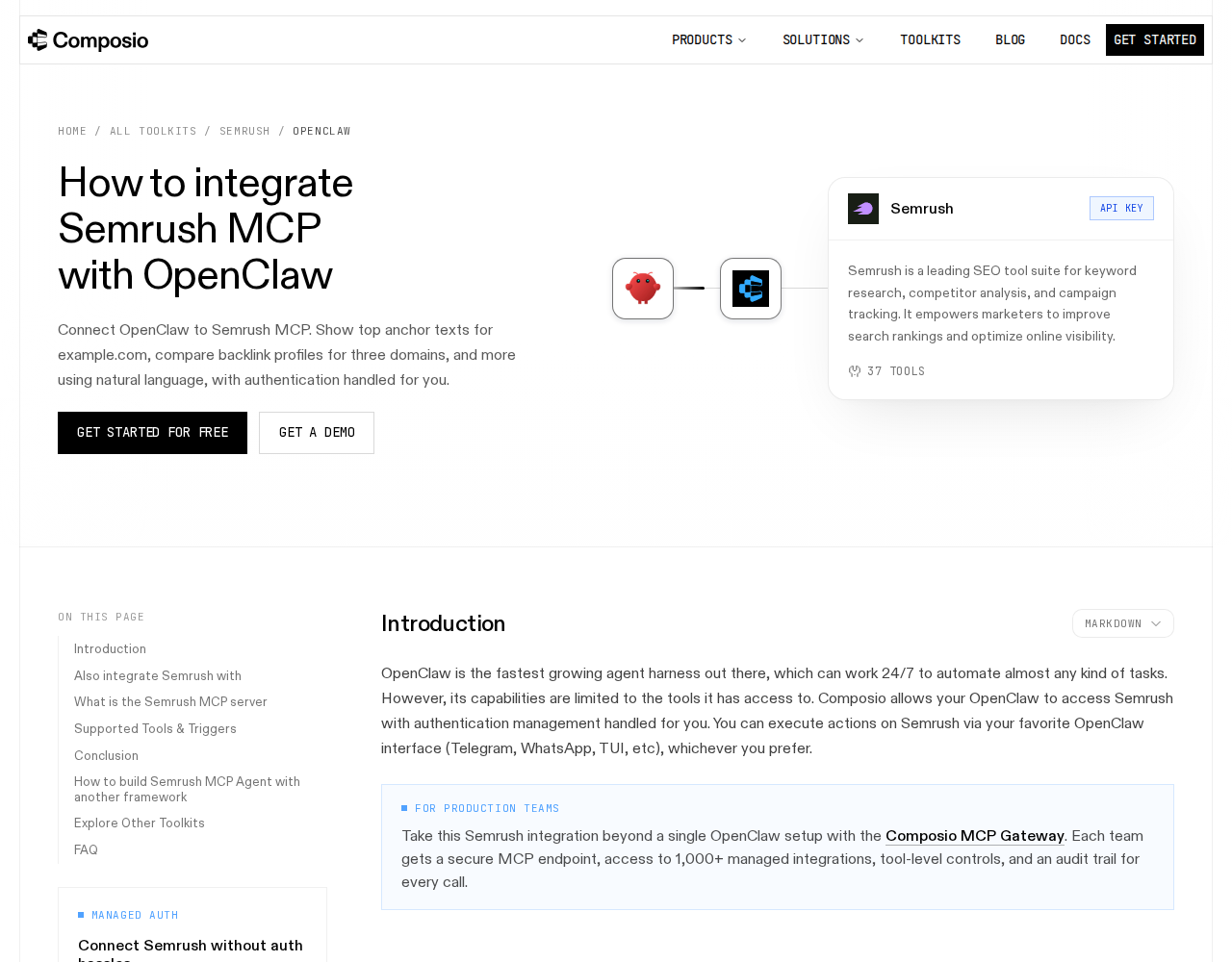
This is a genuinely different model from the self-hosted proxy: instead of building an endpoint and a skill file, you grant Composio (via Tool Router) access, and it discovers and serves the right SEMrush tools to OpenClaw on demand. For teams that want zero infrastructure, this is the pragmatic middle ground.
Path C: Community semrush-mcp Server (stdio — For Developers)
There's an open-source semrush-mcp implementation that any MCP-compatible client can connect to over stdio transport. You set the SEMRUSH_API_KEY environment variable and point OpenClaw at semrush-mcp (or node dist/index.js). It's lightweight and good for local/self-hosted setups, but you own the maintenance and security of the process — and it's not SEMrush-official, so it can lag behind API changes.
Path D: Direct SEMrush API v4 + Skill File (The Classic Self-Hosted Way)
This is the path the base template above already walks you through: get an API key, call the SEMrush API v4 endpoints, build a small proxy, and write ~/.openclaw/skills/semrush.md so Claude knows which databases and metrics to use. It's the most controllable approach and requires no third-party service, but it's also the most work — and it's the one that burns API units fastest if you're not careful (more on that below).
Real Use Cases: What an OpenClaw + SEMrush Setup Actually Does
These are concrete workflows that make the integration worth building — not generic "automate SEO" platitudes.
1. Daily ranking-drop early warning
Schedule OpenClaw to run domain_organic (or the MCP equivalent) each morning for your primary tracked domains and flag any keyword that fell more than 5 positions overnight. Instead of opening SEMrush every day, your team gets one Slack message: "3 keywords dropped: 'mcp server' (-8), 'ai seo agent' (-6) — check pages /blog/mcp and /docs."
2. Competitor visibility snapshot on demand
Prompt OpenClaw to compare domain_ranks for you vs. two competitors across the us, uk, and de databases. The output is a side-by-side table of estimated traffic and keyword counts — useful before a content push or a monthly review, generated in seconds from Slack.
3. Keyword gap mining for new content
Ask: "Which keywords do our three main competitors rank for in the top 20 that we don't?" OpenClaw pulls the organic keyword sets, diffs them, and returns a ranked list of opportunities your team can turn into briefs — feeding your editorial calendar.
4. Weekly SEO report, auto-generated
At the end of each week, OpenClaw assembles a report of ranking movement, new/backlinks, and visibility changes across tracked domains, then posts it to a #seo channel. It saves whoever owns reporting an hour of copy-paste from exported CSVs.
5. Backlink change alerts
Watch new referring domains for competitors so you can spot a link-building push early — and conversely, alert on lost backlinks on your own domain that might warrant a recovery outreach.
SEMrush-Specific Pitfalls (Know These Before You Build)
These are the traps that trip people up specifically with SEMrush + an AI agent — things the generic "connect an API" guides won't warn you about.
-
API units are the real cost, and agents burn them fast. SEMrush's API (and the MCP server) uses a unit system tied to your plan and reset monthly. High-frequency agent queries — especially
domain_organicon large domains, which is unit-hungry — can exhaust an allocation that looked generous on paper within days. Mitigation: cache results in a skill file so OpenClaw re-queries only on a schedule, cap how often each report type can run, and add a "check units balance" step before long scans. -
Database ≠ country is a silent accuracy bug. SEMrush has separate keyword databases per country (
us,uk,ca,au,de, etc.). If your skill file always queriesus, every number for a team targeting Spain or the UK is wrong — and the error is subtle because the API succeeds. Bake the correct database(s) into the skill file per tracked domain, and state it explicitly in prompts. -
Trends API (AI/Search traffic) requires a separate subscription. The MCP server exposes Trends data "depending on your Trends API subscription level." Many teams assume trends data is included with a base SEO plan — it isn't always. Confirm your plan covers the reports you actually want before wiring the agent to them.
-
The official MCP server is not self-serve. Unlike a typical API key, the SEMrush MCP server requires SEMrush to review and grant access per request, and streamable HTTP only. Don't plan your whole rollout around it before confirming you've been approved (or are on a qualifying plan).
-
Write-protected Projects API. The MCP server only exposes read-only methods from Projects API v3. An agent that tries to create or modify projects will fail — route those actions through the regular API or a human instead of expecting the agent to handle them.
-
AI estimate ≠ hard truth. SEMrush's traffic and keyword-volume figures are estimates, and agents will happily present them as facts. Instruct OpenClaw to label estimates as estimates and to flag low-confidence data (small samples, low-volume keywords), so your team doesn't make decisions off rounded guesses presented as precision.
Also read
- How to Use SEMrush with ChatGPT — the ChatGPT-side SEMrush integration, including the official SEMrush ChatGPT app
- How to Connect Ahrefs to OpenClaw — the closest SEO-tool competitor, for comparing approaches
- How to Connect Google Analytics to OpenClaw — a complementary analytics data source for SEO reporting
Skip All of This — Use Cody Instead
Cody gives your team a SEMrush AI assistant in Slack, so marketers can review keyword opportunities, compare competitors, monitor ranking changes, and share SEO updates without wiring SEMrush API clients or rebuilding report views by hand.
Related Guides
- Connecting OpenClaw with Ahrefs: A Practical Guide
- Connecting OpenClaw with Google Analytics: A Practical Guide
- Connecting OpenClaw with Google Ads: A Practical Guide
Need the model-flexible version? See: How to Connect SEMrush to OpenClaw: Setup, Models, and Workflow Guide.