Google Analytics is where teams watch traffic, conversions, landing pages, and channel mix, but the useful story is often buried in reports, comparisons, and exploration tabs. A Google Analytics AI assistant is most useful when it helps marketers and growth teams review GA4 performance, explain traffic and conversion changes, flag anomalies, and turn web analytics movement into clear Slack updates without living inside dashboards all day.
How OpenClaw Integrations Work
OpenClaw is a self-hosted AI assistant that runs on your own server — typically an EC2 instance — and connects to Slack. It uses Claude under the hood to process requests. Out of the box, OpenClaw doesn't ship with pre-built connections to third-party tools. Instead, integrations are built using the skills system: markdown files in ~/.openclaw/skills/ that give Claude instructions for a particular domain, combined with HTTP tool calls to any API you expose to it.
In practice, adding a real integration means: getting API credentials from the third-party service, building or configuring a small proxy/endpoint that OpenClaw can call, and writing a skill file that tells Claude how to use it. For some tools this is an afternoon of work. For others — like Google Analytics — it's considerably more involved.
Connecting OpenClaw with Google Analytics: Step by Step
Step 1: Enable the Google Analytics Data API
Create a Google Cloud project (or use an existing one), enable the Google Analytics Data API, and create a Service Account. Download the service account JSON key — this is how your proxy will authenticate. Go to GA4 → Admin → Account Access Management and add the service account email with Viewer role.
Step 2: Understand the Reporting API
GA4's Data API uses a runReport endpoint where you specify dimensions (e.g., date, sessionSource) and metrics (e.g., sessions, conversions). This is fundamentally different from the old Universal Analytics API. Familiarise yourself with GA4's dimension and metric names before building your proxy — they changed significantly from UA.
Step 3: Build the Proxy and Skill File
Use the @google-analytics/data Node.js client or the Python equivalent in your proxy. Write ~/.openclaw/skills/google-analytics.md documenting the types of traffic questions that can be answered and the properties available (if you have multiple GA4 properties, include their IDs).
Challenges and Caveats
GA4's Dimension/Metric Model Takes Getting Used To
GA4 moved away from UA's session-based model to an event-based model. Dimension and metric names changed, some concepts no longer exist, and new ones appeared. If your skill file uses UA-era terminology, queries will fail silently or return unexpected results.
Data Sampling on Free Properties
GA4 Standard (free) properties may apply data sampling on complex queries or large date ranges. Results are approximate. If your team relies on exact conversion counts, this is worth knowing.
Real-Time Data Has Its Own API
The standard runReport endpoint returns data with a processing delay (typically 24–48 hours for some dimensions). If you want real-time data, you need the runRealtimeReport endpoint, which has a different set of supported dimensions and metrics.
Google Now Ships an Official GA4 MCP Server — Here's Why It Matters
The base template above walks the classic self-hosted path: enable the Google Analytics Data API in Google Cloud, create a Service Account, build a thin proxy around runReport, and write a ~/.openclaw/skills/google-analytics.md file. That still works, and for a self-hosted OpenClaw doing scheduled, headless traffic reviews it remains the most controllable option (more on why below). But the single biggest thing most "Google Analytics + AI" guides are still missing is this: Google now maintains an official MCP server for Google Analytics, and it changes the default answer for interactive work.
The official server lives at github.com/googleanalytics/google-analytics-mcp, is open source under Apache 2.0, and ships as a pip package called analytics-mcp. It wraps the Google Analytics Admin API and the Data API, so it can do more than just pull row counts — it can describe your accounts and properties, surface config, and run funnel, real-time, and custom-dimension reports.
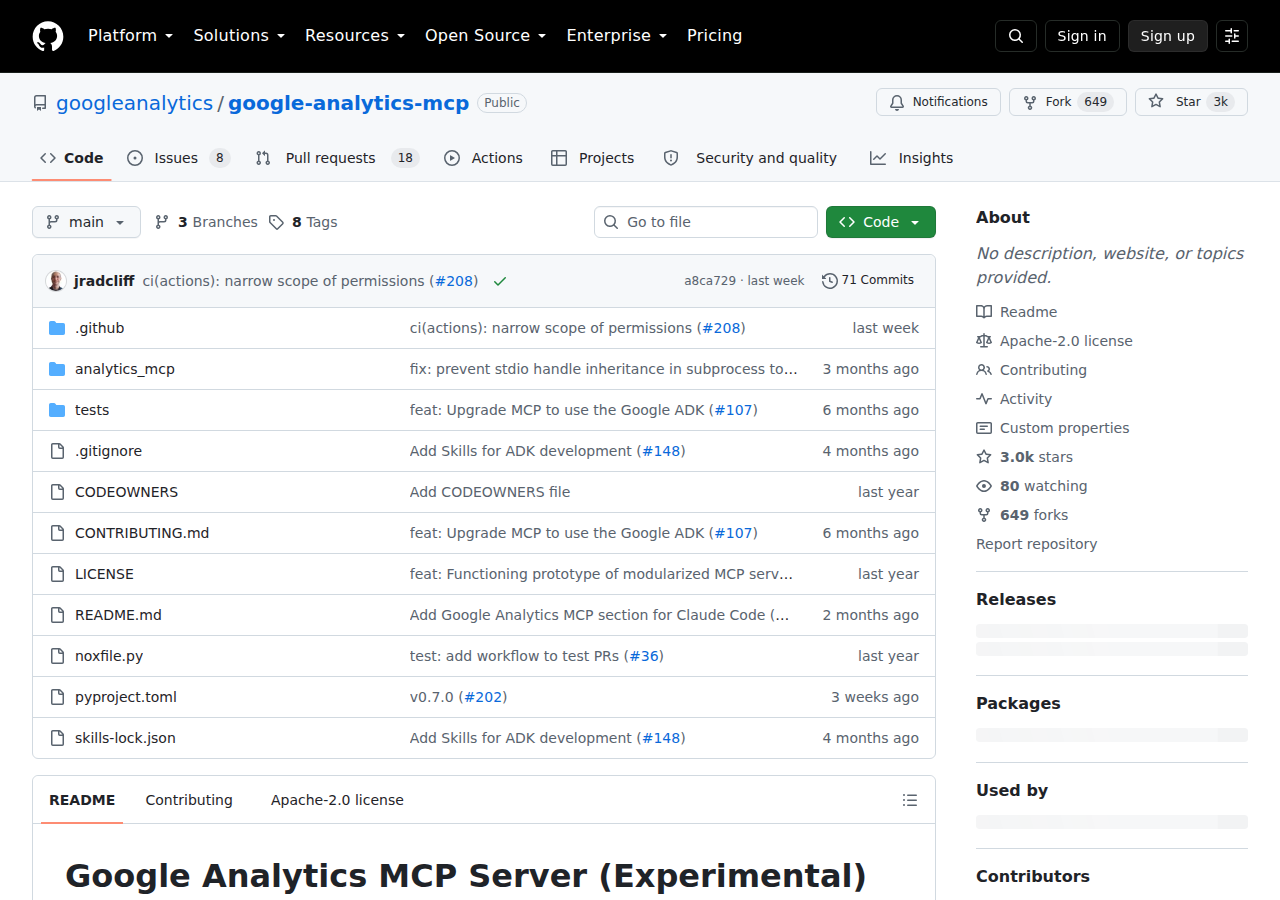
Google's official GA4 MCP server repo (August 2026) — Apache 2.0, installable via pipx install analytics-mcp, wrapping both the Admin and Data APIs.
The catch that matters for OpenClaw: this is a local stdio server, not Google-hosted remote MCP. There's no mcp.googleapis.com/analytics endpoint to point at — you install the Python package yourself, give it credentials, and your MCP client launches it as a subprocess. Google's own docs frame it around Gemini and Claude, but any MCP-compatible client (including a self-hosted OpenClaw) can run it the same way.
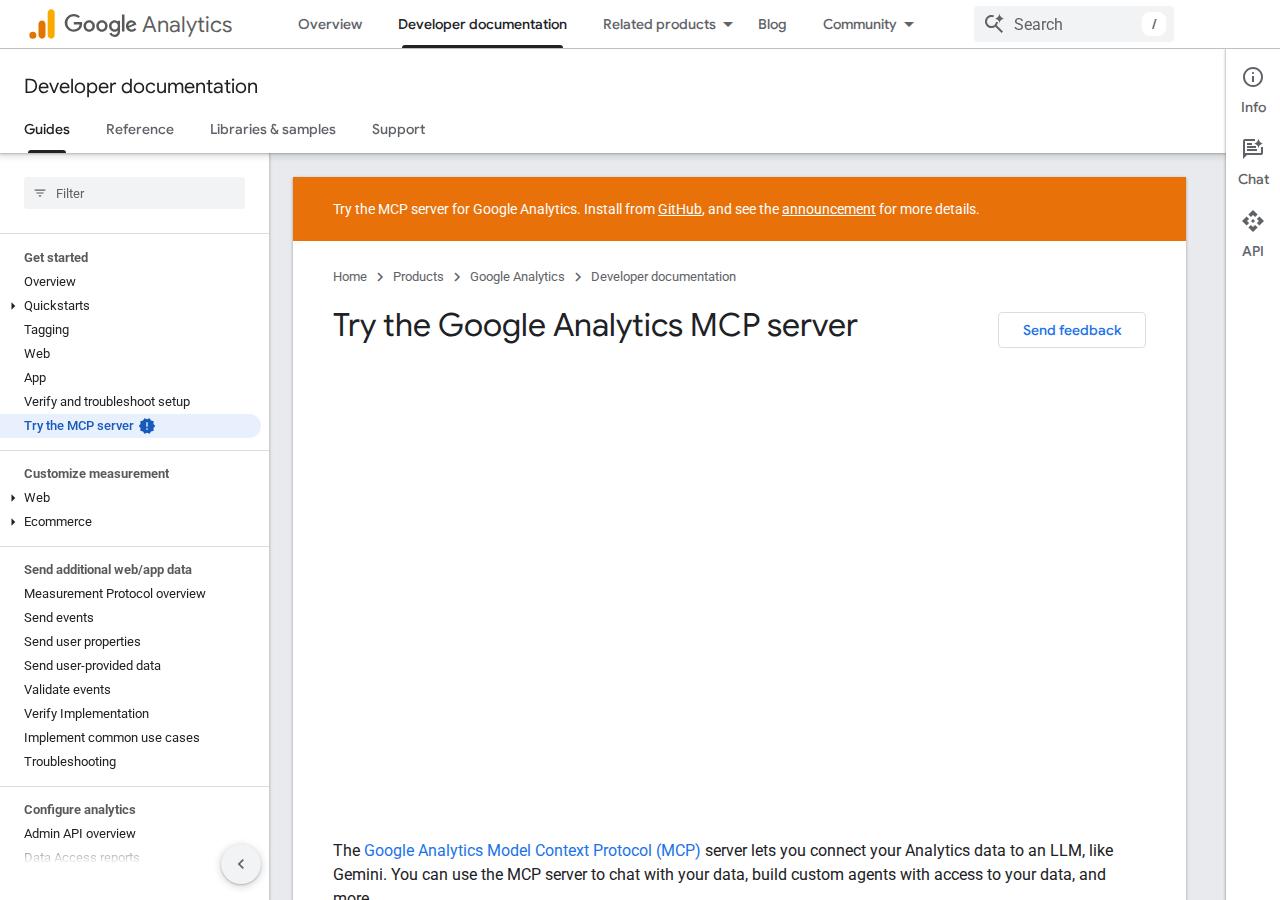
Google's official "Try the Google Analytics MCP server" docs page walks through setup for Gemini and Claude — the same package runs under any MCP client.
Path A: The Official Google MCP Server (local stdio, run it yourself)
The official server exposes seven tools across two APIs:
| Tool | API | What it does |
|---|---|---|
get_account_summaries |
Admin | Lists your GA accounts and properties |
get_property_details |
Admin | Returns config details for one property |
list_google_ads_links |
Admin | Shows Google Ads accounts linked to a property |
run_report |
Data | Runs a standard report (runReport) |
run_funnel_report |
Data | Runs a funnel exploration report |
get_custom_dimensions_and_metrics |
Admin | Lists custom dimensions & metrics on a property |
run_realtime_report |
Data | Runs a real-time report |
To wire it into a self-hosted OpenClaw, install it and register it as a stdio MCP server:
pipx install analytics-mcp
{
  mcpServers: {
    "analytics-mcp": {
      command: "pipx",
      args: ["run", "analytics-mcp"],
      env: {
        GOOGLE_APPLICATION_CREDENTIALS: "/path/to/credentials.json",
        GOOGLE_PROJECT_ID: "your-gcp-project-id"
      }
    }
  }
}
Authentication is via Application Default Credentials (ADC) — either a user's OAuth credentials with the analytics.readonly scope, or a service account (via impersonation). The read-only scope is the key safety detail: the official server only reads analytics data; it doesn't write or change config.
Path B: The Data API Proxy + Skill File (the headless / OpenClaw-native path)
Here's the honest reason the base template's proxy approach isn't obsolete even now that an official MCP server exists: the official server is local and interactive. It runs when your MCP client launches it, inside a session a human starts. For a self-hosted OpenClaw whose whole point is running on an EC2 box without a human in the loop — the 8 AM traffic digest, the "which landing page dropped over the weekend?" sweep, the month-end conversion rollup — you want a scheduled, headless call to the Data API, not a subprocess you have to babysit.
That's the Service Account + @google-analytics/data proxy from the base template. Concretely:
- Enable the Data API and create a Service Account in Google Cloud, download the JSON key, and add the service account email to GA4 → Admin → Account Access Management as a Viewer.
- Build a caching proxy around the handful of questions your team actually asks — daily sessions, conversion counts by channel, landing-page performance, anomaly flags — and pin your property IDs and dimension/metric names in the skill file.
- Run it on a cron, not on demand. That's the difference between "an assistant that answers when asked" and "an assistant that tells you something changed before you thought to ask."
For interactive Slack Q&A, Path A is faster to stand up and gets you the Admin API insights (property details, custom dims, ads links) the Data API proxy alone would miss. For scheduled headless review, Path B is the pragmatic choice. Most teams land on both.
Real Use Cases: What a Google Analytics + OpenClaw Agent Actually Does
Concrete growth-team workflows — mapped to the base template's "traffic monitoring, conversion visibility, GA4 reporting" brief, not generic "automate your reporting" filler.
1. Monday-morning traffic digest (scheduled, headless → Path B)
A scheduled job pulls the last week's sessions, conversions, and performance by channel, compares them against the rolling four-week average, and posts a Slack digest: which channels moved up or down more than a threshold, and one flagged anomaly worth a human look. Because it's headless, it runs through the proxy + skill file — the clearest demonstration of why you keep Path B alive.
2. "Which landing page dropped over the weekend?" — ask, don't dig through explorations
A growth lead asks in Slack rather than opening GA4:
"Which of our top 10 landing pages by sessions lost the most traffic week-over-week?"
OpenClaw runs a runReport with landingPage as a dimension and sessions week-over-week, ranks the drops, and returns the shortlist. This is the single highest-value question for a marketing team, and it's exactly the kind of query the official MCP server's run_report tool (or your proxy) handles cleanly.
3. Funnel-drop triage with run_funnel_report
The official server's run_funnel_report tool is a genuine differentiator — most Data-API tutorials only show runReport. Use it to check where sign-ups are leaking: "what's the drop-off between add-to-cart and checkout this month?" The agent pulls the funnel steps, identifies the biggest step-to-step falloff, and pairs it with the day it started, so you know whether it's a code deploy or a pricing change.
4. Real-time launch or campaign monitoring
On launch day or during a big campaign push, the assistant uses run_realtime_report to answer "how many active users do we have right now, and from which countries?" without waiting for the standard 24–48h processing delay. This is the one report the base template's caveat about processing lag flags — and the official server exposes it as a first-class tool.
5. Cross-tool revenue intelligence
Because OpenClaw can consume several MCP servers or proxies at once, a single Slack thread can mix Google Analytics (how much traffic and conversion the campaign drove) with Google Ads (what it cost), Facebook Ads (the paid-social split), and your CRM or Stripe (did any of it turn into revenue?). One review thread instead of four dashboards.
Google-Analytics-Specific Pitfalls (What Generic Guides Miss)
The gotchas that actually bite a growth team, not the surface-level "APIs need auth" warnings.
-
It's a local server, not a hosted endpoint — don't hunt for an
mcp.googleapis.com/analyticsURL. Google has shipped remote MCP servers for BigQuery, AlloyDB, Sheets, and more, but the Google Analytics MCP server is a pip package you run yourself. Every "just paste this URL" tutorial about GA4 MCP is describing a community or managed connector, not Google's official one. -
Auth is ADC, not an API key — and service accounts need impersonation to work with user OAuth scopes. The official server reads
GOOGLE_APPLICATION_CREDENTIALS(a JSON file) plus a project ID. If you go the service-account route, remember a plain service account can't take theanalytics.readonlyuser scope on its own — the docs call outgcloud auth application-default login --impersonate-service-accountfor that. Get this wrong and you get a clean-looking 401 with no useful error. -
The official server is read-only — which is a feature, not a gap. Scope is
analytics.readonly. No GA4 write operations, no config changes, no admin mutations. For a marketing AI assistant that's exactly what you want (no risk of a bad prompt rewriting a property), but don't expect it to create conversions or edit events. If you need writes, you're back to a custom proxy with a broader scope — and you should be careful about it. -
Standard reports lag 24–48h; real-time needs a different tool. The base template's third caveat is worth repeating:
run_reportreturns data with processing delay on many dimensions, whilerun_realtime_reporthas a different, smaller set of supported dimensions and metrics. Don't build a "live dashboard" alert onrun_reportand then wonder why it's a day stale. -
The GA4 dimension/metric model is not Universal Analytics — stale skill files fail silently. The base template covers this, but it's the #1 cause of "the assistant returns weird empty results."
sessionSourceMedium,conversions,eventCount— none of these are UA names. If your skill file (or a community MCP server you adopted) still uses UA-era terminology, queries fail or return wrong numbers without an obvious error. -
"Google Analytics MCP" points at at least three different things. Google's official
analytics-mcp(local Python, 7 tools), community servers likechimpmatic/ga4-mcp(which also bundles Search Console data), and managed connectors from StackOne, Fastio, and others (hosted, 30+ actions, managed auth). The config blocks look interchangeable; the capabilities and the data-freshness guarantees absolutely aren't. Check which one any tutorial is wiring up before you follow it.
Also read
- Connecting OpenClaw with Google Ads: A Practical Guide — the natural sibling: traffic analytics + ad spend in one review thread
- Connecting OpenClaw with Facebook Ads: A Practical Guide — the paid-social side of the same cross-tool revenue picture
- Connecting OpenClaw with Mixpanel: A Practical Guide — a product-analytics complement with its own hosted MCP server, for funnel/retention work beyond web traffic
Skip All of This — Use Cody Instead
Cody gives your team a Google Analytics assistant in Slack, so people can review traffic, conversions, landing-page performance, and channel changes without building GA4 reports or living inside dashboards.
Related Guides
- Connecting OpenClaw with Google Ads: A Practical Guide
- Connecting OpenClaw with Facebook Ads: A Practical Guide
- Connecting OpenClaw with Mixpanel: A Practical Guide
Need the model-flexible version? See: How to Connect Google Analytics to OpenClaw: Setup, Models, and Workflow Guide.