Mixpanel is where product and growth teams watch funnels, retention, cohorts, feature adoption, and user behaviour, but the useful story still gets buried in saved reports, segmentation views, and repeated analysis work. A Mixpanel AI assistant is most useful when it helps the team inspect funnel breaks, compare retention trends, explain product-usage shifts, and turn analytics movement into clear Slack updates without rebuilding the same charts by hand.
How OpenClaw Integrations Work
OpenClaw is a self-hosted AI assistant that runs on your own server — typically an EC2 instance — and connects to Slack. It uses Claude under the hood to process requests. Out of the box, OpenClaw doesn't ship with pre-built connections to third-party tools. Instead, integrations are built using the skills system: markdown files in ~/.openclaw/skills/ that give Claude instructions for a particular domain, combined with HTTP tool calls to any API you expose to it.
In practice, adding a real integration means: getting API credentials from the third-party service, building or configuring a small proxy/endpoint that OpenClaw can call, and writing a skill file that tells Claude how to use it. For some tools this is an afternoon of work. For others — like Mixpanel — it's considerably more involved.
Connecting OpenClaw with Mixpanel: Step by Step
Step 1: Create a Mixpanel Service Account
Go to Mixpanel → Organization Settings → Service Accounts and create a new service account. Assign it Analyst role on the projects you want to query. Download the username and secret — these are your API credentials. Mixpanel's query APIs use HTTP Basic authentication with these credentials.
Step 2: Understand the Available Query APIs
Mixpanel has several query endpoints: Segmentation (/api/2.0/segmentation), Funnels (/api/2.0/funnels), Retention (/api/2.0/retention), and the newer Query API for more flexible JQL. Each has its own parameter structure. Start with the endpoints that answer your team's most common questions.
Step 3: Build the Proxy and Skill File
Build your proxy around 2–3 query types that your team will actually use. Write ~/.openclaw/skills/mixpanel.md with your event names and property keys — Mixpanel uses the exact event names you instrumented, which Claude needs to know to query correctly.
Challenges and Caveats
Your Event Names Must Be in the Skill File
Mixpanel queries are only as good as Claude's knowledge of your event taxonomy. If your events are named btn_click_signup_v2 rather than User Signed Up, Claude needs to know that mapping. Maintain a section of the skill file that documents your key event names.
Computed Metrics Require Calculation
Mixpanel returns raw numbers — your proxy or skill needs to tell Claude how to calculate derived metrics like DAU/MAU ratio, funnel conversion rates across steps, etc.
Mixpanel + OpenClaw: What's Actually Available in 2026
If you're searching "how to connect Mixpanel to OpenClaw," you're almost certainly running OpenClaw on your own server (or evaluating Cody, OpenClaw's managed hosting) and you want product analytics to answer questions in Slack instead of forcing people into the Mixpanel dashboard.
The good news: Mixpanel's AI-connectivity story changed in August 2026, and it's now more OpenClaw-friendly than ever. Mixpanel shipped an official hosted MCP server — and crucially for a self-hosted agent, it supports Service Account authentication, which is a headless, no-browser auth flow that OpenClaw can use directly. This supersedes the older community-server + proxy approach that the base template above describes.
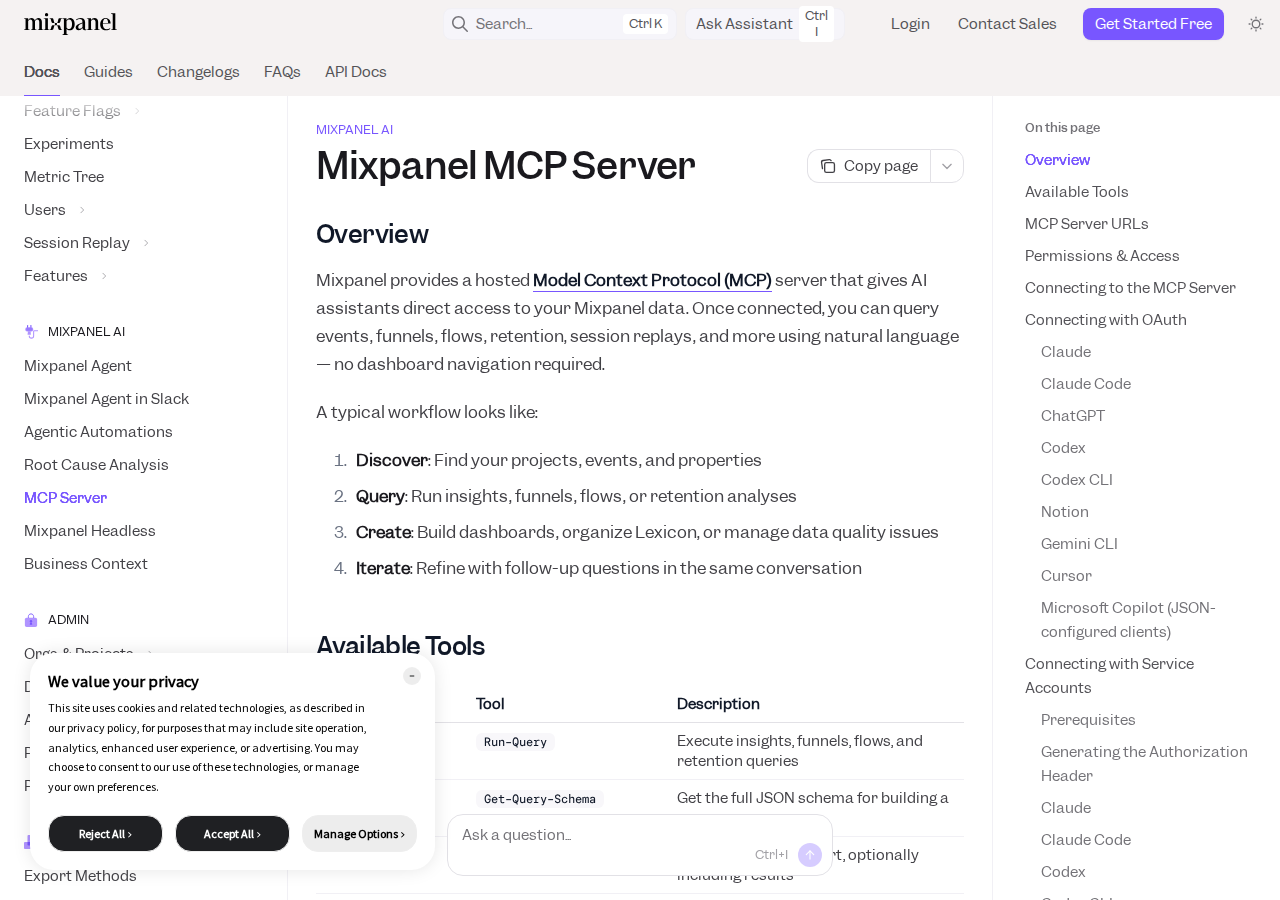
Path A: Mixpanel Official Hosted MCP Server (Easiest for OpenClaw — Service Account Auth)
Mixpanel now runs a hosted MCP server at:
- US:
https://mcp.mixpanel.com/mcp - EU:
https://mcp-eu.mixpanel.com/mcp - IN:
https://mcp-in.mixpanel.com/mcp
It exposes a large tool surface across Analytics (insights/funnels/flows/retention queries), Dashboards, Data Discovery (projects, events, properties), Data Management (edit events/properties, tags, Lexicon), Cohorts, Lookup Tables, Metrics, Session Replays, plus open-beta Experiments and Feature Flags tools. There are two ways to authenticate, and this is where OpenClaw wins:
OAuth is meant for interactive use in Claude, ChatGPT, Cursor, etc. — a browser login tied to a human Mixpanel user's permissions.
Service Accounts (Beta) are the headless path. You create a service account in Mixpanel (Owner/Admin only), save its username and secret, and authenticate with a static credential header — no browser login at all. This is exactly what a self-hosted OpenClaw needs. The header is Authorization: Bearer Basic <base64(username:secret)>.
How you'd wire it to OpenClaw (self-hosted ~/.openclaw/settings.json):
{
  mcpServers: {
    mixpanel: {
      url: "https://mcp.mixpanel.com/mcp",
      transport: "streamable-http",
      headers: {
        "Authorization": "Bearer Basic <base64-encoded-username:secret>"
      }
    }
  }
}
Generate the header with echo -n "<username>:<secret>" | base64. Treat the encoded value like a password — keep it in a secret manager or environment variable, not hardcoded in the config file.
Before it will work, an org admin must enable MCP. New free/growth accounts created after August 1, 2026 have it enabled by default; everyone else enables it under Settings → Org → Overview (can take up to 15 minutes to take effect). Once on, any Mixpanel user — or service account — can connect, and its existing project permissions apply (it only sees projects it's been added to).
Note for Cody users: the mixpanel data in
integrations.tsstill marks Mixpanel as having no official server, because it predates the Aug 2026 launch. The official hosted MCP server above is the current, supported path — ignore stale "no official MCP" references.
Path B: Community MCP Servers (When You Need Local/stdio)
Before the official server existed, the community filled the gap. There are a few Mixpanel MCP servers worth knowing about:
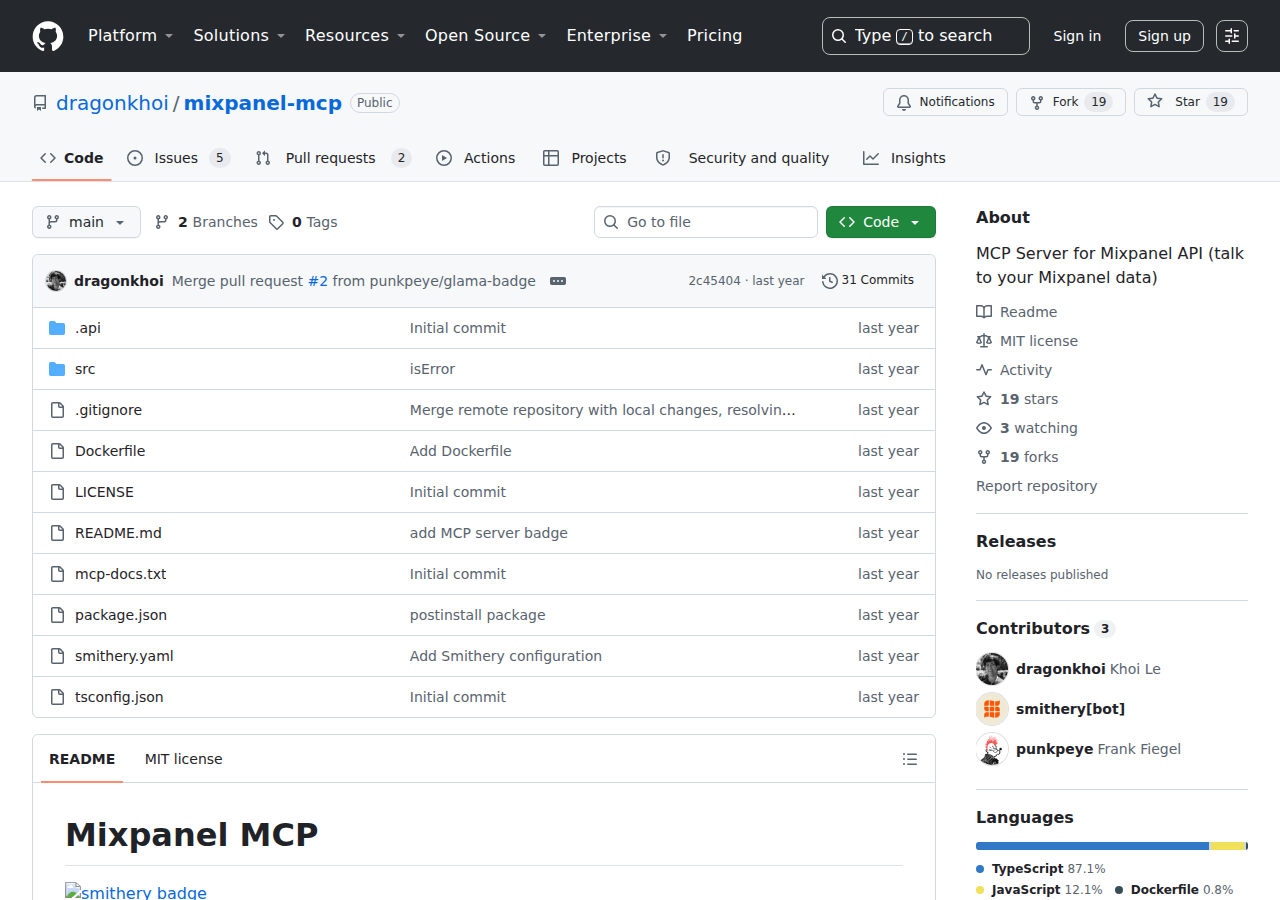
- dragonkhoi/mixpanel-mcp — the one the base data references; wraps the Mixpanel REST API for analytics queries.
- moonbirdai/mixpanel-mcp-server — oriented toward event tracking/pageview/user-profile writes via MCP.
- T-Campbell18/mcp-mixpanel — a lightweight REST-API wrapper.
These run locally via npx/stdio and read your Mixpanel API/service-account token from the environment. They're useful for air-gapped setups or when you want to control exactly which Mixpanel endpoints get exposed. But now that Mixpanel operates an official hosted server with the full modern tool set (dashboards, cohorts, metrics, experiments), a community wrapper is usually a step backward — you'd be reimplementing a smaller slice of what the official server already gives you.
Path C: Direct Mixpanel Query APIs + Skill File (The Manual Way)
If you don't want MCP at all, the classic approach is still viable. Mixpanel's HTTP query APIs use Basic auth with service-account credentials:
- Segmentation:
POST /api/2.0/segmentation— event/property breakdowns - Funnels:
POST /api/2.0/funnels— step-by-step conversion - Retention:
POST /api/2.0/retention— cohort retention over time - Query API / JQL:
POST /api/2.0/jql— flexible JSON-query-language for arbitrary analysis
Wrap the 2–3 endpoints your team actually uses behind a small proxy, and write ~/.openclaw/skills/mixpanel.md that documents your event taxonomy (see the pitfalls below — this is non-negotiable). This gives you full control over caching and rate-limit handling, at the cost of maintaining the plumbing yourself and reimplementing query building that the official MCP server already handles.
Real Use Cases: What an OpenClaw + Mixpanel Setup Actually Does
Concrete workflows (with prompts) that make this integration worth building — not generic "automate analytics" platitudes.
1. Funnel-drop triage in Slack
Ask from #product: "Run the onboarding funnel (signup → workspace_created → invite_sent → first_agent_chat) for the last 30 days against last month. Point out the step with the biggest drop-off and the top 3 properties correlated with it." Using the official MCP server's Run-Query/funnel tools, OpenClaw returns a comparison plus a candidate explanation — no one rebuilds the funnel by hand.
2. Weekly retention report
Prompt: "Build the weekly retention summary: DAU/MAU ratio, and 4-week retention for the cohort that signed up in March, split by plan tier. Post a clean summary to #product-weekly." OpenClaw runs the retention + segmentation queries, computes the derived ratios (see pitfall 4), and formats the post.
3. Data-quality sweep before a board review
Prompt: "List the data quality issues across my top 5 events in the last 14 days. Group by event and issue type, then draft the one-paragraph 'data confidence' note for the exec deck." Uses Get-Issues/data-discovery tools — this is a genuinely Mixpanel-specific workflow most generic guides miss.
4. Feature flag / experiment sanity check
Prompt: "Check the latest experiment results for the checkout-redesign test: is the health check firing, and what's the interpretation guidance say?" Leverages the open-beta Get-Experiment-Results-Interpretation-Guidance / health-check tools (Beta).
5. Session-replay spot check for a churn ticket
Prompt: "A user in the 'paying_lapsed' cohort churned. Pull their last replays alongside their key events and tell me what happened in the week before they left." Uses the Get-User-Replays-Data tool combined with event data — a support-level workflow that pairs nicely with a Cross-Tool view (see related links).
Mixpanel-Specific Pitfalls (Know These Before You Build)
These are the traps specific to Mixpanel + an AI agent — the things a generic "connect an analytics API" guide won't warn you about.
-
It only works if an org admin has enabled MCP. Half the "connection fails" reports on Mixpanel MCP are just the toggle being off. New free/growth accounts (after Aug 1 2026) get it on by default; everyone else needs Settings → Org → Overview → MCP enabled, and changes can take up to 15 minutes to propagate. If OpenClaw's first query returns an auth/permission error, check this before debugging your header.
-
The Service Account auth string is
Bearer Basic— literally both words, not "Basic" alone and not "Bearer" alone. The value isAuthorization: Bearer Basic <base64>. Missing theBasicword afterBeareris a silent 401 that looks identical to a permissions problem. Copy the exact format. -
A Mixpanel user/service account sees only what it's been added to. Permissions aren't global — connect the service account to the specific projects you want to query, and don't assume Org-level access means project-level access. Verify the project is visible via
Get-Projectson first connect. -
Computed metrics (DAU/MAU, conversion rates) are not returned raw. Mixpanel returns raw numbers — an agent must calculate derived metrics like DAU/MAU ratio or funnel conversion % itself. If you don't encode these formulas in the skill file (or prompt), you'll get impressive-looking raw counts and wrong conclusions.
-
Your event names must be documented for the agent. Mixpanel uses the exact instrumented event names (
btn_click_signup_v2vsUser Signed Up). The data-discoveryGet-Events/business-context tools help, but a curated~/.openclaw/skills/mixpanel.mdtaxonomy section is what makes queries reliable. Maintain it as your instrumentation evolves. -
Experiments/Feature Flags tools are open beta. They're usable but audience targeting and cohort editing via MCP aren't supported yet — use the Mixpanel UI for those. Don't let the agent try to edit cohort targeting through MCP; it will fail and look like a bug.
Also read
- Mixpanel MCP Connection Guide — the MCP-server-focused breakdown of Mixpanel's tools and endpoints
- How to Use Amplitude with OpenClaw — the closest product-analytics competitor, for comparing approaches
- How to Connect Segment to OpenClaw — the data-pipeline side of the same analytics stack
Skip All of This — Use Cody Instead
Cody gives your team a Mixpanel AI assistant in Slack, so people can review funnel conversion, retention cohorts, feature adoption, and product KPI changes without rebuilding reports or doing event-name archaeology by hand.
Related Guides
- Connecting OpenClaw with Amplitude: A Practical Guide
- Connecting OpenClaw with Google Analytics: A Practical Guide
- Connecting OpenClaw with Segment: A Practical Guide
Need the model-flexible version? See: How to Connect Mixpanel to OpenClaw: Setup, Models, and Workflow Guide.