If you're searching for "how to connect Salesforce to OpenClaw", the real question is usually not just whether the connection is possible. It's how to make Salesforce usable inside an OpenClaw workflow with the right model, the right context, and the right level of control.
That's the practical framing.
OpenClaw gives you the orchestration layer: connectors, skills, tools, prompts, approvals, and the ability to run workflows where your team already works. Salesforce provides the domain context. The integration becomes valuable when those two pieces are connected cleanly.
Salesforce + OpenClaw: What's Actually Available in 2026
When someone searches for "how to connect Salesforce to OpenClaw," the real question is usually one of two things: either they're running OpenClaw on their own infrastructure and need a practical integration guide, or they're evaluating Cody (OpenClaw managed hosting) and want to understand what's possible.
Salesforce's MCP landscape changed dramatically between late 2025 and mid-2026. There are now three distinct integration paths, and the one you pick depends on whether you're a Salesforce admin, a developer, or a revenue team that just wants pipeline visibility in Slack.
Path A: Salesforce Hosted MCP Servers (GA, April 2026 — Recommended for Business Users)
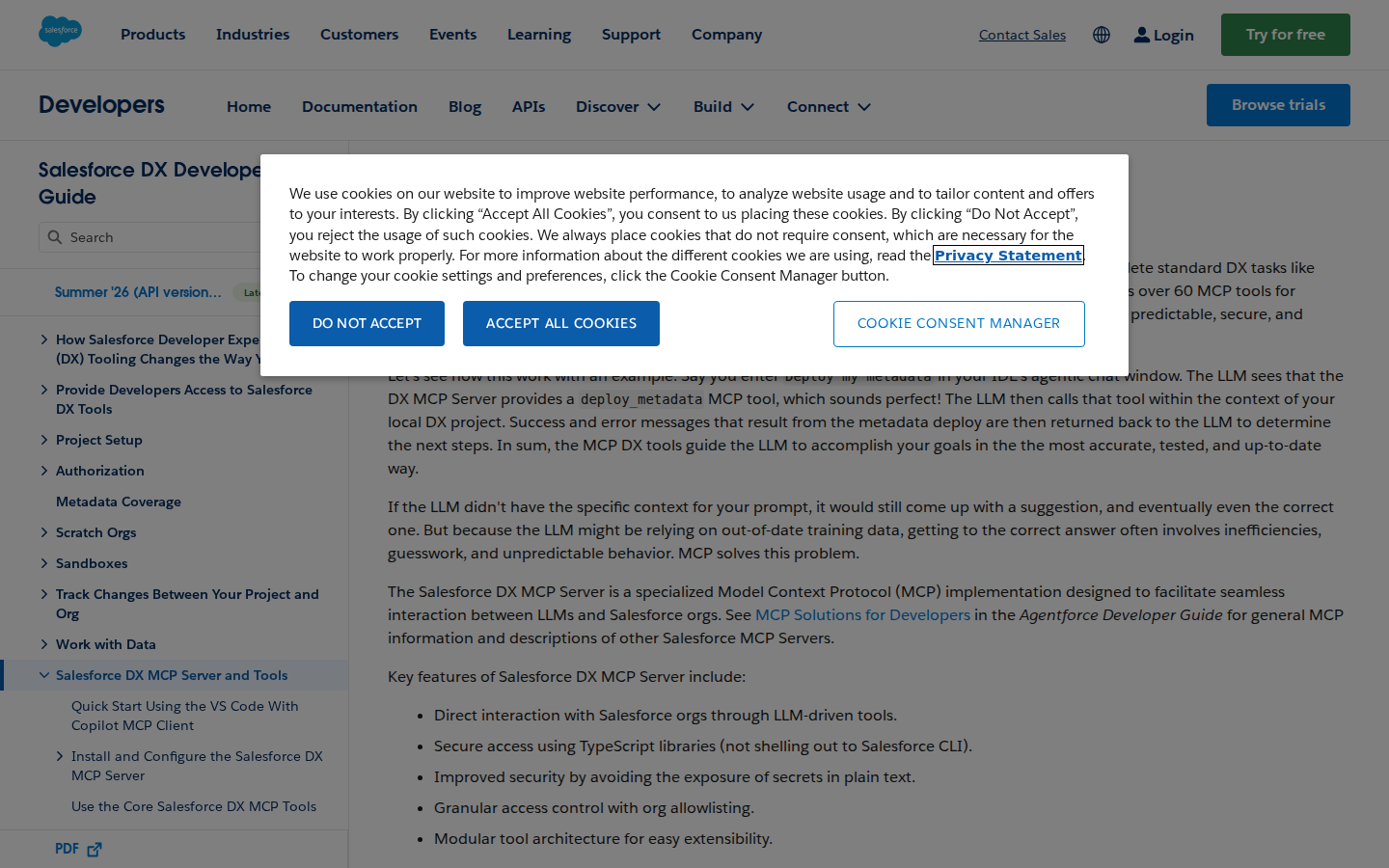
This is the big one. Salesforce launched Hosted MCP Servers in beta in October 2025 and they went generally available in April 2026 for Enterprise Edition orgs and above. This is a fully managed MCP endpoint that runs inside your org — no server to deploy, no CLI to install, no API keys to manage.
What it exposes: Your org's standard and custom objects through a hosted MCP endpoint at https://your-instance.salesforce.com/services/data/v1-beta.1/mcp/all. Clients that speak MCP can query Accounts, Contacts, Opportunities, Cases, Leads, and any custom object — all respecting your org's existing sharing rules, field-level security, and audit trail.
How to connect it to OpenClaw:
- Create an External Client App in Salesforce Setup → App Manager → External Client Apps. This generates the client credentials that authorize MCP clients to connect.
- Generate an access token from the External Client App. This token is what you'll pass to OpenClaw.
- Configure OpenClaw's MCP settings to point at the hosted endpoint:
{
  mcpServers: {
    salesforce: {
      url: "https://your-instance.salesforce.com/services/data/v1-beta.1/mcp/all",
      transport: "streamable-http",
      headers: {
        Authorization: "Bearer YOUR_ACCESS_TOKEN"
      }
    }
  }
}
Once connected, any OpenClaw agent can query Salesforce objects through MCP — with permissions scoped to whatever the External Client App was granted. The hosted server exposes standard tools for SOQL queries, record CRUD, and metadata inspection.
⚠️ Important: Hosted MCP respects your org's security model. If a user doesn't have permission to see an object in Salesforce, the MCP server won't return it — even if the access token is valid. This is a major improvement over the old pattern of using admin-level API keys that gave agents too much access.
Path B: Salesforce DX MCP Server (npm: @salesforce/mcp — Developer-Focused)
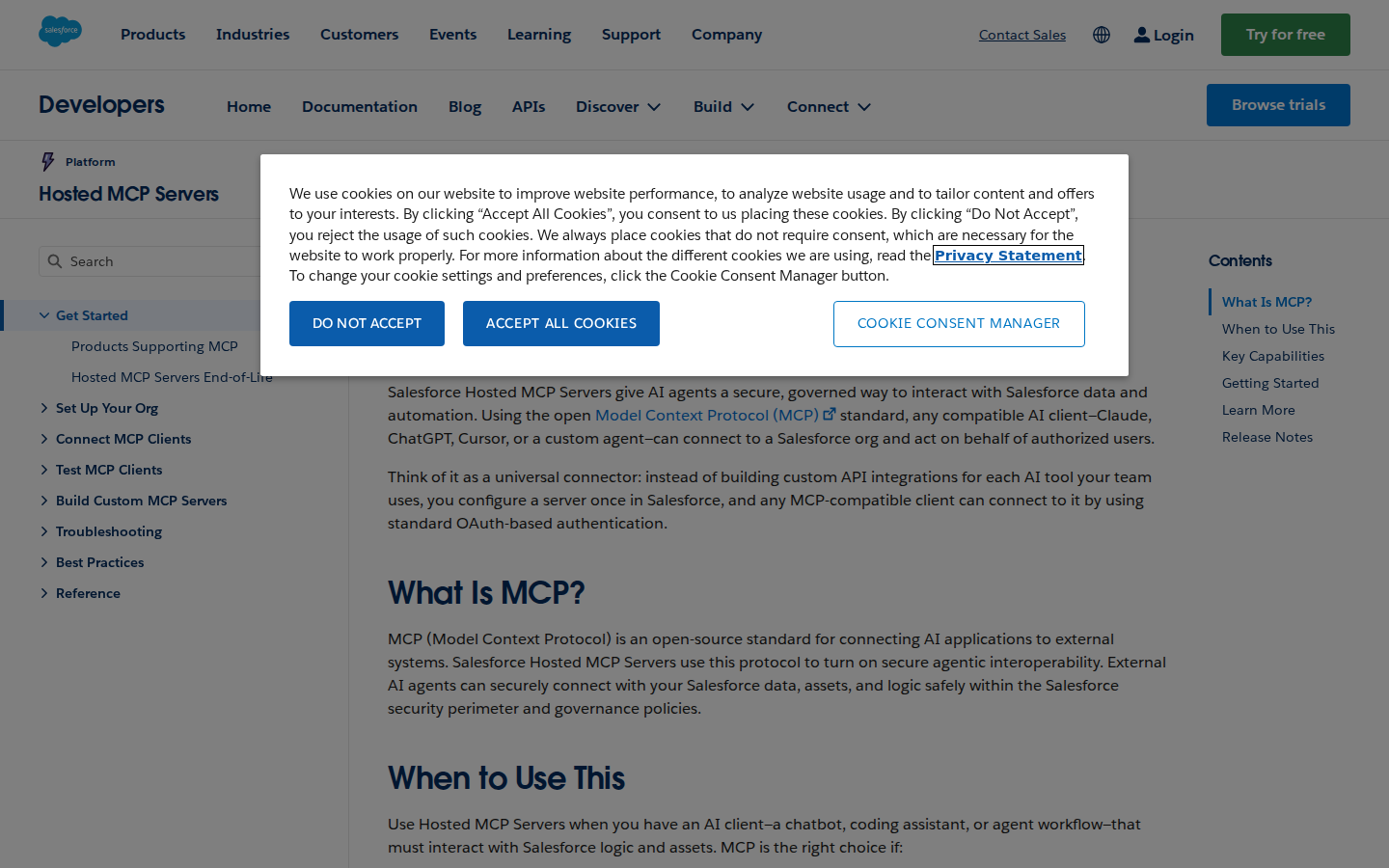
The Salesforce DX MCP Server is an official npm package (@salesforce/mcp) that runs locally and wraps the Salesforce CLI. It's the developer-focused counterpart to Hosted MCP — less about business data access, more about development workflows.
What it exposes: 60+ MCP tools across five toolsets:
| Toolset | What it does | Example tools |
|---|---|---|
| orgs | Org management — login, list, scratch orgs | org_list, org_display, org_create_scratch |
| metadata | Metadata retrieval, deployment, comparison | project_deploy_start, project_retrieve_start |
| data | SOQL queries, data import/export | data_query, data_export, data_import |
| users | User and permission management | org_list_users, user_display |
| apex | Apex test execution and code analysis (non-GA) | run_apex_test |
How to configure for OpenClaw:
{
  mcpServers: {
    "salesforce-dx": {
      command: "npx",
      args: [
        "-y", "@salesforce/mcp",
        "--orgs", "DEFAULT_TARGET_ORG",
        "--toolsets", "orgs,metadata,data,users",
        "--tools", "run_apex_test",
        "--allow-non-ga-tools"
      ]
    }
  }
}
The --orgs flag is required — it tells the server which locally-authorized Salesforce orgs to connect to. You can pass DEFAULT_TARGET_ORG, a specific username, DEFAULT_TARGET_DEV_HUB, or the dangerous ALLOW_ALL_ORGS.
When to use the DX MCP Server vs Hosted MCP:
| Concern | Hosted MCP (Path A) | DX MCP Server (Path B) |
|---|---|---|
| Setup complexity | Low — create External Client App, configure token | Medium — install SFDX CLI, auth orgs, configure npx |
| Business data access | ✅ Queries standard/custom objects | ⚠️ Through SOQL tools in data toolset |
| Dev workflows | ❌ Not available | ✅ Scratch orgs, deployments, Apex tests, metadata |
| Governance | ✅ Inherits org security model | ⚠️ Uses locally-authenticated org's permissions |
| Infrastructure | None — hosted by Salesforce | Must run on a machine with Node.js and SFDX CLI |
Path C: Direct REST/SOAP API + OpenClaw Skill File (Maximum Customization)
If the MCP servers don't cover your specific workflow — or if you need access to Salesforce APIs that aren't yet exposed through MCP — you can build a thin proxy that wraps the Salesforce REST API and expose it to OpenClaw through a skill file.
Step 1: Create a Connected App
In Salesforce Setup → App Manager → New Connected App. Enable OAuth, add your callback URL, and select scopes (api, refresh_token at minimum). Note the Consumer Key and Consumer Secret.
Step 2: Implement OAuth 2.0 For service-to-service integrations, the JWT Bearer flow is the cleanest approach. Create a self-signed certificate, upload it to the Connected App, and use it to sign JWT assertions for token requests. Your proxy handles token refresh transparently.
Step 3: Build SOQL Queries
Salesforce's REST API accepts SOQL via /services/data/v58.0/query?q=SELECT+.... Key objects for revenue teams:
| Object | API Name | Common Queries |
|---|---|---|
| Account | Account |
By name, industry, owner, or recent activity |
| Contact | Contact |
By account, email, or role |
| Opportunity | Opportunity |
By stage, amount, close date, or owner |
| Lead | Lead |
By source, status, or assigned rep |
| Case | Case |
By status, priority, account, or age |
| Task | Task |
By assignee, due date, or related record |
Step 4: Write the Skill File
Create ~/.openclaw/skills/salesforce.md with your org's key objects, pipeline stages, and the SOQL patterns that answer common team questions:
# Salesforce Skill

## Pipeline Stages
- 1-Prospecting → 2-Qualification → 3-Needs Analysis → 4-Proposal → 5-Negotiation → 6-Closed Won / 7-Closed Lost

## Key Objects
- Account fields: Name, Industry, AnnualRevenue, OwnerId
- Opportunity fields: Name, StageName, Amount, CloseDate, OwnerId
- Lead fields: Name, Company, Status, LeadSource, OwnerId

## Common Queries
- Pipeline by rep: SELECT Owner.Name, SUM(Amount) FROM Opportunity WHERE StageName NOT IN ('Closed Won','Closed Lost') GROUP BY Owner.Name
- Stale opportunities: SELECT Name, StageName, LastModifiedDate FROM Opportunity WHERE StageName NOT IN ('Closed Won','Closed Lost') AND LastModifiedDate < LAST_N_DAYS:14
- Account health: SELECT Name, (SELECT Subject, Status FROM Cases WHERE IsClosed = false) FROM Account WHERE Name = 'Acme Corp'
Real Use Cases for a Salesforce + OpenClaw Agent
Here are the workflows revenue teams actually run once the connection is working:
1. Pipeline Review from Slack
Every Monday morning, the agent posts to #sales:
📊 Pipeline Week 29 Summary Total open pipeline: $4.2M across 43 opportunities At risk (no activity in 14+ days): 7 deals worth $890K Closing this month: 12 deals worth $1.4M — 3 in Contract Sent, 4 in Negotiation Biggest movers: Acme Corp (+$200K expansion), Globex (-$150K pushed to Q4) ⚠️ Needs attention: 3 opportunities with close dates this week and no logged activity
The agent uses the Hosted MCP server to query the Opportunity object, cross-references with Task/Event for activity data, and formats the digest in natural language.
2. Account Research Before a Call
A rep DMs the agent 10 minutes before a call: "Prep me for the Acme Corp call at 2 PM." The agent pulls:
- Account details (industry, revenue, parent company, open cases)
- Last 5 opportunities (stages, amounts, products)
- Most recent activities (calls, emails, tasks logged in the last 30 days)
- Open support cases (what's broken, what's pending)
- Key contacts (decision-makers vs end users based on Contact Roles)
Delivered in a single Slack thread, 2 minutes after the request. No clicking through 8 Salesforce tabs.
3. Deal Desk — Approval Workflows
When a deal exceeds a discount threshold, an AE posts in #deal-desk with the opportunity name. The agent:
- Queries the opportunity for discount %, margin impact, and product mix
- Checks if similar deals have been approved for this account or industry
- Posts the relevant context with a structured approval request
- Tags the appropriate approver based on deal size
- Once approved in thread, logs the approval as a Task on the opportunity
The agent uses the MCP server for reads and the REST API (through the proxy) for writes — keeping approvals visible in both Slack and Salesforce.
4. Forecast Review and Anomaly Detection
Instead of waiting for the weekly forecast meeting, the agent monitors pipeline movement daily and flags anomalies:
⚠️ Forecast Alert: 3 opportunities pushed from July close to August in the last 24 hours — combined $650K. Acme Corp deal reduced from $400K to $250K (reason: scope reduction). These changes will drop July forecast by $520K if not offset by new pipeline.
The agent queries opportunities with close dates in the current month, compares today's snapshot to yesterday's, and surfaces deltas. This catches forecast drift before it surprises leadership.
5. Integration Hub — Cross-Tool Visibility
The agent bridges Salesforce with other tools your team uses:
- Slack → Salesforce: "Create a follow-up task for the Acme Corp deal — call to discuss pricing by Friday." Agent creates the Task object in Salesforce, linked to the opportunity, with a due date.
- GitHub → Salesforce: When a PR mentions a customer name, the agent finds the account in Salesforce and posts deployment context to the release channel.
- Stripe → Salesforce: If a customer's payment fails, the agent finds the account, flags the open opportunity as at-risk, and notifies the account owner in Slack.
Salesforce-Specific Pitfalls (What Most Guides Miss)
These are the real-world gotchas from teams running Salesforce integrations in production:
1. Governor Limits Don't Care About Your Agent's Intentions
Salesforce enforces per-org API limits: typically 15,000–100,000 calls per 24-hour period depending on your edition. An AI agent that queries "show me all opportunities" and then iterates over each one to check related contacts can burn through hundreds of API calls in a single prompt. Fix: Use SOQL relationship queries (SELECT Name, (SELECT Name FROM Contacts) FROM Account) instead of N+1 patterns. Cache results aggressively. And monitor your API usage dashboard in Salesforce Setup — set alerts at 70% of your daily limit.
2. SOQL Is Not SQL (And That Hurts)
SOQL doesn't support JOINs, doesn't have SELECT *, and has strict limits on relationship query depth (1 level of parent-to-child). Developers coming from SQL backgrounds write queries that look correct but fail with opaque errors. Fix: Prototype queries in the Salesforce Developer Console's Query Editor before building them into your proxy or MCP tool calls. The error messages in SOQL are famously unhelpful — the console at least shows them immediately.
3. Hosted MCP Is Enterprise-Only
Hosted MCP Servers require Enterprise Edition or above (plus specific licenses in some cases). If your org is on Professional or Essentials edition, you won't see the External Client Apps option. Fix: Fall back to the DX MCP Server (Path B) or the direct API proxy (Path C) — both work with any edition that has API access.
4. The Username-Password OAuth Flow Is Being Deprecated
Salesforce has been warning about the retirement of the Username-Password OAuth flow. If your proxy uses this flow, it will eventually stop working. Fix: Migrate to the JWT Bearer flow now. It's more secure, doesn't require storing a password, and is the recommended path for server-to-server integrations.
5. Sandbox vs Production OAuth Endpoints Are Different
This catches everyone at least once. Your Connected App in sandbox uses test.salesforce.com for auth. In production, it's login.salesforce.com. If your proxy hardcodes one or the other, your dev environment will work perfectly and production will fail mysteriously. Fix: Parameterize the auth endpoint and use the one that matches your org type. Better yet, use the instance_url returned in the OAuth response — it's always correct.
6. Field-Level Security Applies Even to Admin API Tokens
Even if your API token has admin-level access, field-level security still applies. If a field is hidden from all profiles (including System Administrator), SOQL queries will return null for that field — no error, just silence. This creates "why is the agent ignoring this field?" debugging sessions. Fix: Check Field-Level Security in Setup for every field your agent queries. The Salesforce inspector browser extension is helpful for this.
7. The "All Orgs" Trap with SFDX MCP
Passing ALLOW_ALL_ORGS to the DX MCP Server's --orgs flag gives the agent access to every org you've ever authorized on your machine — including sandboxes, dev orgs, and old client orgs. An agent that's supposed to be updating opportunities in your production org might accidentally query your personal dev org and return garbage data. Fix: Always specify explicit org names or use DEFAULT_TARGET_ORG. Never use ALLOW_ALL_ORGS in production.
Decision Matrix: Which Path Should You Take?
| Scenario | Best Path | Why |
|---|---|---|
| Revenue team, want pipeline in Slack | Cody or Hosted MCP (Path A) | Zero/low setup, governed by org security |
| Salesforce admin, Enterprise Edition | Hosted MCP (Path A) | No infrastructure, respects sharing rules, GA since April 2026 |
| Salesforce developer, need dev workflows | DX MCP Server (Path B) | 60+ tools for org management, metadata, deployments, Apex |
| Professional/Essentials edition | Direct API Proxy (Path C) | Hosted MCP requires Enterprise |
| Custom integration logic, specific API calls | Direct API Proxy (Path C) | Maximum control over queries and workflows |
| Regulated industry, cannot use cloud MCP | DX MCP Server (Path B) or API Proxy (Path C) | Everything runs on your infrastructure |
Related Pages
- Cody AI Assistant for Salesforce — Cody's dedicated Salesforce integration features
- How to Use Salesforce with ChatGPT — connecting Salesforce to ChatGPT via MCP
- How to Connect HubSpot to OpenClaw — alternative CRM integration
- Salesforce AI Automation — AI automation workflows for Salesforce teams
- How to Connect Jira to OpenClaw — another enterprise tool integration
What “Connect Salesforce to OpenClaw” Actually Means
In practice, connecting Salesforce to OpenClaw usually involves four layers:
- Authentication so OpenClaw can securely access Salesforce
- Tooling or proxy endpoints that expose the right Salesforce actions and data
- Skills/instructions that tell OpenClaw how to reason over Salesforce context
- Model selection so the assistant uses the right LLM for the job
That last piece matters more than most people expect.
Which Models Can You Use?
OpenClaw is model-flexible, so a Salesforce integration does not need to be tied to a single provider. Depending on your setup, teams commonly want to use:
- OpenAI models for broad reasoning, structured extraction, and tool use
- Anthropic models for writing, analysis, and long-context work
- Google models for multimodal and large-context workflows
- Other model backends if your OpenClaw environment exposes them
Model names and availability change frequently, so check your OpenClaw model catalogue rather than copying a version from a guide. The practical point is that you can connect Salesforce once, then choose a supported model for each workflow.
For example:
- Use Claude for nuanced summarisation or drafting
- Use OpenAI for structured extraction, tool-heavy workflows, or general-purpose copiloting
- Use Gemini when multimodal or very large context windows matter
A Good Integration Pattern for Salesforce
A strong Salesforce + OpenClaw setup usually looks like this:
- OpenClaw receives a request in chat or from an automation
- It calls the right Salesforce endpoint or proxy
- The selected model reasons over the returned context
- OpenClaw returns an answer, draft, classification, or action
- High-risk actions stay behind approvals or structured guardrails
That is what makes the setup operational rather than just experimental.
Step-by-Step: Connect Salesforce to OpenClaw
Step 1: Create a Salesforce Connected App
In Salesforce Setup → App Manager → New Connected App. Enable OAuth, add the callback URL for your proxy, and select the OAuth scopes you need (at minimum: api, refresh_token). After saving, note the Consumer Key and Consumer Secret — these are your OAuth credentials.
Step 2: Implement OAuth 2.0 or Use a Named Credential
For a service-to-service integration, the OAuth 2.0 Username-Password flow or JWT Bearer flow is simplest (though the Username-Password flow may be disabled in stricter orgs). Alternatively, Salesforce Named Credentials can manage auth for you. Your proxy needs to handle token refresh — Salesforce tokens expire.
Step 3: Build SOQL Queries and the Proxy
Salesforce's REST API accepts SOQL (Salesforce Object Query Language) via /services/data/v58.0/query?q=SELECT+.... Write a proxy that translates your common queries into SOQL. Write ~/.openclaw/skills/salesforce.md with your key object names, fields, and the SOQL patterns that answer common team questions.
Model-Specific Workflow Ideas
Salesforce + OpenAI
Use this when you want a strong general-purpose setup for extraction, classification, action planning, and tool-driven workflows around Salesforce.
Salesforce + Claude
Use this when you want better writing quality, clearer summaries, stronger nuance, and reliable long-context reasoning over Salesforce data.
Salesforce + Gemini
Use this when the workflow benefits from large context windows, multimodal inputs, or Google-native ecosystem alignment.
Common Mistakes
Most teams do not fail because the model is bad. They fail because:
- the Salesforce connection is too thin
- the model lacks the right live context
- prompts are vague
- no structured outputs are enforced
- permissions and approvals are skipped
- one model is forced to do every job, even when another would be a better fit
The best setup is usually one integration layer, multiple model options, and clear guardrails.
Challenges and Caveats
Governor Limits Are Real
Salesforce enforces governor limits on API calls per day based on your edition and number of licenses. Exceeding them blocks all API access until the limit resets. Design your proxy to cache results and avoid unnecessary calls.
SOQL Is Powerful but Error-Prone
Claude can generate SOQL queries from natural language, but SOQL has specific requirements around relationship queries, subqueries, and aggregate functions. Expect to debug Claude's SOQL output during the initial skill tuning phase.
Sandbox vs Production
Salesforce has separate sandbox and production environments with different OAuth endpoints. Make sure your proxy is configured for the right environment and that you've tested in sandbox before touching production.
Want Salesforce Connected to OpenClaw Without Building the Whole Stack Yourself?
Cody gives your team a Salesforce assistant in Slack, so reps and leaders can review opportunities, account history, follow-up gaps, and forecast risk without wiring Connected Apps, writing SOQL, or maintaining CRM integration glue.
Related OpenClaw Guides
- How to Connect HubSpot to OpenClaw
- How to Connect Pipedrive to OpenClaw
- How to Connect Close CRM to OpenClaw
Looking for a more workflow-first angle? See: Salesforce AI Automation and Salesforce AI Assistant.
More Salesforce Resources
- Cody AI Assistant for Salesforce — Cody's dedicated Salesforce integration features and benefits