Pipedrive is often where SMB sales teams keep deal stages, people, organisations, and activity history, but the useful story still gets buried across pipeline views and rep activity logs. A Pipedrive AI assistant is most useful when it helps teams review pipeline movement, surface deals with no next step, pull together account context, and turn CRM movement into clearer follow-ups and Slack updates. If you are running OpenClaw yourself, Pipedrive is still one of the simpler CRM integrations to build, but Cody is the faster path if you want the assistant experience instead of the API glue.
How OpenClaw Integrations Work
OpenClaw is a self-hosted AI assistant that runs on your own server — typically an EC2 instance — and connects to Slack. It uses Claude under the hood to process requests. Out of the box, OpenClaw doesn't ship with pre-built connections to third-party tools. Instead, integrations are built using the skills system: markdown files in ~/.openclaw/skills/ that give Claude instructions for a particular domain, combined with HTTP tool calls to any API you expose to it.
In practice, adding a real integration means: getting API credentials from the third-party service, building or configuring a small proxy/endpoint that OpenClaw can call, and writing a skill file that tells Claude how to use it. For some tools this is an afternoon of work. For others — like Pipedrive — it's considerably more involved.
Connecting OpenClaw with Pipedrive: Step by Step
Step 1: Get Your Pipedrive API Token
Go to Pipedrive → Personal Preferences → API and copy your personal API token. All API requests are authenticated by appending ?api_token=YOUR_TOKEN to the URL or using it as a Bearer token. The base URL is https://{your-company}.pipedrive.com/api/v1.
Step 2: Identify Your Key Endpoints
Pipedrive's main objects are Deals, Persons, Organizations, Activities, and Pipelines. The /deals endpoint with ?status=open and ?sort=update_time+DESC gives you an always-fresh view of the pipeline. The /deals/search endpoint lets you find deals by title or person name.
Step 3: Build the Proxy and Skill File
Build a proxy around the deals, persons, and activities endpoints. Include your pipeline stage IDs in ~/.openclaw/skills/pipedrive.md (Pipedrive uses numeric IDs for stages, so translating stage names to IDs in the skill file prevents Claude from guessing wrong).
Challenges and Caveats
Pagination Applies to All List Endpoints
Pipedrive paginates results with a default limit of 100 items. If you want to summarise the full pipeline, your proxy may need to handle multiple pages. Build pagination handling in from the start.
Custom Fields Use Hashed Key Names
Pipedrive custom fields are returned with auto-generated hash keys (e.g., abc123def456), not human-readable names. You'll need to map these to readable names in your proxy or skill file.
Pipedrive + OpenClaw: The Modern Way Is Pipedrive's Native MCP Server (Not a Proxy)
The steps in the base template above describe the classic self-hosted approach: copy your personal API token (?api_token=...), build a proxy around the /deals and /persons endpoints, and write a ~/.openclaw/skills/pipedrive.md file. That still works — and it's still the only path for fully autonomous, headless agents (more on that below). But in 2026 there's a much cleaner path that most "how to connect Pipedrive to AI" guides are still catching up on: Pipedrive launched its own native, hosted MCP server on June 30, 2026, and a self-hosted OpenClaw can point straight at it.
The server is built and maintained by Pipedrive themselves, sits behind a single Streamable HTTP endpoint at https://mcp.pipedrive.ai/mcp, and connects with a secure OAuth login — no code, no API development, no middleware. Pipedrive explicitly frames it as working with "ChatGPT, Claude and other MCP-compatible tools," which is exactly where a self-hosted OpenClaw lands.
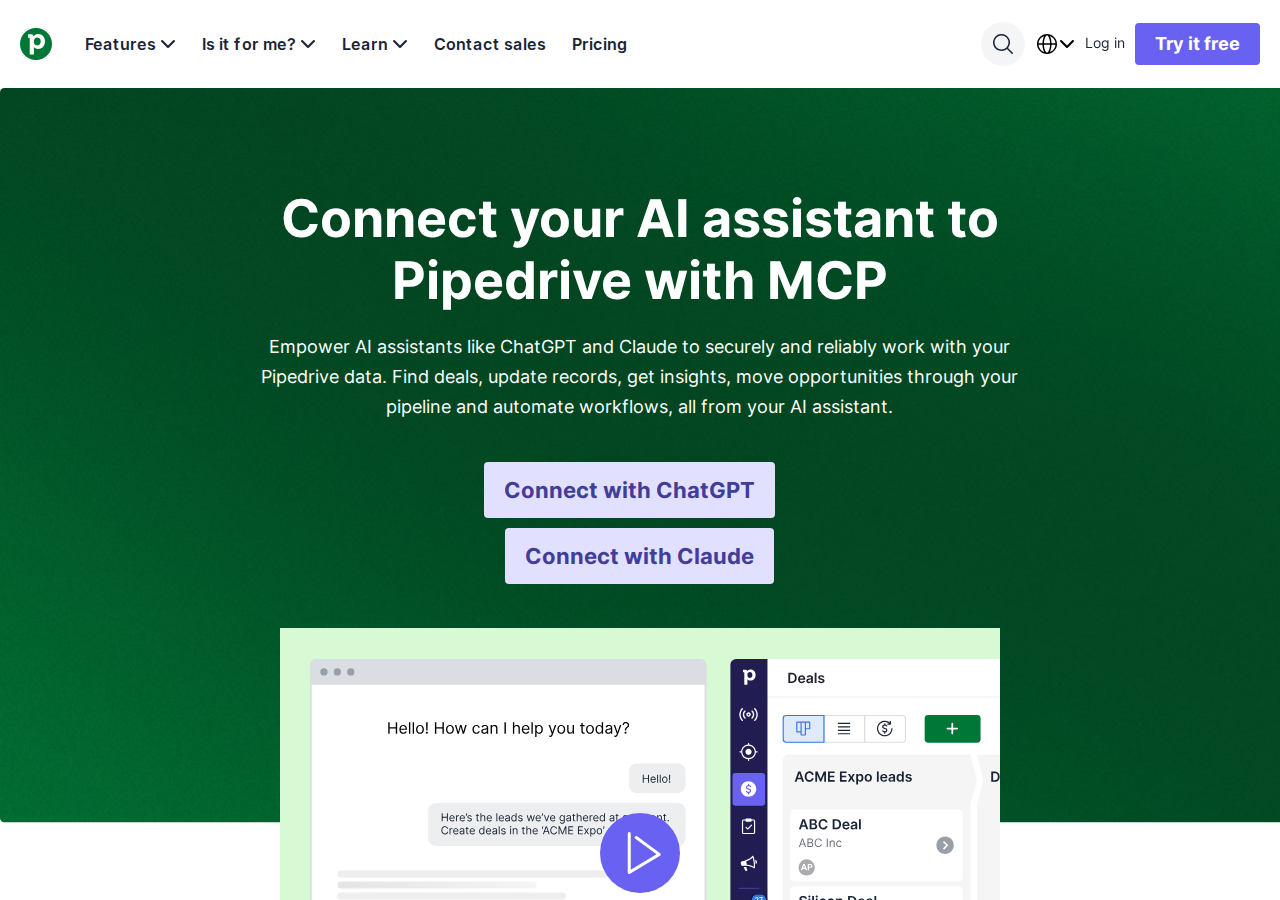
Why this matters for OpenClaw specifically: Pipedrive's setup docs only publish step-by-step guides for two clients — ChatGPT and Claude. OpenClaw isn't named in those guides, but it doesn't need to be. The server is an open MCP endpoint, and OpenClaw has a native MCP client that can point at
https://mcp.pipedrive.ai/mcpthe same way Claude does. You don't have to wait for Pipedrive to "certify" OpenClaw or for a one-click button to appear.
Path A: Official Pipedrive MCP Server at mcp.pipedrive.ai (Recommended for interactive use)
The endpoint. Pipedrive's native MCP server lives at https://mcp.pipedrive.ai/mcp (currently labeled "Pipedrive MCP BETA" in their connector setup flow). It uses OAuth for authentication — you sign in to your Pipedrive account once, review the requested scopes, and click "Allow and install." After that, the AI assistant inherits your existing Pipedrive user permissions: it can only see and edit records your role and visibility settings already allow. That permission inheritance is the single most important thing to understand — the MCP server adds no new access; it just exposes what you can already do.
Wire it into OpenClaw (self-hosted ~/.openclaw/settings.json):
{
  mcpServers: {
    pipedrive: {
      url: "https://mcp.pipedrive.ai/mcp",
      transport: "streamable-http"
    }
  }
}
Because it's OAuth, the first connection is interactive — you'll run something like openclaw mcp login pipedrive and approve the authorization in a browser. Once the token is stored, your OpenClaw agent can query deals, create contacts, move deals through stages, and schedule follow-ups straight from Slack.
The tool set. Pipedrive's MCP tools follow a clean, consistent naming convention that maps directly to the objects you already know:
| Group | Tool pattern | Example |
|---|---|---|
| Activities | getActivities / getActivity / addActivity / updateActivity |
"Show me all calls scheduled this week" |
| Deals | getDeals / getDeal / addDeal / updateDeal / searchDeals |
"Move the Acme deal to Proposal Sent" |
| Persons | getPersons / getPerson / addPerson / updatePerson / searchPersons |
"Find contacts at 'Globex'" |
| Organizations | getOrganizations / getOrganization / addOrganization / updateOrganization / searchOrganization |
"Pull up everything on Acme Corp" |
| Leads | searchLeads / convertLeadToDeal / getLeadConversionStatus |
"Convert the TechCorp lead into a deal" |
| Pipeline | getStages / getStage |
"List my pipeline stages" |
| Notes | getNotes / getNote / addNote / updateNote |
"Add today's call notes to the deal" |
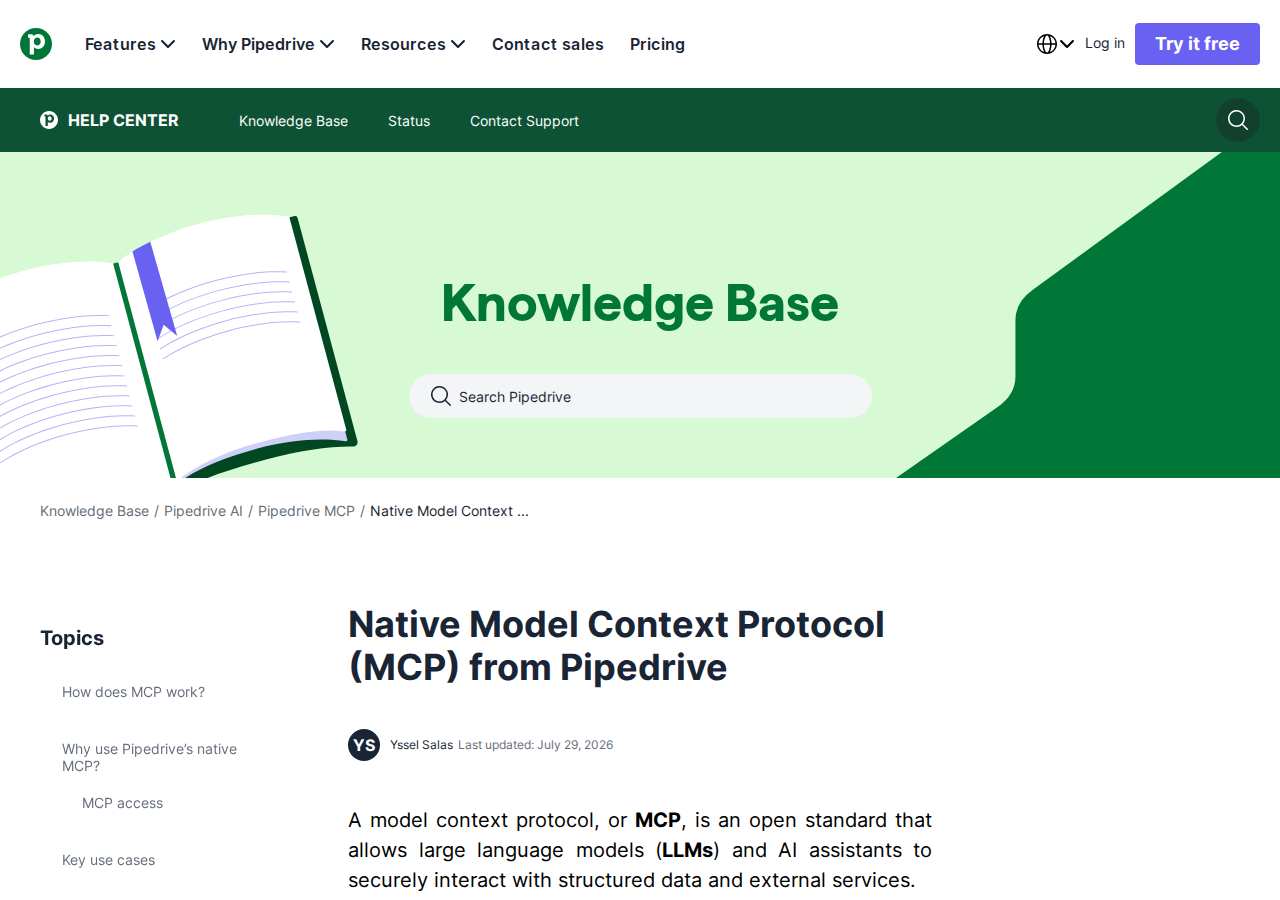
The naming convention is worth internalizing: getX (plural) fetches a list, getX (singular) fetches one record, addX creates, updateX edits, and searchX finds by keyword or criteria. About 30 tools total, covering Activities, Deals, Persons, Organizations, Leads, Pipeline, and Notes.
Path B: Personal API Token + Skill File (Still the only headless option)
Here's the honest catch, and it's the #1 reason the base template's proxy approach isn't obsolete yet: Pipedrive's official MCP server is OAuth-only, which is inherently interactive. The OAuth flow needs a human to approve it in a browser, and the stored token is tied to a user session. There's no published "API key in a header" or "service account" mode for the official server as of mid-2026.
That matters for OpenClaw because a big part of its value is scheduled, headless work — the 9 AM pipeline digest, the overnight stale-deal sweep, the Monday-morning forecast — that runs on a server with no browser and no human in the loop. For that, the personal API token path from the base template is still what you want:
- Personal Preferences → API in Pipedrive, copy your personal API token.
- Use it as
?api_token=YOUR_TOKENonhttps://{company}.pipedrive.com/api/v1(or as a Bearer header). - Build a thin proxy + skill file so the agent knows your stage IDs, custom-field mappings, and what "stale" means for your team.
For interactive Slack use, Path A is clearly better — no proxy to maintain, live data, permission inheritance. For autonomous scheduled jobs, Path B is the pragmatic choice until Pipedrive ships a headless credential for the MCP server. Use both: MCP for chat, token+proxy for cron.
Path C: Community MCP Servers (If you need full CRUD coverage)
Beyond Pipedrive's official server, the community has filled gaps. A few to know: the self-hosted community servers on GitHub (nubiia-dev/mcp-pipedrive, comma-compliance/pipedrive-mcp, WillDent/pipedrive-mcp-server) expose anywhere from 75 to 300+ tools covering the full Pipedrive API — including leads, files, mail, webhooks, and custom-field resolution that the official server doesn't expose yet. The trade-off is the same as any community server: you're running and trusting third-party code with your CRM credentials, and Pipedrive's own note that Notes and Users aren't yet on API v2 means some of these servers quietly wrap v1 endpoints. For most teams, the official server (Path A) plus the token path (Path B) covers the genuine need; reach for a community server only when you need a specific object the official server doesn't touch.
Real Use Cases: What a Pipedrive + OpenClaw Agent Actually Does
Concrete workflows — the kind that map directly to Pipedrive's own "key use case" docs, not generic "automate your CRM" filler.
1. The "ask instead of click" pipeline query
Instead of clicking through board views and filters, a rep just asks. Pipedrive's own flagship example:
"Show me all open deals over €10K that haven't been updated in two weeks."
OpenClaw runs getDeals with the open + value filters, returns the list with last-update timestamps, and the rep triages the genuinely stuck ones in Slack — without leaving the conversation.
2. Build records from meeting notes
The single highest-leverage CRM workflow. Paste raw call notes and let the agent do the data entry:
"Here are my notes from today's call. Create a deal, contact, and follow-up activity."
OpenClaw calls addDeal, addPerson (and links them), then addActivity for the follow-up — all with the correct stage and owner inferred from the notes. This is the "busywork → done" flow that makes the MCP path worth the OAuth setup.
3. Stale-deal cleanup (scheduled, headless → Path B)
Every Monday morning, a scheduled job scans for open deals with no activity in N days, groups them by owner and value, and posts a digest to the sales channel with a suggested next action for each. Because this is headless, it runs through the token+proxy path, not the MCP server. It's the clearest demonstration of why you keep both paths.
4. Lead → deal conversion with status tracking
A lead comes in from the website. The agent uses searchLeads to find it, convertLeadToDeal to move it into the pipeline, then getLeadConversionStatus to confirm the conversion and grab the new deal ID so it can link the follow-up activity. Three tools, one natural-language instruction.
5. Cross-tool pipeline intelligence
Because OpenClaw can consume multiple MCP servers at once, a weekly review can mix Pipedrive (pipeline movement, win rate, stale count) with HubSpot or Salesforce (account context, activity) and an analytics source (website → lead → deal conversion). One Slack thread carries a real business review instead of five dashboards.
Pipedrive-Specific Pitfalls (What Generic Guides Miss)
The gotchas that actually bite, not the surface-level "APIs need auth" warnings.
-
The MCP server only exposes what your user can already see — and that's easy to misread as a bug. Every official Pipedrive doc hammers this: permissions are inherited from your existing role and visibility settings. If a teammate connects and "can't find" deals that exist in the org, the answer is almost never the MCP server — it's that their Pipedrive user can't see them either. Diagnose permission issues in Pipedrive first, not in your MCP config.
-
OAuth-only means no headless, no service account — schedule around it. This is the big one (see Path B). If you plan to run the 9 AM digest or an overnight sweep, the official server's interactive OAuth is a non-starter for that job. Keep the API-token proxy alive for cron jobs. Trying to force the MCP server into a headless loop is the fastest way to a broken integration.
-
Custom fields still come back as hashed keys — even through MCP. Pipedrive returns custom fields with auto-generated hashes like
abc123def456, not the human-readable names you gave them in Settings. The base-template caveat about mapping these names→IDs in your skill file applies to the MCP server too: if your agent writes to the wrong hash because it guessed the field name, the data lands silently in the wrong place. Document your custom-field hash map once and reuse it. -
Stage IDs are numeric, not names — translate before you let the agent move deals. "Move the Acme deal to Proposal Sent" requires the agent to resolve "Proposal Sent" to the right numeric stage ID for your pipeline (and Pipedrive lets you have multiple pipelines, so the stage exists per pipeline). If the agent guesses, it moves the deal to the wrong stage. Pin stage IDs in your skill file like the base template says — this is the single most common "the AI moved my deal somewhere weird" bug.
-
Pagination defaults to 100 — and your agent won't notice it dropped records. Every list endpoint caps at 100 items by default. When OpenClaw "summarizes the full pipeline," it may only be seeing the first 100 deals. Build the pagination loop (
start+limit, followadditional_data.pagination.more_items_in_collection) into your proxy or explicitly instruct the agent to page through until it's exhausted. -
The official MCP is still "BETA," and the tool list is narrower than the API. Pipedrive labels the connector "Pipedrive MCP BETA," and the official tool set covers the core objects (Activities, Deals, Persons, Organizations, Leads, Pipeline, Notes) but not everything in the REST API — files, mail sync, webhooks, and some custom-field edge cases aren't there. Also note the plan-based token limits Pipedrive mentions on the feature page. Don't assume every API capability made it into MCP yet; check the current tools list before building a workflow on it.
Also read
- Connecting OpenClaw with HubSpot: A Practical Guide — another CRM + OpenClaw integration with an official MCP server, for the cross-CRM comparison
- Connecting OpenClaw with Salesforce: A Practical Guide — the enterprise-CRM counterpart, and why its OAuth/MCP story differs from Pipedrive's
- How to Connect Salesforce to OpenClaw: Setup, Models, and Workflow Guide — a setup-focused cross-reference with a full decision matrix
Skip All of This — Use Cody Instead
Cody gives your team a Pipedrive AI assistant in Slack, so reps and managers can review pipeline movement, stalled deals, people, organisations, and next activities without living inside board views, filters, and CRM records all day.
Related Guides
- Connecting OpenClaw with Hubspot: A Practical Guide
- Connecting OpenClaw with Salesforce: A Practical Guide
- Connecting OpenClaw with Close Crm: A Practical Guide
Need the model-flexible version? See: How to Connect Pipedrive to OpenClaw: Setup, Models, and Workflow Guide.