Google Workspace is where inbox, calendar, files, docs, and meeting context already pile up across the day. That makes it a strong fit for an AI assistant that helps teams triage Gmail, prepare for meetings, search Drive and Docs, and turn scattered workspace context into clear replies and follow-ups from Slack. If you are running OpenClaw yourself, this guide still covers the Google Cloud, OAuth, and delegation work you would otherwise need to manage.
How OpenClaw Integrations Work
OpenClaw is a self-hosted AI assistant that runs on your own server — typically an EC2 instance — and connects to Slack. It uses Claude under the hood to process requests. Out of the box, OpenClaw doesn't ship with pre-built connections to third-party tools. Instead, integrations are built using the skills system: markdown files in ~/.openclaw/skills/ that give Claude instructions for a particular domain, combined with HTTP tool calls to any API you expose to it.
In practice, adding a real integration means: getting API credentials from the third-party service, building or configuring a small proxy/endpoint that OpenClaw can call, and writing a skill file that tells Claude how to use it. For some tools this is an afternoon of work. For others — like Google Workspace — it's considerably more involved.
Connecting OpenClaw with Google Workspace: Step by Step
Step 1: Create a Google Cloud Project and Enable APIs
In Google Cloud Console, create a project and enable the APIs you need: Gmail API, Google Calendar API, Google Drive API. Each must be enabled individually. Then create OAuth 2.0 credentials or a Service Account depending on whether you need user-specific access or workspace-wide access.
Step 2: Handle Domain-Wide Delegation (If Needed)
For a service account to access Gmail or Calendar on behalf of workspace users, you need to configure Domain-Wide Delegation in Google Admin console and grant the service account access to the specific OAuth scopes. This is an admin-level action and requires a Google Workspace admin.
Step 3: Build Separate Proxy Endpoints and a Combined Skill File
Build proxy endpoints for each service you're integrating. They have separate API base URLs and different response shapes. Write ~/.openclaw/skills/google-workspace.md explaining what's available across Gmail, Calendar, and Drive so Claude knows which service to query for which type of question.
Challenges and Caveats
This Is Multiple Integrations in One
Google Workspace isn't a single API. It is 5-10 separate APIs, each with their own rate limits, scopes, and response formats. Building a coherent integration across all of them is a significant project.
Gmail Scopes Are Sensitive
Gmail API scopes are classified as sensitive or restricted. If your OAuth app accesses Gmail for non-personal use, Google may require an app verification process before it can be used by more than a small number of test users.
Google Workspace + OpenClaw: Three Ways to Wire It in 2026
Google Workspace is the hardest "one integration" ask in the whole catalog, because it is not one product — it is Gmail, Calendar, Drive, Docs, Sheets, Slides, and Chat, each with its own API, scopes, rate limits, and response shapes. Anyone who tells you to "just connect Google Workspace" is glossing over five to ten separate integrations hiding behind one name.
The good news is that 2026 finally gave us a coherent answer: Google now ships official remote MCP servers for the whole Workspace surface, with a dedicated server per product. That changes the build from "maintain a proxy per API" to "point an MCP-capable agent at Google's hosted endpoint."
There are now three distinct paths, and the right one depends on whether you need interactive chat or unattended cron, and whether you can tolerate OAuth consent vs. a service account.
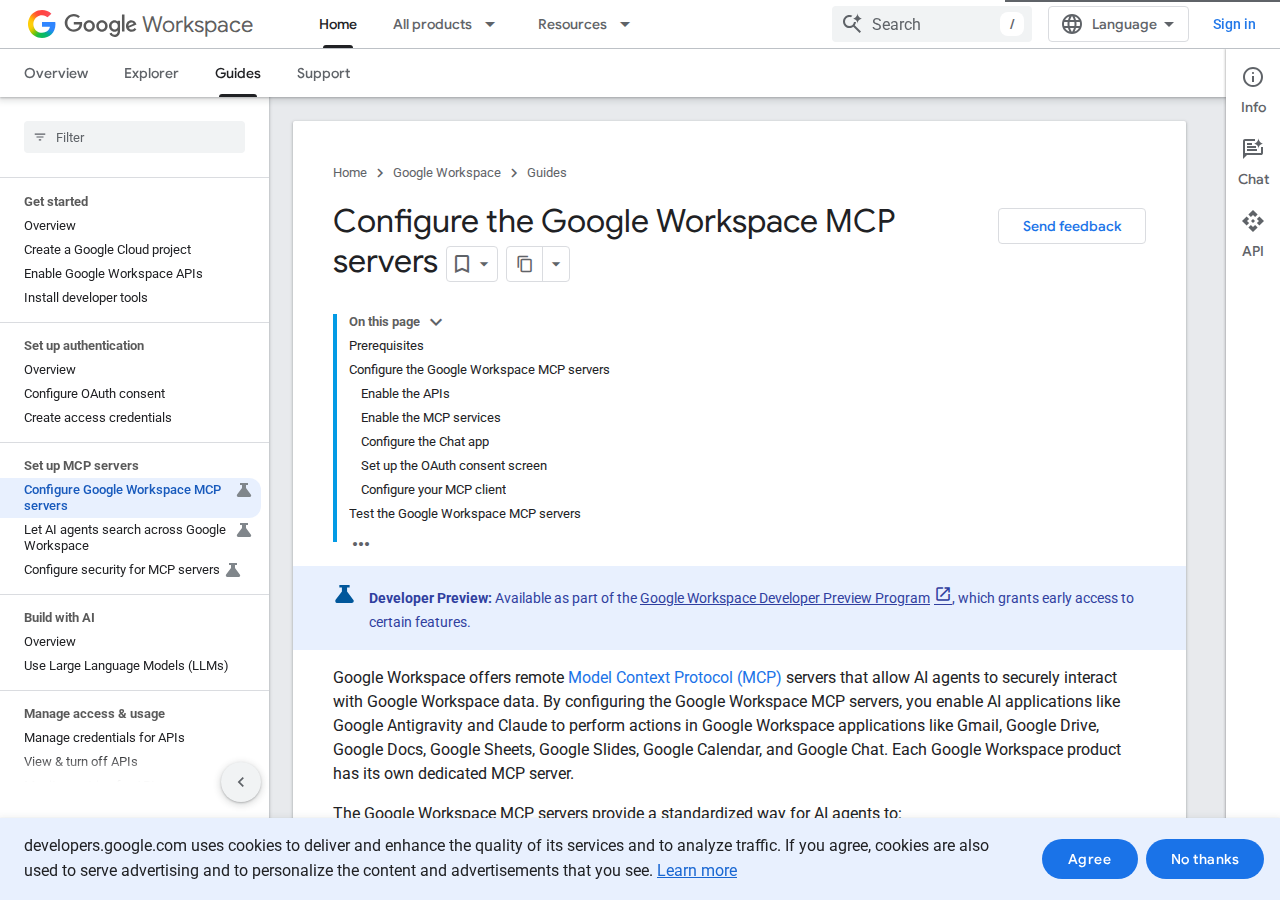
Path A: Google's Official Remote Workspace MCP Servers (Best for MCP-Capable Agents)
Google now offers remote Model Context Protocol servers that let AI agents securely read and act on Workspace data. The key detail most guides miss: each Workspace product gets its own dedicated MCP server — Gmail, Google Drive, Google Docs, Google Sheets, Google Slides, Google Calendar, and Google Chat are not one endpoint but several. Google's own framing is explicit about what the servers enable:
- Read data — search emails, retrieve files, list calendar events.
- Take action — create draft emails, upload files, schedule meetings.
- Respect security — the server inherits the same permissions and data-governance controls as the signed-in user.
That last point is the part worth pausing on. There is no separate MCP permission model to configure — whatever the OAuth user can already see and do in Workspace is exactly what the agent can see and do through MCP. That is both the strongest safety property (no new attack surface) and the strongest footgun (an over-privileged user grants an over-privileged agent).
Prerequisites (from the official guide):
- A Google Cloud project.
- An MCP client — Google names Antigravity and Claude, but any MCP-compatible client (including a self-hosted OpenClaw) can point at the same remote endpoints.
- The gcloud CLI in a local dev environment to mint the OAuth credentials the MCP connection will use.
There is also a separate Universal Search MCP server (guide) that lets an agent search across Workspace (Gmail + Drive + Docs + more) from a single tool — the closest thing to "connect Google Workspace" as one action rather than seven.
The honest caveat: this is the interactive path. It runs on OAuth consent tied to a human user, so it is perfect for a conversational OpenClaw that a person is driving in real time, and awkward for a headless cron job that has to run at 3 AM with nobody to click "Allow." For scheduled, unattended work, the service-account path below is still the reliable answer.
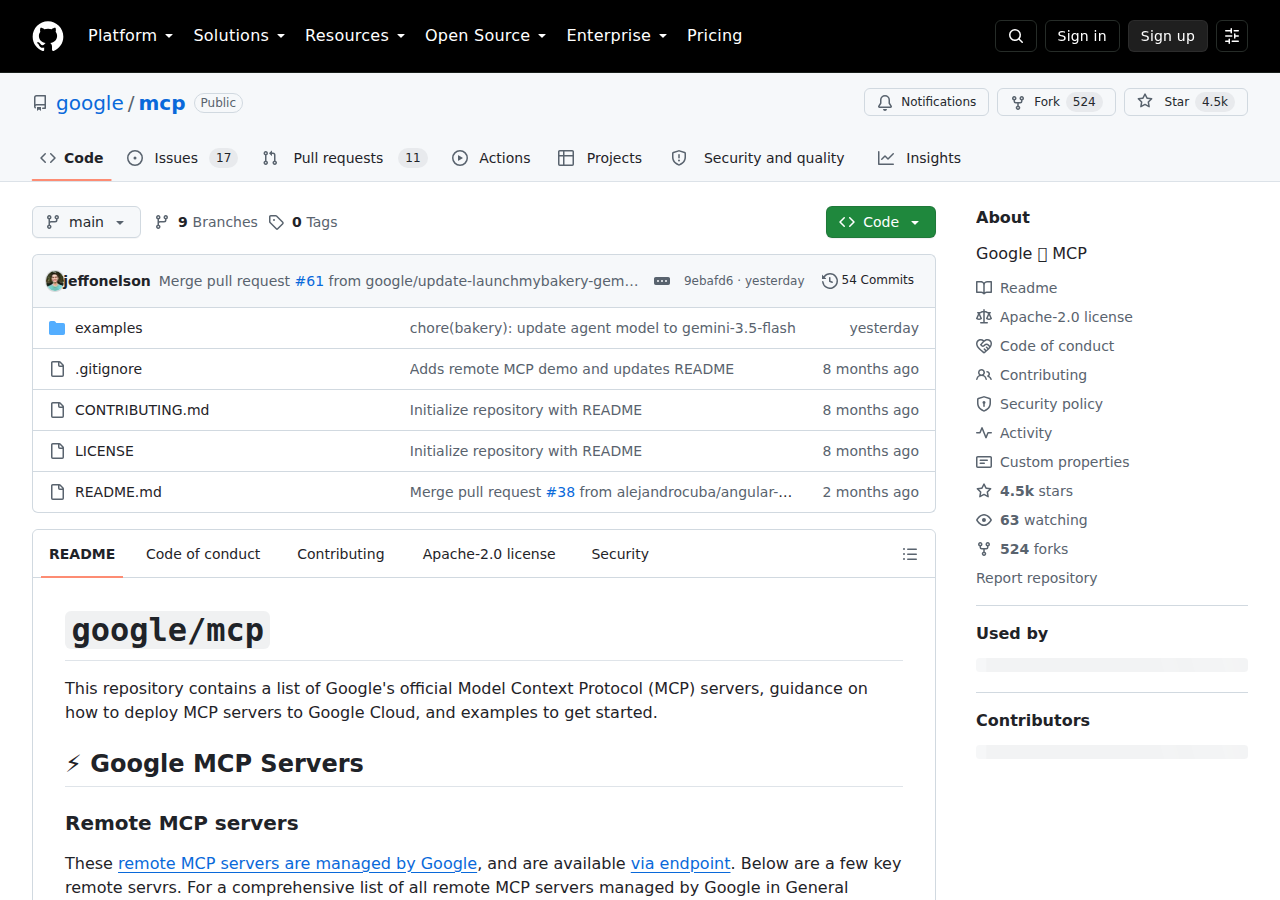
Path B: The Official Open-Source Servers (google/mcp) + Service Account + Skill File
This is the path the base template already walks through, and it is the one Google's google/mcp repo targets: the Workspace MCP servers ship open-source and can run locally, or deployed to Google Cloud. The template's setup flow — create a Cloud project, enable the individual Gmail/Calendar/Drive APIs, configure domain-wide delegation for a service account, and build a combined ~/.openclaw/skills/google-workspace.md — is exactly the shape this path takes.
Why you'd still choose this over Path A: a service account gives the agent a fixed, non-interactive identity, which is what headless cron fundamentally needs. The tradeoffs are the ones the template already names — you own the proxies, the scopes, and the mapping of "which tool does the agent use for which question."
Path C: Managed Tool Platforms (Composio et al.) — Zero Infrastructure
If you want the read-and-act surface without running servers or managing OAuth, platforms like Composio expose Google Workspace as a managed toolkit with managed authentication — you authenticate once, the platform stores and refreshes tokens, and OpenClaw pulls the tools on demand. This is the pragmatic option for teams that want Gmail + Calendar + Drive actions today and are happy to route those actions through a third party in exchange for no infra.
Real Use Cases: What an OpenClaw + Workspace Setup Actually Does
Concrete workflows — not "query your inbox" platitudes.
1. Morning inbox triage with a single prompt
"Scan my inbox since yesterday, group messages into meeting invites, action items, and FYI, and draft replies for the action items you can answer." Because the Gmail MCP server inherits the user's read (and draft) permissions, OpenClaw can search, summarize, and stage drafts without you copying-pasting anything.
2. Meeting prep from Calendar + Drive + Docs
"For my 2 PM with the design team, pull the calendar invite, open the linked design doc and the last related thread, and give me a one-paragraph brief." This is where the multi-product surface earns its keep — the agent hops Calendar → Drive → Docs → Gmail in one turn, which is exactly what "Workspace as a single assistant" is supposed to mean.
3. Headless weekly hygiene sweep (service-account path)
A scheduled OpenClaw job that runs with a service account: "Any Drive files shared externally that haven't been touched in 90 days? Any calendar invites I've silently bounced? List them." This is the cron-shaped work that only Path B handles cleanly.
4. Draft-then-approve reply flow
Ask OpenClaw to "draft a reply to the client thread" and have it write a draft (not send). The MCP "take action" surface deliberately includes create-draft, so you keep a human in the loop before anything goes out — the single biggest de-risking habit for an email-writing agent.
5. Cross-tool team brief from Slack
"What happened across Gmail and Calendar while I was out yesterday?" — surfaced to Slack rather than you wading through two apps. This is the Cody value prop in miniature: Workspace context, delivered where the team already talks.
Pitfalls Specific to Google Workspace (This Is Where People Get Stuck)
1. It is 5-10 integrations wearing one name
There is no single "Google Workspace API." Gmail, Calendar, Drive, Docs, Sheets, Slides, and Chat each have separate base URLs, scopes, quotas, and response shapes. A "Google Workspace integration" that feels finished for Gmail is 80% unbuilt for everything else.
2. Gmail scopes are "restricted," not just "sensitive"
Gmail API scopes that read message content (https://mail.google.com/) are restricted scope, which triggers Google's app verification / security assessment for production use beyond a small test set. Sensitive scopes (Calendar, Drive) are lighter, but Gmail read/write is the one that can stall a launch for weeks while you wait on review.
3. Domain-wide delegation is an admin action most people don't have
For a service account to act on behalf of Workspace users (not just as itself), an admin must enable domain-wide delegation in the Admin console and grant the service account the exact OAuth scopes. If you don't have Workspace admin rights, Path B's headless route dead-ends here.
4. The remote MCP server is interactive-only by design
Path A's OAuth flow needs a human to click "Allow." That makes the official remote servers great for chat and awkward for unattended cron. Don't build a scheduled job on Path A and wonder why it fails at 3 AM with no consent screen.
5. Permission inheritance cuts both ways
Because the MCP servers inherit the signed-in user's permissions, you get no new attack surface — but you also get no extra guardrails. A user with full Drive read/write yields an agent with full Drive read/write. Scope the connecting user deliberately, not your most privileged admin.
6. "Universal Search" is a separate thing to enable
The cross-product Universal Search MCP server is not on by default — it is its own configuration step distinct from the per-product servers. If you want "search across all of Workspace in one tool," that is a separate endpoint you must configure, not a feature you get for free.
Related guides: Connecting OpenClaw with Google Sheets, Connecting OpenClaw with Google Analytics, and Connecting OpenClaw with Notion cover the adjacent productivity stack.
Skip All of This — Use Cody Instead
Cody gives your team a Google Workspace assistant in Slack, so people can triage Gmail, prep for meetings, search Drive and Docs, and draft follow-ups without setting up Google Cloud projects, domain delegation, or OAuth plumbing.
Related Guides
- Connecting OpenClaw with Google Sheets: A Practical Guide
- Connecting OpenClaw with Notion: A Practical Guide
- Connecting OpenClaw with Asana: A Practical Guide
Need the model-flexible version? See: How to Connect Google Workspace to OpenClaw: Setup, Models, and Workflow Guide.