If you're searching for "how to connect Make to OpenClaw", the real question is usually not just whether the connection is possible. It's how to make Make usable inside an OpenClaw workflow with the right model, the right context, and the right level of control.
That's the practical framing.
OpenClaw gives you the orchestration layer: connectors, skills, tools, prompts, approvals, and the ability to run workflows where your team already works. Make provides the domain context. The integration becomes valuable when those two pieces are connected cleanly.
Make + OpenClaw: What's Actually Happening Here
When someone searches "how to connect Make to OpenClaw," they usually mean one of two things. Either they run OpenClaw on their own infrastructure and want their agent to reach into Make scenarios, or they use Cody (managed OpenClaw) and want to understand what's underneath. This guide covers both.
Make is where cross-tool automation ends up living: lead routing, CRM syncs, approval flows, alerts, multi-step data cleanup, and — increasingly — AI-native workflows built on Make AI Agents. Connecting it to OpenClaw means your agent can run a scenario from Slack, inspect why a flow paused at 3 a.m., read a data store without logging into Make, and map which scenario owns a given handoff — instead of someone clicking through scenario maps and execution history all day.
The big news for 2026: Make ships an official, cloud-hosted MCP server. It's not a "coming soon" roadmap item and it's not something you have to self-host. It's live, it turns your active and on-demand scenarios into callable AI tools, and a self-hosted OpenClaw can point at the exact same endpoint that Claude and ChatGPT use. The catch is that Make's connection model is more nuanced than a one-line URL — scopes, transports, timeouts, and the scenario-run-vs-management plan split all matter. Let's walk through what actually works.
Path A: Make's Official MCP Server (Cloud-Hosted, All Plans)
Make hosts a remote MCP server that gives AI systems access to scenario run tools and management tools in your Make account. It's a standard Model Context Protocol server, so any MCP-compatible client can connect — including self-hosted OpenClaw. You aren't waiting for Make to "certify" OpenClaw the way some hosted assistants work.
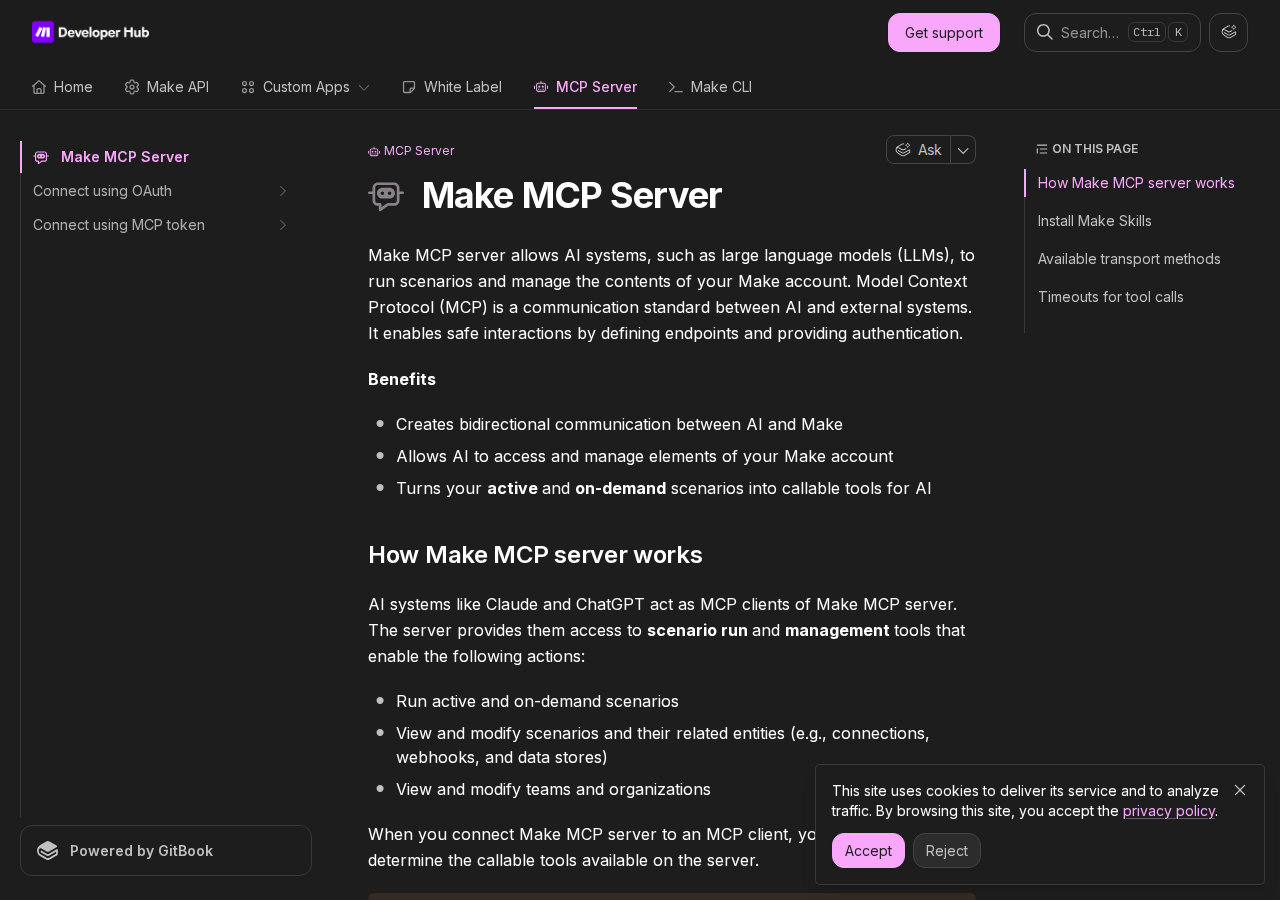
What the server actually exposes, broadly:
- Run scenarios — execute your active and on-demand scenarios as tools (available on all plans)
- Manage scenarios — view and modify scenarios and their related entities: connections, webhooks, and data stores (paid plans only)
- Manage teams and orgs — view and modify teams and organizations (paid plans only)
That plan split is your first real decision point: the "run your scenarios" tools are on every plan, but the "view and modify" management surface is gated behind paid plans. If your agent only needs to trigger flows and read results, the free/Basic-tier path is enough.
Scopes Determine Your Tool Surface
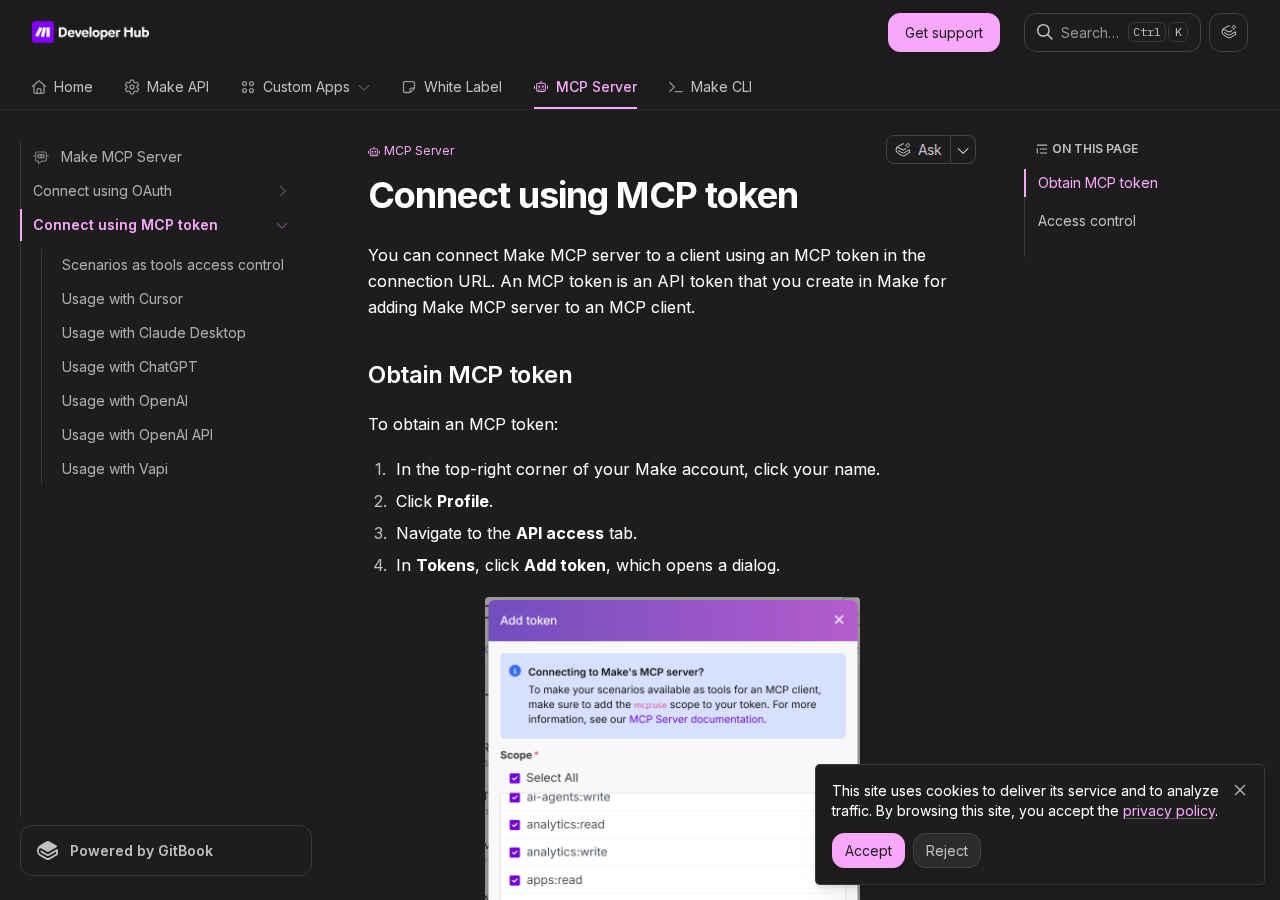
When you connect the Make MCP server to a client, your selected scopes determine which tools are callable. This is genuinely important — the MCP server doesn't expose "everything my Make account can do" by default. You pick scopes, and the tool list follows. The relevant scopes include (among others) scenarios:run, scenarios:read, scenarios:write, and data-store/team scopes. One scope to note explicitly: scenarios:read is what lets your client retrieve scenario outputs after a run times out (more on the timeout dance below).
Connection Methods and Transports
Make MCP server is cloud-based and runs over Stateless Streamable HTTP (the default) and Server-Sent Events (SSE). There are two auth paths:
1. MCP token (the self-hosted OpenClaw path):
https://<MAKE_ZONE>/mcp/u/<MCP_TOKEN>/stateless
Replace <MAKE_ZONE> with the zone your org is hosted in (e.g. eu1.make.com, eu2.make.com, us1.make.com, us2.make.com) and <MCP_TOKEN> with the token you generate in your Make profile. If your client prefers auth in HTTP headers rather than the URL, use https://<MAKE_ZONE>/mcp/stateless with Authorization: Bearer <MCP_TOKEN>.
2. OAuth:
https://mcp.make.com
This is the interactive OAuth flow aimed at clients that handle the browser redirect (Claude, ChatGPT). For a headless or self-hosted OpenClaw, the MCP token route is almost always simpler — it's a stable token you drop into your OpenClaw Gateway config, no browser dance required.
How This Looks in OpenClaw Gateway Config
For a self-hosted OpenClaw, register the Make MCP server over stateless Streamable HTTP with the token in the Authorization header:
{
  mcp: {
    servers: {
      make: {
        url: "https://eu2.make.com/mcp/stateless",
        transport: "streamable-http",
        headers: {
          Authorization: "Bearer YOUR_MCP_TOKEN"
        }
      }
    }
  }
}
Run openclaw mcp doctor make --probe to confirm the connection, then your agent can call the scenario tools your token's scopes permit.
The Timeout Dance (Read This Before Troubleshooting)
Make's MCP server has per-tool-type timeouts, and they're shorter than most people expect:
| Tool type | OAuth URL (mcp.make.com) | Token URL (zone/mcp/transport) |
|---|---|---|
| Scenario run | 25 seconds | 40 seconds |
| Management (stateless) | 30 seconds | 60 seconds |
| Management (SSE/stream) | 30 seconds | 5 minutes 20 seconds |
Crucially, a timeout does not mean the scenario stopped. A scenario that "times out" keeps running in Make for up to 40 minutes, and the server returns an executionId you can poll later. If you want your agent to actually retrieve that output after the fact, you need the scenarios:read scope enabled — otherwise the result is lost to you. This is the single most common "my Make + AI integration returned nothing" confusion: the tool call timed out, but the scenario ran fine, and the agent just never went back for the result.
Path B: Make REST API Proxy + OpenClaw Skill File (Full Control, Cron-Friendly)
For headless/cron work and fine-grained control, the direct Make REST API remains the workhorse — and it's the path the base OpenClaw template already assumes. Make's API is stronger than many teams realize, and it added an AI Agents API in open beta.
The core surfaces:
| Resource | Notes |
|---|---|
| Scenarios | List, inspect active/paused state, view modules |
| Executions | Execution history, inspect what failed, retries |
| Data stores | Read/write structured data stores |
| AI Agents (beta) | Inspect and controlled-trigger Make AI Agents |
| Teams / orgs | Membership and org-level visibility |
Step 1 — know your zone. Make's API is not a single endpoint. Production zones include eu1, eu2, us1, and us2 (hosted as eu1.make.com, us1.make.com, etc.). If your proxy points at the wrong region, the failure looks like a bad token or a missing scenario rather than an obvious routing mistake.
Step 2 — get your API token. Generate a token/API key in your Make profile, then build a thin proxy that translates OpenClaw's simple HTTP calls into Make API requests.
Step 3 — write the skill file. Write ~/.openclaw/skills/make.md with your real scenario names, what each one does, which inputs matter, which flows are safe to trigger, and the failure patterns your team keeps hitting:
# Make Skill

## Zones
- Primary: eu2.make.com (org "Ops")

## Safe-to-trigger scenarios
- "Lead → CRM sync" (scenario_id 4821) — inputs: email, name, company
- "Weekly ingest" (scenario_id 5103) — no inputs
- DO NOT trigger: "Delete stale rows"

## Common queries
- Which scenario owns a handoff: GET /scenarios
- Why did this pause: GET /scenarios/{id}, then /executions
- Read a value: GET /data-stores/{id}/records

## Failure notes
- Webhooks are async — confirm the trigger, then check executions
- Router/filter/iterator sprawl = summarize critical path only
The skill file is what turns Make from "a wall of module and execution data" into "an assistant that answers 'which scenario owns this handoff' and 'why did this pause' in plain English."
Make Skills (the official, installable ones)
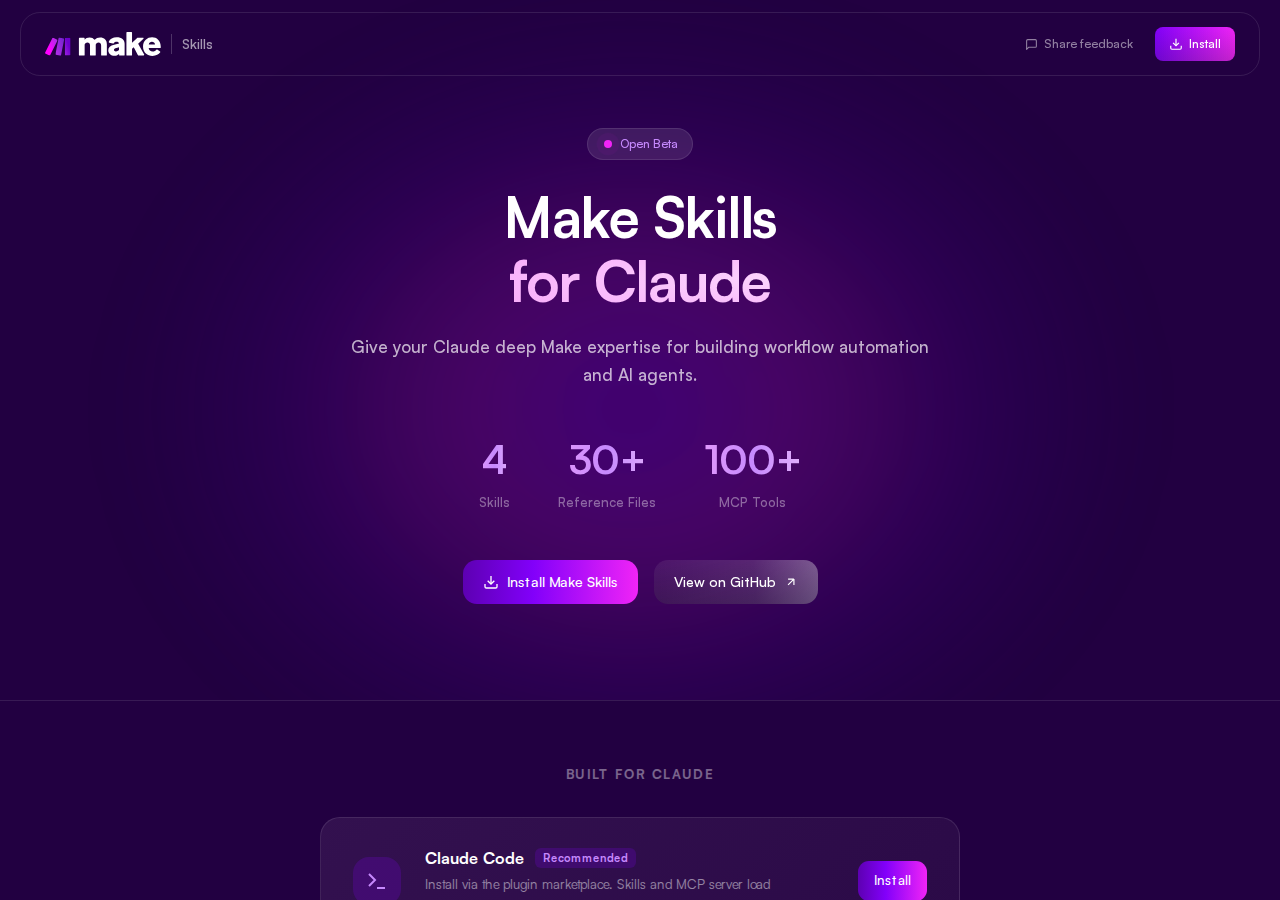
Make actually publishes Make Skills — a set of Markdown skill files designed to be installed into your AI assistant so it reliably performs Make-specific tasks (building scenarios, configuring modules, connecting to the MCP server or third-party services). They recommend installing these before using the MCP server. There are four Skills, 30+ reference files, and they map to 100+ MCP tools. For an OpenClaw deployment, these are a ready-made starting point for your ~/.openclaw/skills/ directory rather than writing everything from scratch.
Real Use Cases for a Make + OpenClaw Agent
1. Morning Automation Health Check
Every morning the agent checks Make execution history and posts to Slack:
⚙️ Make Health — Tue 18 Aug, 09:00 Scenarios: 14 active, 0 paused Failed executions (last 24h): 3
- "Lead → CRM sync" — 2 failures, module "Update HubSpot deal" errored on rate limit
- "Invoice remit" — 1 failure, webhook timeout Data store watch: "sync_state" grew 18% overnight (unexpected) Recommendation: add a retry + delay to the HubSpot module before retrying
The agent lists scenarios, pulls recent executions, flags errors at the module level, and calls out anomalies — instead of someone opening Make and clicking into three scenario maps before their first coffee.
2. "Which Scenario Owns This?" Triaging
When something breaks and nobody remembers which automation is responsible, the agent answers in seconds:
Q: which make scenario sends the weekly digest? A: "Weekly digest → Slack" (scenario_id 5103). Last run: Mon 08:00, success. It's driven by the "content_ready" webhook and fans out into Slack + email by segment.
Under the hood it's reading the scenario list and matching on names/modules/inputs — the exact pattern the base template's "explain automation ownership" step is built for.
3. Controlled Scenario Triggers from Slack
The team triggers an approved flow without leaving Slack:
You: run the "lead intake" scenario for dana@acme.com, role: VP Sales Agent: Triggered "Lead intake" (execution started). This one is asynchronous — I'll confirm the CRM record exists in ~2 minutes and report back.
The agent confirms what it launched and sets expectations about the async callback (Make webhook runs don't complete synchronously) rather than pretending the flow already finished.
4. AI Agent Inspection (Open Beta)
If your org uses Make AI Agents, the agent can keep an eye on them:
🤖 Make AI Agents — weekly rollup "Support triage agent": 412 runs, 89% auto-approved, 3 escalated to human "Lead qualifier": 61 runs, 2 blocked on missing enrichment data Flag: "Lead qualifier" approvals trending toward auto-run — review its approval mode
This is newer territory (the AI Agents API is open beta), so the content here is read-heavy monitoring first, controlled triggers second.
5. Cross-Tool Handoff Drift Detection
Data flowing through Make can drift silently. Once a week:
🔍 Handoff check — Week 34 Lead → CRM sync: 1,204 leads moved, 3 dropped (missing company field) Invoice remit: 98 remitted, 2 mismatched currency Enrichment gap: "Append firmographics" module passing null 7% of time
The agent surfaces the drift between what a scenario should hand off and what's actually landing downstream — the kind of operational rot that hides in execution logs.
Make-Specific Pitfalls (What Most Guides Miss)
1. Make Has Multiple API Regions — and They Will Bite You
Make's API isn't just eu1 and us1 anymore. The docs now list multiple production zones including eu1, eu2, us1, and us2. A proxy (or MCP token URL) pointed at the wrong zone fails in a way that looks like a bad token or a missing scenario. Fix: Confirm your org's zone before you start (it's in your Make account settings), and bake the zone into both your MCP token URL and your API proxy base URL.
2. Webhook and Scenario Runs Are Asynchronous — Don't Pretend Otherwise
A webhook trigger (or an MCP scenario-run tool call) tells you the scenario accepted the payload, not that it finished successfully. This is triply important with MCP, because of the timeout dance: the run can "time out" at 25–40s while the scenario keeps running for up to 40 minutes. Fix: Have your agent confirm what it launched, hold the executionId, and go back to retrieve the result (needs scenarios:read scope) rather than reporting "done."
3. The Plan Split: Run-Tools vs Management-Tools
It's easy to assume "Make has an MCP server, so my agent can do everything." In practice scenario run tools are on all plans, but view/modify management tools are paid-plan only. If you wire up scopes expecting management features on a Basic/Team plan, you'll get a thinner tool list than expected. Fix: Decide up front whether your agent only runs flows (works on any plan) or also reads/modifies scenarios, connections, and data stores (paid plan).
4. Scenario Maps Sprawl — Summarize the Critical Path
Make is powerful because one scenario can fan out into routers, filters, iterators, retries, and multiple downstream systems. That same power means dumping raw execution detail into Slack recreates map-sprawl in chat. Fix: Have your skill/proxy summarize the trigger, the critical path, fragile modules, and likely failure points — never the full module list.
5. Scopes, Not "Everything" — and the scenarios:read Trap
The MCP server's callable tools are a function of the scopes you selected, not your full account permissions. And specifically: without scenarios:read, your client cannot retrieve scenario outputs after a timeout. Teams frequently skip that scope during minimal-permission setup, then wonder why long-running flows never report results. Fix: Audit scopes against what you actually need; add scenarios:read if any of your scenarios are non-trivial.
6. The AI Agents API Is Newer Than Everything Else
Make now exposes AI Agents endpoints in open beta. Useful — it gives your agent a concrete surface for agent inspection and controlled triggering — but it's still moving. Fix: Treat AI-agent actions more cautiously than read-heavy scenario monitoring, and expect the API surface to evolve (approval modes, run semantics).
Decision Matrix: Which Path Should You Take?
| Scenario | Best Path | Why |
|---|---|---|
| Just want to run scenarios from an assistant | Official MCP (Path A) | Hosted, all plans, turns scenarios into tools |
| Interactive use, need to view/modify scenarios too | Official MCP (paid plan) | Management tools require paid tiers |
| Headless/cron agent (nightly health check, drift) | REST API proxy (Path B) | Stable token, full control, no timeout dance |
| Want maximum control + custom summarization | REST API proxy (Path B) | Skill file gives you summarization the raw API doesn't |
| Small team, want a Make assistant in Slack today | Cody | Zero setup, Make connected in minutes, no API glue |
| Building Make AI Agent monitoring | REST API beta endpoints (Path B) | AI Agents API is open beta, inspect-first |
Related Pages
- How to Connect Zapier to OpenClaw — the closest no-code-automation sibling
- How to Connect n8n to OpenClaw — the self-hosted automation alternative
- How to Connect HubSpot to OpenClaw — a common Make downstream/upstream system
What “Connect Make to OpenClaw” Actually Means
In practice, connecting Make to OpenClaw usually involves four layers:
- Authentication so OpenClaw can securely access Make
- Tooling or proxy endpoints that expose the right Make actions and data
- Skills/instructions that tell OpenClaw how to reason over Make context
- Model selection so the assistant uses the right LLM for the job
That last piece matters more than most people expect.
Which Models Can You Use?
OpenClaw is model-flexible, so a Make integration does not need to be tied to a single provider. Depending on your setup, teams commonly want to use:
- OpenAI models for broad reasoning, structured extraction, and tool use
- Anthropic models for writing, analysis, and long-context work
- Google models for multimodal and large-context workflows
- Other model backends if your OpenClaw environment exposes them
Model names and availability change frequently, so check your OpenClaw model catalogue rather than copying a version from a guide. The practical point is that you can connect Make once, then choose a supported model for each workflow.
For example:
- Use Claude for nuanced summarisation or drafting
- Use OpenAI for structured extraction, tool-heavy workflows, or general-purpose copiloting
- Use Gemini when multimodal or very large context windows matter
A Good Integration Pattern for Make
A strong Make + OpenClaw setup usually looks like this:
- OpenClaw receives a request in chat or from an automation
- It calls the right Make endpoint or proxy
- The selected model reasons over the returned context
- OpenClaw returns an answer, draft, classification, or action
- High-risk actions stay behind approvals or structured guardrails
That is what makes the setup operational rather than just experimental.
Step-by-Step: Connect Make to OpenClaw
Step 1: Decide Which Scenarios and Agents Should Be Visible
Before wiring anything up, decide which Make scenarios people actually ask about in Slack. Good starting points are lead routing, CRM syncs, handoff workflows, spreadsheet updates, approval chains, and alerting scenarios that already create operational confusion when they fail. If your team is using Make AI Agents, decide whether Cody should only inspect them or also help trigger approved agent runs.
Step 2: Expose Safe Scenario Monitoring and Trigger Paths
Use the Make API to list scenarios, inspect whether they are active or paused, review execution history, and pull the details people need to debug a broken flow. For actions, keep things narrow: expose approved webhook or proxy-based trigger paths rather than every scenario control. Make's webhook-driven work is asynchronous, so Cody should confirm what it launched and tell the team what callback, log, or follow-up check to expect rather than pretending the workflow already finished.
Step 3: Write the Skill File Around Real Scenario Names, Inputs, and Failure Modes
Write ~/.openclaw/skills/make.md with your real scenario names, what each one does, which inputs or payload fields matter, which flows are safe to trigger, and the failure patterns the team keeps hitting. The assistant becomes much more useful when it can answer questions like "which Make scenario owns this handoff" or "why did this scenario pause" instead of dumping raw module or execution data into chat.
Model-Specific Workflow Ideas
Make + OpenAI
Use this when you want a strong general-purpose setup for extraction, classification, action planning, and tool-driven workflows around Make.
Make + Claude
Use this when you want better writing quality, clearer summaries, stronger nuance, and reliable long-context reasoning over Make data.
Make + Gemini
Use this when the workflow benefits from large context windows, multimodal inputs, or Google-native ecosystem alignment.
Common Mistakes
Most teams do not fail because the model is bad. They fail because:
- the Make connection is too thin
- the model lacks the right live context
- prompts are vague
- no structured outputs are enforced
- permissions and approvals are skipped
- one model is forced to do every job, even when another would be a better fit
The best setup is usually one integration layer, multiple model options, and clear guardrails.
Challenges and Caveats
Make Has Multiple API Regions
Make's API is not just eu1.make.com and us1.make.com. The public docs now list multiple production zones, including eu1, eu2, us1, and us2. If your proxy points at the wrong region, the failure can look like a bad token or missing scenario rather than an obvious routing mistake.
Webhook and Scenario Runs Are Asynchronous
A webhook trigger tells you the scenario accepted the payload, not that the whole automation finished successfully. Cody can confirm what was sent and help inspect later execution history, but it should not treat Make like a synchronous request-response API unless you have built an explicit callback or completion check.
Scenario Maps Get Complex Faster Than Teams Expect
Make is powerful because one scenario can fan out into routers, filters, iterators, retries, and multiple downstream systems. That also makes it easy to overwhelm people with raw execution detail. Your proxy and skill should summarise the trigger, critical path, fragile modules, and likely failure points, otherwise the assistant just recreates scenario-map sprawl in Slack.
The AI Agents API Is Newer Than the Rest of the Platform
Make now exposes AI Agents endpoints in open beta. That is useful because it gives Cody a concrete surface for agent inspection and controlled triggering, but it also means the product area is still moving. Treat AI-agent actions more cautiously than read-heavy scenario monitoring, and expect the API surface to evolve.
Want Make Connected to OpenClaw Without Building the Whole Stack Yourself?
Cody gives your team a Make AI assistant in Slack, so people can inspect scenarios, explain failures, watch automation risk, and trigger approved workflows without living inside scenario maps, execution history, and webhook setup screens all day.
Related OpenClaw Guides
Looking for a more workflow-first angle? See: Make AI Automation and Make AI Assistant.
More Make Resources
- Cody AI Assistant for Make — Cody's dedicated Make integration features and benefits