If you're searching for "Instagram MCP", you're asking one of two things: does Instagram have an MCP server? or how do I connect Instagram to an AI assistant via the Model Context Protocol?
⚠️ No official Instagram MCP server yet. Community options exist — details below.
What Is MCP?
Model Context Protocol (MCP) is an open standard developed by Anthropic that lets AI assistants — like Claude — connect to external tools, APIs, and data sources in a standardised way.
Before MCP, every AI integration required bespoke tooling: custom prompts, custom API wrappers, and custom glue code to pass context back and forth. MCP replaces that with a common interface: the AI asks the MCP server for data or actions, the server returns structured results, and the AI uses them to answer your question or complete a task.
In plain terms: MCP is how you give an AI assistant live access to Instagram — not just knowledge about it, but real, up-to-date data from your account.
What a Instagram MCP Integration Does
Once Instagram is connected via MCP, your AI assistant can:
- Read live data — pull records, metrics, activity, and status directly from Instagram
- Take actions — create, update, or log records based on your instructions
- Cross-reference context — combine Instagram data with other connected tools mid-conversation
The key difference from a standard chatbot: the assistant is not working from training data or memory. It is reading your actual Instagram instance, in real time.
Practical Instagram MCP Use Cases
Performance lookups mid-workflow
Ask the assistant to fetch recent post performance from Instagram while you're planning the next content calendar — no dashboard-switching required.
Content repurposing with live data
Pull your top-performing content from Instagram via MCP and have the assistant generate repurposed formats (threads, summaries, email snippets) in one step.
Scheduling and publish via conversation
Draft and schedule a post to Instagram by describing it in chat — the assistant handles formatting and API calls.
How to Connect Instagram via MCP
There are two main paths:
Option A: Use a community MCP server for Instagram
No company-maintained MCP server currently exists for Instagram. Community-built servers are available — search the MCP Registry or GitHub for "Instagram MCP server".
What you'll need:
- An MCP-compatible client (Claude Desktop, OpenClaw, or another host)
- A running MCP server process with Instagram credentials configured
- Basic familiarity with running a local service or Docker container
Community servers vary in completeness and maintenance quality — review the repo before committing to one.
Option B: Use Cody (OpenClaw-based, managed)
Cody is built on OpenClaw and supports MCP-compatible integrations out of the box. You connect Instagram once from the Cody dashboard — no server to run, no code to write — and Cody handles authentication, context passing, and write-back actions with appropriate guardrails.
Cody works where your team already operates: Slack, Telegram, or the web chat. The Instagram connection is available to your entire team without each person setting up their own MCP client.
Want Instagram Connected to AI Without Running Your Own MCP Server?
Cody gives your team an Instagram AI assistant in Slack, so people can review post and reel performance, triage comments or DMs, draft captions and replies, and share campaign updates without dealing with Meta app setup or Graph API limits.
MCP vs Other AI Integration Patterns
| Approach | What it is | Tradeoff |
|---|---|---|
| MCP | Standardised protocol for live tool access | Requires an MCP server; most powerful when set up correctly |
| RAG (retrieval) | Pre-index Instagram content and retrieve it | Good for static docs; not suitable for live/transactional data |
| Manual copy-paste | Paste Instagram output into ChatGPT/Claude | Fast to start; breaks for anything recurring or at scale |
| Custom API wrappers | Bespoke integration code per tool | Full control; high maintenance overhead |
MCP wins when you need live data from Instagram and want to avoid rebuilding integrations as APIs change.
Common Mistakes
- Using training data when live data is needed — if the AI doesn't have an MCP connection, it will answer from memory, which is often outdated or wrong for account-specific questions
- No write-back guardrails — MCP can write to Instagram, so it's worth adding an approval step for any action that modifies records
- Too many tools exposed at once — give the AI access to the Instagram actions it actually needs; a scoped connection is easier to reason about and audit
- Skipping structured outputs — ask the AI to return structured JSON or clear fields when writing back to Instagram; free-form output is harder to validate
What You Can Actually Do with an Instagram MCP Server
The generic MCP promise — "read data, take actions" — sounds good, but what does it mean in practice for Instagram? Here are the real workflows that make an Instagram MCP server worth setting up:
Review post and reel performance without opening the Meta Business Suite
Instead of clicking through every post in the Instagram app or Business Suite, ask your assistant "which reel from the last 30 days drove the most profile visits?" The MCP server pulls media and per-post insights from the Graph API, and the assistant ranks them for you. This is the #1 use case for content teams.
Triage comments and community conversation
"Show me comments on my last five posts that mention pricing or complaints, sorted by urgency." The server lists comments via the API, the assistant filters and classifies them, and you get a triage list instead of scrolling a raw feed.
Draft captions and replies with real performance context
Feed the assistant your top-performing captions and ask it to draft the next one in the same voice, pegged to what actually performed — not generic best-practice advice. Because the insights come from your live account, the suggestions are grounded in your real audience.
Spot content trends across your own account
"Compare my carousel posts against single-image posts over the last quarter — which format is winning on saves and shares?" This requires cross-posting aggregation that the raw Graph API doesn't do for you, but an MCP workflow with the assistant assembling the comparison does it in minutes.
Campaign momentum briefs before a weekly meeting
Ask for a standing Monday brief — top 3 posts by reach, biggest comment-volume spike, and one underperformer — delivered to Slack. This turns the assistant into a content-operations digest instead of a one-off query tool.
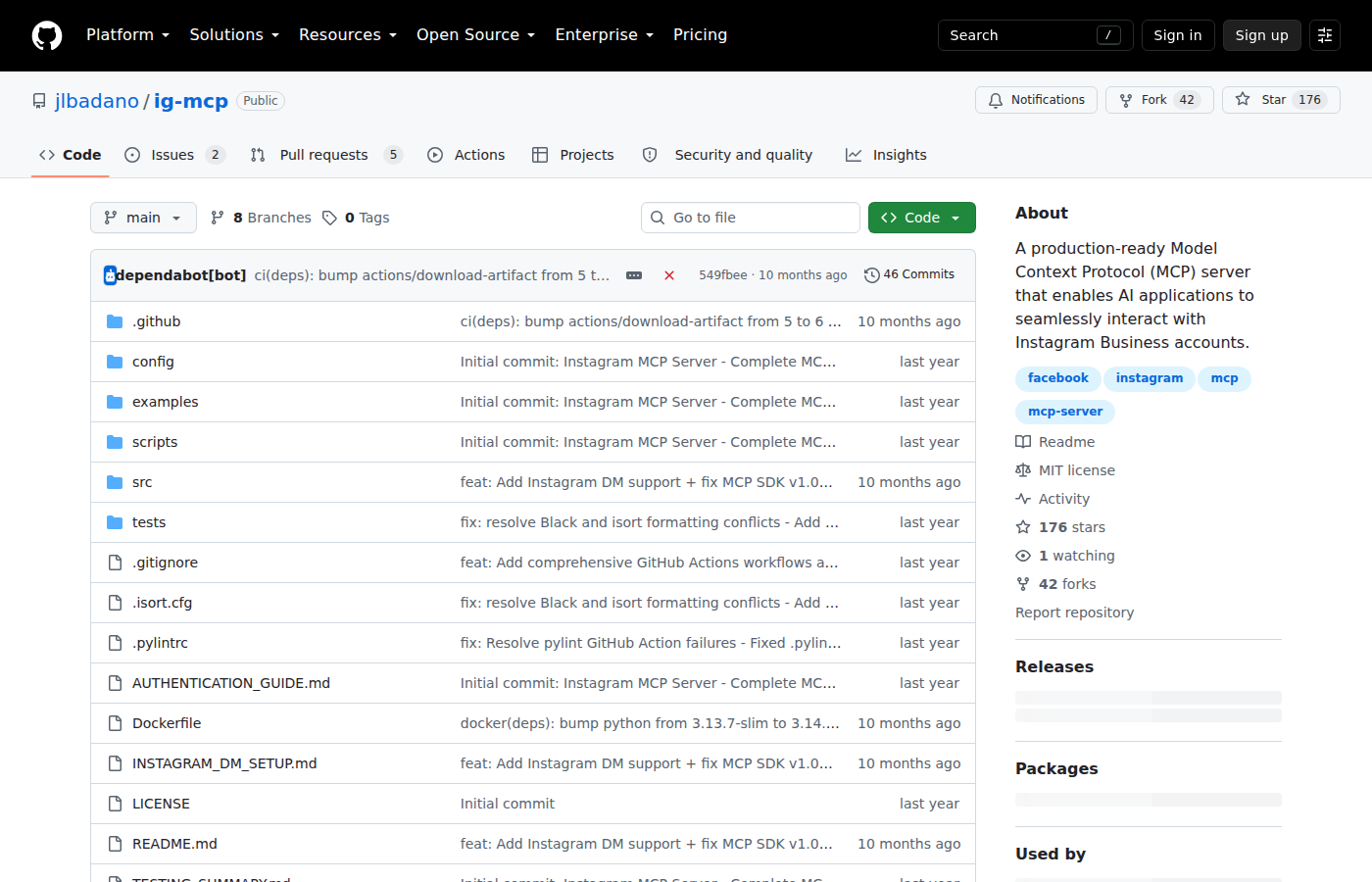
The jlbadano/ig-mcp repository — the most widely used community Instagram MCP server, wrapping the Instagram Graph API.
Real Instagram MCP Servers You Can Use Today
Meta ships an official MCP server for Instagram/Facebook Ads, but there is no official first-party Instagram MCP server for organic content as of mid-2026. Every organic Instagram MCP server is community-built on top of the Instagram Graph API. Here are the ones people actually use:
1. jlbadano/ig-mcp — The most popular general-purpose server
The de facto standard community server. It wraps the Instagram Graph API and exposes profile info, media posts, per-post insights, publishing, and (with Advanced Access) DM conversations. Written in Python, run locally as a stdio server.
What it exposes:
get_profile_info— follower counts, bio, account metadataget_media_posts— recent posts from the accountget_media_insights— engagement metrics per postpublish_media— upload and publish images/videosget_conversations/get_messages/send_dm— DM handling (Advanced Access only)
Requirements: Instagram Business or Creator account connected to a Facebook Page, a Meta Developer app, and a long-lived access token. Python 3.10+.
2. mcpware/instagram-mcp — A 23-tool fork with broader coverage
A fork of ig-mcp that expands the surface to 23 tools across posts, comments, DMs, stories, hashtags, reels, carousels, and analytics. Installed via npx @mcpware/instagram-mcp, so setup is lighter than the Python route.
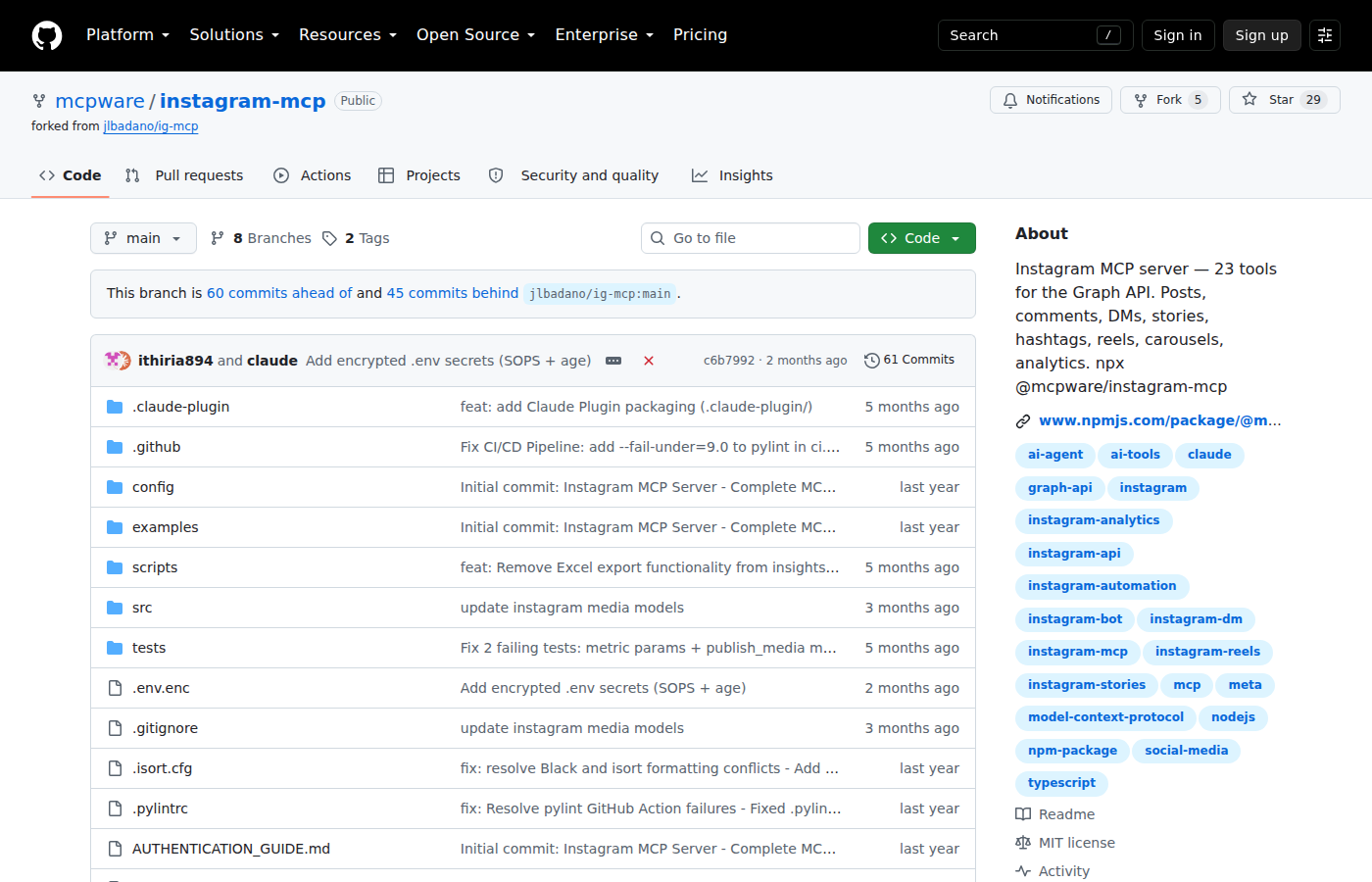
The mcpware/instagram-mcp repository — a 23-tool fork covering posts, comments, DMs, stories, reels, and analytics.
3. mikusnuz/meta-mcp — Full Meta platform coverage
A broader server covering the Instagram Graph API, the Threads API, and general Meta platform management — 57 tools against Graph API v25.0. Overkill if you only want Instagram insights, but useful if you want one server for both your Meta properties.
Best for: Agencies or operators managing Instagram + Threads (and Facebook) from a single integration.
Which one should you pick? Start with jlbadano/ig-mcp for simple profile + insights + publishing. Move to mcpware/instagram-mcp if you want a broader npx-installable tool set. Reach for mikusnuz/meta-mcp only if you need Threads and Meta platform management in the same server.
Common Pitfalls Specific to Instagram MCP
Only Professional accounts work — personal accounts are a dead end
The Instagram Graph API (and therefore every MCP server built on it) refuses personal accounts. Your account must be a Business or Creator account connected to a Facebook Page. If you're managing a personal brand account that was never converted, the server returns nothing until you switch to Professional. This catches more people than any other Instagram integration issue.
DMs need Advanced Access — a separate, slower approval
Reading and sending Instagram DMs requires the instagram_manage_messages permission, which only unlocks through Meta's Advanced Access / App Review process. Standard permissions (instagram_basic, instagram_content_publish, instagram_manage_insights) are available immediately, but DM features are gated behind a manual review that can take days to weeks. Plan your timeline around this if DM triage is core to your use case.
No competitor or hashtag data anymore
Earlier Instagram API versions allowed querying hashtag activity and competitor accounts. Those endpoints are gone. Today the API only returns data about your own accounts — there is no way to query another account's posts or follower counts. Any "competitor analysis" workflow built on the Instagram MCP ecosystem is limited to your own historical performance.
The token expires and silently breaks scheduled jobs
The long-lived access token (typically 60 days, refreshable via the Graph API) is the #1 silent killer for headless or cron-driven Instagram workflows. When the token lapses, your assistant keeps responding as if everything is fine while every API call fails. If you run scheduled Instagram digests, build token-refresh logic into the proxy or check the token expiry before each batch.
Publishing is one-directional — no edits or re-edit after post
publish_media uploads and publishes, but the Graph API gives you very little post-publish mutation. You can't reliably edit a caption, swap an image, or turn a post into a carousel after it goes live. For anything you'll want to fix, draft and review in the assistant's context before publishing, because there's no undo.
Comment and DM triage data gets noisy fast
Comment threads and DMs are operationally useful but become noisy on active accounts. The useful assistant behavior is to triage and summarise — surfacing the ones that need a reply and why — not dumping raw threads back at you. Build the skill file around "which comments need a reply first?", not "show me all comments".
Related MCP Guides
Want the full workflow picture? See: Instagram AI Automation and How to Connect Instagram to OpenClaw.