If you're searching for "Telegram MCP", you're asking one of two things: does Telegram have an MCP server? or how do I connect Telegram to an AI assistant via the Model Context Protocol?
⚠️ No official Telegram MCP server yet. Community options exist — details below.
What Is MCP?
Model Context Protocol (MCP) is an open standard developed by Anthropic that lets AI assistants — like Claude — connect to external tools, APIs, and data sources in a standardised way.
Before MCP, every AI integration required bespoke tooling: custom prompts, custom API wrappers, and custom glue code to pass context back and forth. MCP replaces that with a common interface: the AI asks the MCP server for data or actions, the server returns structured results, and the AI uses them to answer your question or complete a task.
In plain terms: MCP is how you give an AI assistant live access to Telegram — not just knowledge about it, but real, up-to-date data from your account.
What a Telegram MCP Integration Does
Once Telegram is connected via MCP, your AI assistant can:
- Read live data — pull records, metrics, activity, and status directly from Telegram
- Take actions — create, update, or log records based on your instructions
- Cross-reference context — combine Telegram data with other connected tools mid-conversation
The key difference from a standard chatbot: the assistant is not working from training data or memory. It is reading your actual Telegram instance, in real time.
Practical Telegram MCP Use Cases
Read and query ${displayName} from chat
Instead of switching to the Telegram dashboard, ask your AI assistant to fetch the data you need and return it in a readable format — right in your conversation.
Write back to ${displayName} without leaving chat
Have the assistant create, update, or log records in Telegram based on your instructions — with a confirmation step before any write action executes.
Cross-tool context stitching
The assistant pulls data from Telegram alongside other connected tools and surfaces the combined context where it's most useful — without manual copy-paste.
The Honest State of "Telegram MCP" (as of 2026)
Here's the thing most "Telegram MCP" listicles gloss over: Telegram itself ships no first-party MCP server. Telegram's only official integration surface is the Bot API — an HTTP API you reach with a token from @BotFather — plus the undocumented MTProto protocol that the official clients use. Nobody at Telegram has published an mcp.telegram.org endpoint. Everything marketed as "Telegram MCP" is a community-built server sitting on top of one of those two surfaces, and they are not interchangeable.
That split is the single most important thing to understand before you wire anything, because it changes what your assistant can do, what credentials it needs, and how dangerous a mistake is.
Two different kinks of "Telegram MCP" — Bot API vs MTProto/Telethon
| Bot API servers | MTProto / Telethon servers | |
|---|---|---|
| What it controls | One bot you created with BotFather | Your personal Telegram account |
| Auth | Bot token (revocable, scoped to that bot) | Phone number + API ID/hash + a login code |
| Typical tools | sendMessage, sendPhoto, getUpdates, setWebhook, answer inline queries | list chats, read/send/edit/delete messages, manage groups/contacts/media |
| Reach | Only chats the bot was added to | Every chat and group you are in |
| Risk if leaked | Attacker impersonates that bot | Attacker impersonates you — full account take-over risk |
| Best for | Notifications, chatbot-style automation, headless cron | Personal assistant reading/replying to your real inbox |
A bot can't read a private group it isn't a member of, and it can't see your DMs. A Telethon server can — which is exactly why the credentials are so much more sensitive.
1. Bot API servers (the safe default for notifications and cron)
If your goal is "have my assistant send me a message when a build fails" or "stand up a lightweight Q&A bot in a group," use a Bot API server. The two most maintained:
node2flow-th/telegram-bot-mcp-community— ~27 tools over the official Bot API: send messages, manage chats, handle webhooks, send media, etc. Pure Bot API, no account credentials beyond a bot token.IQAIcom/mcp-telegram— built on Telegraf, oriented at bots and channels (send, forward, manage channels, respond to conversations).
Both use the same BotFather flow described in the setup steps above. Config is a single bot token:
{
  "mcpServers": {
    "telegram": {
      "command": "npx",
      "args": ["-y", "@node2flow/telegram-bot-mcp-community"],
      "env": {
        "TELEGRAM_BOT_TOKEN": "123456:ABC-DEF_your-botfather-token"
      }
    }
  }
}
The catch: a Bot API server only sees what the bot can see. If you want your assistant to read your personal messages, it can't. For that you need the MTProto path — with everything that implies.
2. MTProto/Telethon servers (full account access — treat like a password manager)
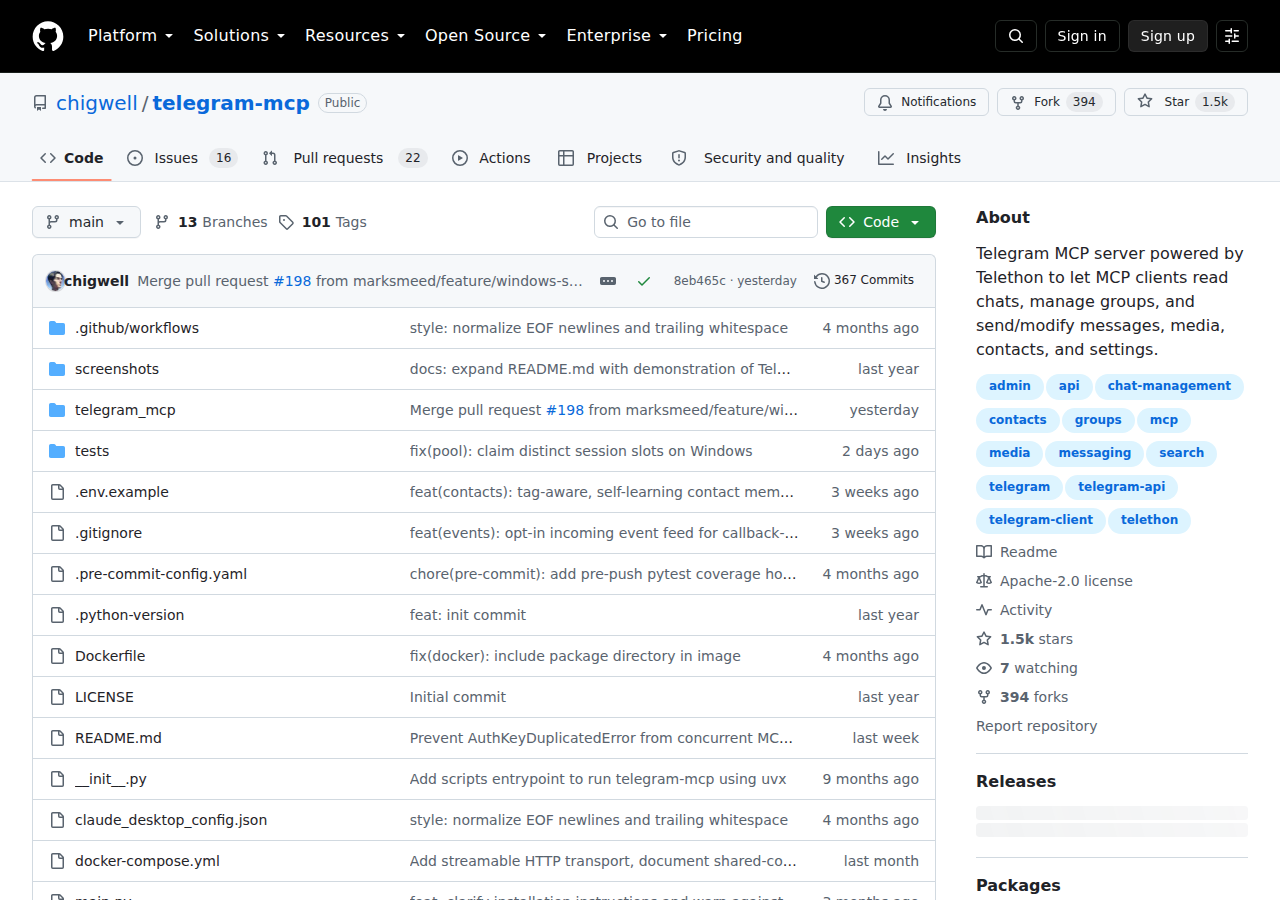
The most popular and feature-complete option is chigwell/telegram-mcp (1.5k+ stars, Apache-2.0), built on Telethon. It exposes 80+ tools across:
- Accounts — list configured accounts, route tool calls by account label (multi-account supported)
- Chats & groups — list chats, inspect metadata, create groups/channels, join/leave, manage admins, bans, permissions, slow mode, topics, invite links
- Messages — send, schedule, edit, delete, forward, pin, reply, search, create polls, manage reactions, press inline buttons
- Contacts — list/search/add/delete, plus a
set_contact_aliassystem that teaches the server who people are sosend_message("the client")resolves to the right chat - Media — send files, voice notes, stickers, GIFs, download/upload media
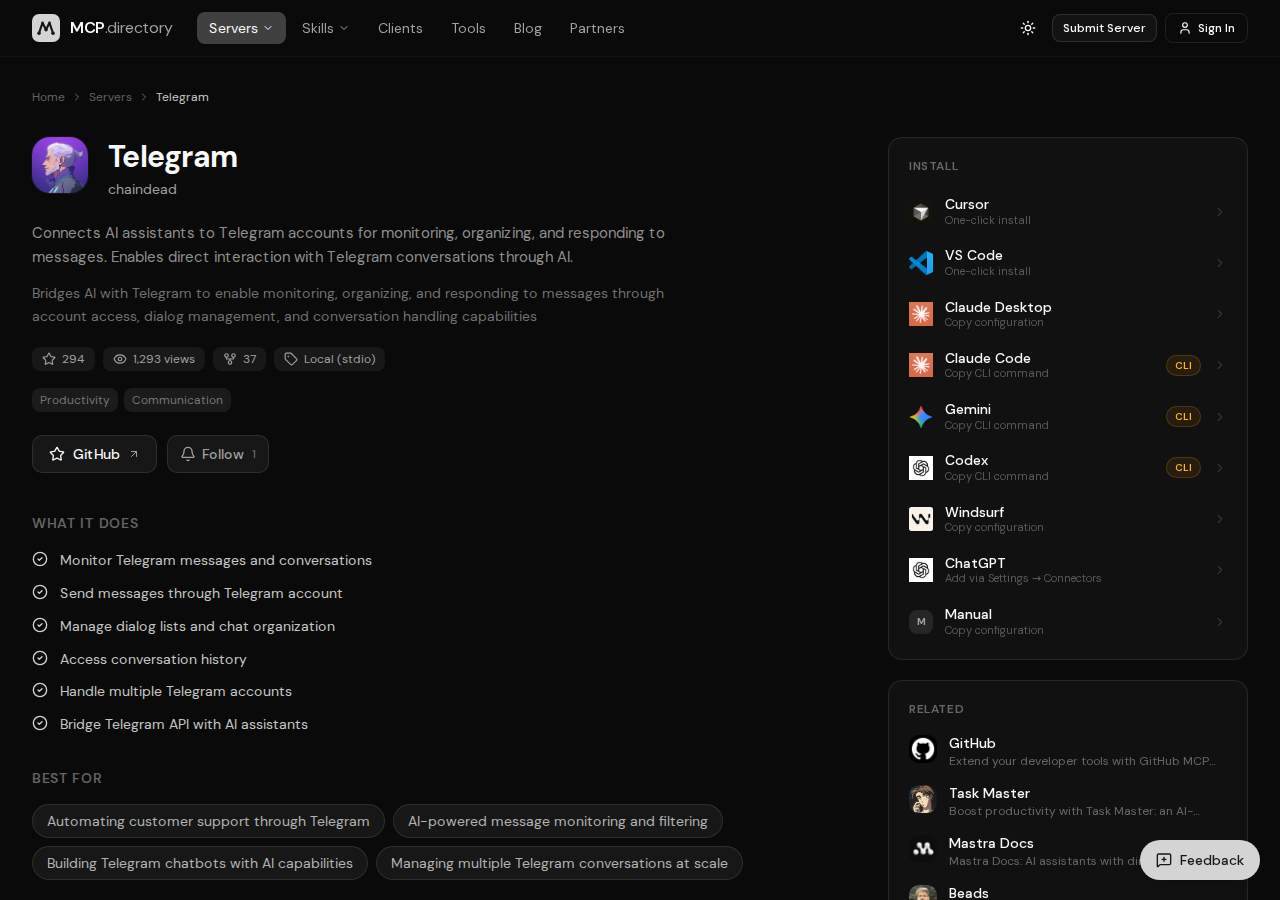
Two clearly-community-built alternatives: sparfenyuk/mcp-telegram and antongsm/mcp-telegram (both support MTProto or Bot API), and BrainDAO/mcp-telegram for channel-focused work.
To run a Telethon server you need an API ID and API hash from my.telegram.org, your phone number, and a one-time login code. That's the same credential set as "log in as me" — full account control, including deleting messages, changing settings, and reading DMs.
Real Workflows (pick what matches your goal)
Workflow A: Get paged when something breaks (Bot API)
You want your assistant to alert you the moment a deploy fails or a long job errors out, straight into your pocket.
You: "Set up a Telegram notification so I get a message when the nightly
sync job fails, and include the last 5 lines of the error log."

AI: "Configured. I'll watch the sync job and send a message to your Telegram
bot on failure with the error tail."
This is what Bot API servers are perfect for — one-way, low-privilege, safe to run headless.
Workflow B: Triage your real inbox from chat (MTProto)
You've got 200 unread messages across work chats and a founder group. Ask your assistant to read and summarize rather than scrolling.
You: "Read my unread messages from the last 24 hours, group them by topic,
and tell me which ones actually need a reply from me today."

AI: "47 unread across 6 chats. Two need a decision from you (pricing + a
contract question); flagged three for a quick reply; the rest are FYI."
This requires the MTProto path — and means your assistant can see everything. Only do this with a credential you'd be comfortable pasting into a stranger's terminal.
Workflow C: Draft-don't-send replies during heavy days
Rather than letting the assistant auto-reply, use it to draft, then you approve each send.
You: "Draft a reply to the investor's latest message about the Q3 numbers,
but don't send it — show it to me first."

AI: "Here's the draft. I'll hold it until you say 'send'."
Telegram-Specific Pitfalls (read these before wiring anything)
- Bot token vs API ID/hash is the whole ballgame. A leaked bot token is a nuisance (someone posts as your bot). A leaked API ID/hash + phone number is account takeover — an attacker can read DMs, delete messages, and join groups as you. Store Telethon credentials like you'd store a password manager's master key.
- There is no official Telegram MCP server. Never trust a guide that implies
mcp.telegram.orgexists. You're choosing between community Bot API and MTProto servers — vet the repo (stars, recency, license) before you point real credentials at it. - Rate limits are real and uneven. The Bot API throttles ~20 messages/minute per bot (and flood-waits in groups); MTProto has its own flood-control that can silently drop or delay sends under burst. Don't build a broadcast bot that fires hundreds of messages in a loop — Telegram will smack it down.
- "Premium" features differ between the two paths. Some MTProto servers gate rich formatting (tables, headings, formulas) behind Telegram Premium on your account. The tool won't error — it'll refuse to send, or fall back to plain text. Test formatting before you rely on it.
- Contacts are matched by fuzzy name-matching, not IDs. A Telethon server that resolves
send_message("Anna")can message the wrong Anna. Good servers (like chigwell's) confirm before sending to an unverified contact — treat any auto-confirm behavior as a red flag. - Session files are the hidden long-term risk. MTProto servers persist an authenticated session file on disk. Anyone who reads that file has your account. Put it in a secrets-managed location, set owner-only permissions, and revoke it via Telegram's "active sessions" screen if a machine is decommissioned.
Where Telegram MCP Fits in Your Stack
Telegram is the most personal messaging surface you can give an assistant — which makes it both the most useful and the riskiest MCP target. The honest play:
- Notifications, cron, simple bots → Bot API server (low privilege, fire-and-forget)
- Read/reply to your real inbox → MTProto/Telethon server (full account access, treat with care)
- Anything you wouldn't want a stranger to read → don't connect it at all
If you're weighing messaging surfaces, compare this against our guides for Slack, Discord, and Notion.
How to Connect Telegram via MCP
There are two main paths:
Option A: Use a community MCP server for Telegram
No company-maintained MCP server currently exists for Telegram. Community-built servers are available — search the MCP Registry or GitHub for "Telegram MCP server".
What you'll need:
- An MCP-compatible client (Claude Desktop, OpenClaw, or another host)
- A running MCP server process with Telegram credentials configured
- Basic familiarity with running a local service or Docker container
Community servers vary in completeness and maintenance quality — review the repo before committing to one.
Option B: Use Cody (OpenClaw-based, managed)
Cody is built on OpenClaw and supports MCP-compatible integrations out of the box. You connect Telegram once from the Cody dashboard — no server to run, no code to write — and Cody handles authentication, context passing, and write-back actions with appropriate guardrails.
Cody works where your team already operates: Slack, Telegram, or the web chat. The Telegram connection is available to your entire team without each person setting up their own MCP client.
Want Telegram Connected to AI Without Running Your Own MCP Server?
Cody turns Telegram into a lightweight AI command center. Connect your bot once, then chat with your assistant from your phone or a small team group to get answers, summaries, reminders, and cross-tool actions without wiring your own bot stack.
MCP vs Other AI Integration Patterns
| Approach | What it is | Tradeoff |
|---|---|---|
| MCP | Standardised protocol for live tool access | Requires an MCP server; most powerful when set up correctly |
| RAG (retrieval) | Pre-index Telegram content and retrieve it | Good for static docs; not suitable for live/transactional data |
| Manual copy-paste | Paste Telegram output into ChatGPT/Claude | Fast to start; breaks for anything recurring or at scale |
| Custom API wrappers | Bespoke integration code per tool | Full control; high maintenance overhead |
MCP wins when you need live data from Telegram and want to avoid rebuilding integrations as APIs change.
Common Mistakes
- Using training data when live data is needed — if the AI doesn't have an MCP connection, it will answer from memory, which is often outdated or wrong for account-specific questions
- No write-back guardrails — MCP can write to Telegram, so it's worth adding an approval step for any action that modifies records
- Too many tools exposed at once — give the AI access to the Telegram actions it actually needs; a scoped connection is easier to reason about and audit
- Skipping structured outputs — ask the AI to return structured JSON or clear fields when writing back to Telegram; free-form output is harder to validate
Related MCP Guides
Want the full workflow picture? See: Telegram AI Automation and How to Connect Telegram to OpenClaw.