Monday.com is where boards, owners, statuses, due dates, and cross-functional project movement can get hard to read once the team is busy. A Monday.com AI assistant is most useful when it helps people review board health, surface stuck or overdue work, understand who owns what, and turn item movement into clear Slack updates without living inside boards and views all day. If you are running OpenClaw yourself, Monday.com is still a workable integration to wire up, but Cody is the faster path if you want the assistant experience instead of the API glue.
How OpenClaw Integrations Work
OpenClaw is a self-hosted AI assistant that runs on your own server — typically an EC2 instance — and connects to Slack. It uses Claude under the hood to process requests. Out of the box, OpenClaw doesn't ship with pre-built connections to third-party tools. Instead, integrations are built using the skills system: markdown files in ~/.openclaw/skills/ that give Claude instructions for a particular domain, combined with HTTP tool calls to any API you expose to it.
In practice, adding a real integration means: getting API credentials from the third-party service, building or configuring a small proxy/endpoint that OpenClaw can call, and writing a skill file that tells Claude how to use it. For some tools this is an afternoon of work. For others — like Monday.com — it's considerably more involved.
Connecting OpenClaw with Monday.com: Step by Step
Step 1: Get Your Monday API Token
Go to Monday.com → Profile → Developers → My Access Tokens. Copy your personal API token. All requests go to https://api.monday.com/v2 using this as a Bearer token. Monday uses GraphQL exclusively — there's no REST API.
Step 2: Learn the GraphQL Schema
Key queries: boards to list boards, items_by_column_values to search for specific items, items_page on a board to paginate through all items. Monday's schema is well-documented in their API playground at monday.com/developers/v2.
Step 3: Build the Proxy and Skill File
Build your proxy around board summary and item search queries. Write ~/.openclaw/skills/monday.md with your board names and IDs. Monday returns column values as generic value strings — your proxy should decode these into readable formats based on column type.
Challenges and Caveats
Column Values Are Returned as Untyped JSON Strings
Monday's API returns column values as opaque JSON strings — the format depends on the column type (status, date, person, dropdown, etc.) and isn't always obvious. Your proxy needs to decode these strings correctly for each column type you care about.
Complexity Tokens Limit Expensive Queries
Monday uses a 'complexity' system to rate-limit API usage. Each query consumes a complexity budget based on how many items and fields it returns. Queries that retrieve all columns for all items on a large board will hit complexity limits quickly.
Monday.com + OpenClaw: What's Actually Available in 2026
If you're searching "how to connect monday.com to OpenClaw," you usually fall into one of two camps: you run OpenClaw on your own server and want a real integration, or you're evaluating Cody (managed OpenClaw) and want board health, ownership, and project updates surfaced in Slack without wiring GraphQL by hand.
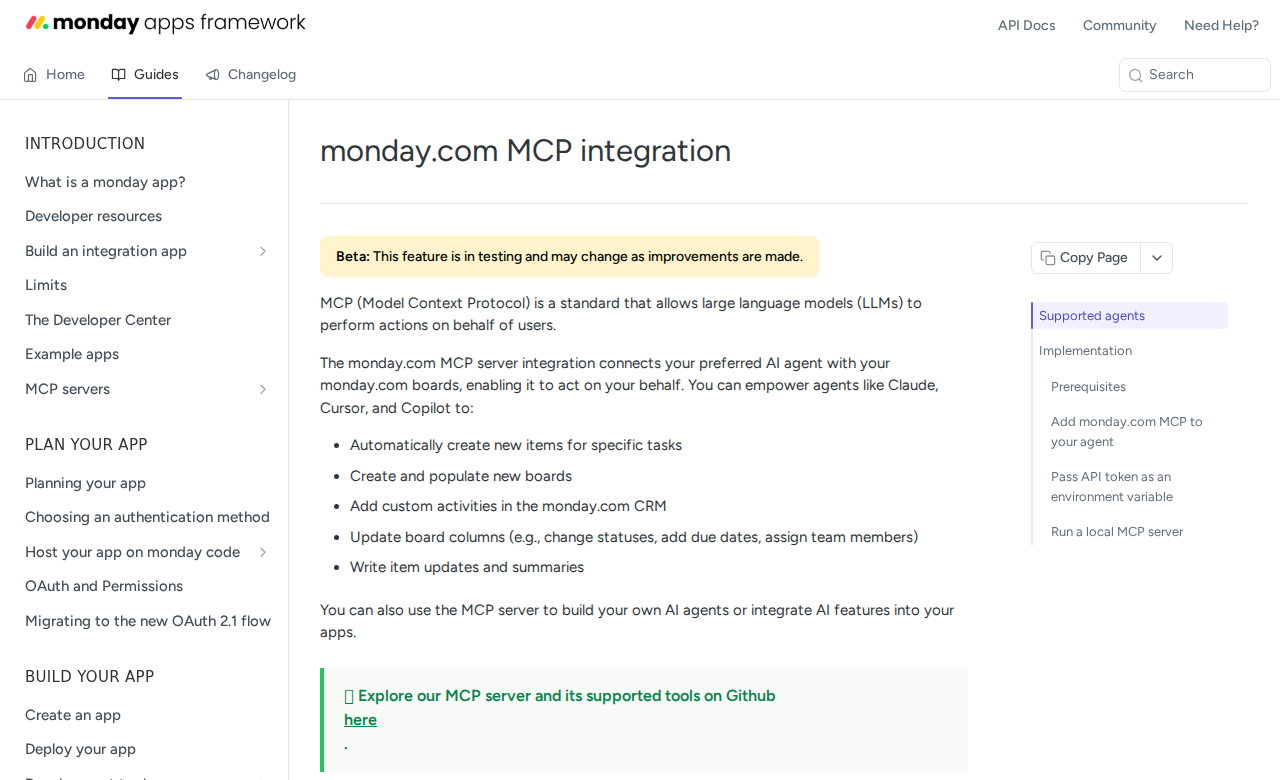
Monday.com quietly became one of the better-connected work-management tools for AI agents in 2026. It now ships an official hosted MCP server, an official npm MCP package, and an agent toolkit — which means there are clear, supported paths depending on whether you want zero infrastructure or full control.
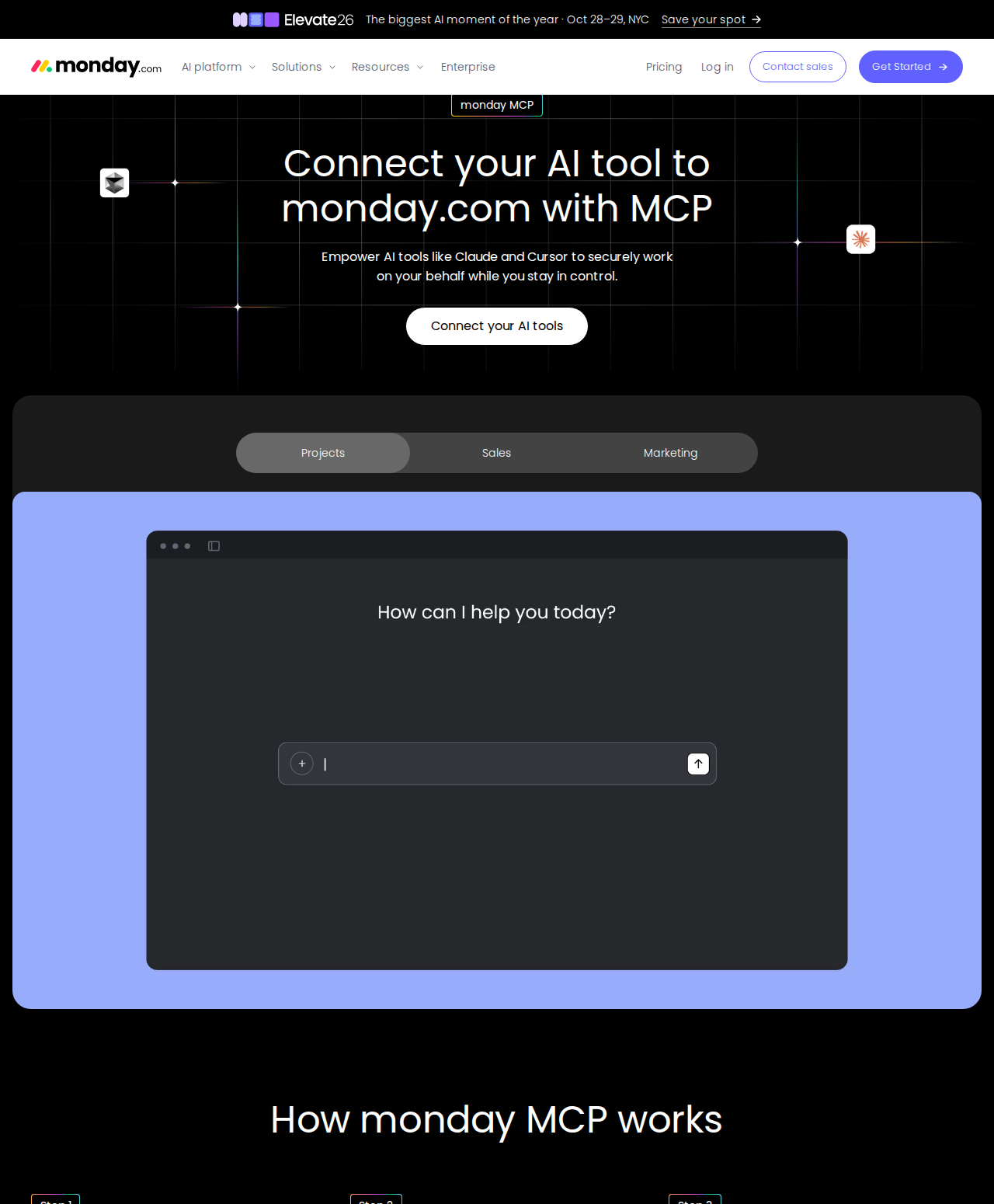
Path A: monday.com Hosted MCP Server (mcp.monday.com/mcp — Best for OpenClaw)
Monday.com maintains an official MCP server hosted by them at https://mcp.monday.com/mcp. It connects your monday account directly to any MCP-compatible assistant — Claude, Claude Desktop, Cursor, ChatGPT/Codex, Copilot Studio, Mistral, and Gemini. Because OpenClaw speaks the same MCP protocol, you point it at the same endpoint.
What it exposes: roughly 20 tools grouped across your workspace:
- Boards & items — create boards, items, and groups; find items by name; move items.
- Columns & values — create and delete columns, read the board schema, change column values.
- Updates, owners & timelines — post updates, assign owners, set timeline items.
- Power tools — run any monday API call, read the GraphQL schema and docs, get workspace info.
It authenticates over OAuth (no long-lived API key to babysit) and supports workspace controls so you can limit which workspaces the agent can touch.
To wire it into a self-hosted OpenClaw (~/.openclaw/settings.json):
{
  mcpServers: {
    monday: {
      url: "https://mcp.monday.com/mcp",
      transport: "streamable-http"
    }
  }
}
Once connected, you can prompt naturally: "Create a launch board with items for brief, copy, build, and QA, and set timelines" — OpenClaw fetches and writes via MCP, then confirms.
Path B: @mondaydotcomorg/monday-api-mcp (Local stdio — For Developers)
If you'd rather run the server yourself, monday.com publishes the @mondaydotcomorg/monday-api-mcp npm package. It's a plug-and-play server over stdio transport that talks to the monday API using your personal access token:
{
  mcpServers: {
    "monday-api-mcp": {
      command: "npx",
      args: ["@mondaydotcomorg/monday-api-mcp@latest"],
      env: {
        MONDAY_TOKEN: "your_monday_api_token"
      }
    }
  }
}
This is the right choice when you want to customize the server, work fully offline, or keep everything on the same machine. The trade-off: you own the process, its security, and its maintenance, and it runs over stdio rather than a remote URL.
Path C: @mondaydotcomorg/agent-toolkit (Build Custom Agents)
For teams building their own AI agents, monday.com also ships @mondaydotcomorg/agent-toolkit, which supports both OpenAI and MCP implementations against the monday API. This is more of a developer building block than an end-user integration — useful if you're assembling a bespoke assistant rather than plugging OpenClaw into an existing server.
Path D: Direct GraphQL API + Skill File (The Classic Self-Hosted Way)
This is the path the base template above walks through, and it's still completely valid. In short: grab a personal API token from Profile → Developers → My Access Tokens, then call https://api.monday.com/v2 — which is GraphQL-only (there is no REST endpoint). Build a small proxy around board-summary and item-search queries, and write ~/.openclaw/skills/monday.md with your board names and IDs so the agent knows what to query.
It's the most controllable option and needs no third-party service, but it's also the most work — and it's where the two traps below (untyped column values and complexity budgets) bite hardest.
Real Use Cases: What an OpenClaw + Monday.com Setup Actually Does
These are concrete workflows, not generic "automate PM" platitudes.
1. Spin up a project board from a one-line brief
Prompt: "Create a launch board with items for brief, copy, build, and QA; assign owners from the engineering team and set a two-week timeline." OpenClaw builds the board, items, owners, and deadlines in one shot instead of you clicking through the UI for twenty minutes.
2. Keep the board current without leaving chat
Prompt: "Move the copy item to Done and post an update." or "Change the status of every blocked item to Stuck and tag its owner." Status changes, moves, and updates get applied directly, so the board reflects reality even when no one is actively inside monday.
3. Daily risk / overdue report to Slack
Prompt: "What is overdue on the launch board, and who owns each item?" — scheduled each morning. Your team gets a single message listing every at-risk item and its owner instead of having to check the board manually. This is the highest-value use case: it turns the board into a source of pushed alerts rather than a place you have to remember to visit.
4. Cross-team progress summary
Prompt: "Summarize this week's progress across the two main project boards." OpenClaw reads board activity and updates, then produces a compact handoff summary for a standup or a stakeholder update.
Monday.com-Specific Pitfalls (Know These Before You Build)
These are the traps that trip people up specifically with monday.com + an AI agent.
-
Column values come back as untyped JSON strings. monday's API returns column values as opaque JSON strings whose format depends on column type (status, date, person, dropdown, etc.). An agent that assumes every value is a plain string will misread dates and dropdowns. The proxy (or the MCP layer) needs to decode values per column type — bake a column-type map into your skill file.
-
Complexity tokens cap expensive queries. monday rate-limits via a "complexity" budget, not simple request counts. A query that fetches all columns for all items on a large board exhausts the budget fast. Schedule big reads and prefer scoped queries (specific columns, paginated items) so agents don't burn the budget on the first prompt.
-
GraphQL-only means no REST fallback. There's no REST endpoint to lean on. If you're writing raw queries you must speak GraphQL — and the schema is large. The MCP paths hide this, but the DIY path doesn't. Keep the GraphQL schema handy in the skill file.
-
AI agents can write to your workspace. The MCP server can create and update items and columns — which is powerful but risky. Scope the connected user to a least-privilege account limited to the boards the task needs, and confirm before writes. Treat the agent like a new teammate with edit rights, not a read-only viewer.
-
OAuth workspace controls are easy to skip. The hosted server supports limiting access to specific workspaces. If you connect with a full-admin account and don't scope it, the agent can act across everything. Set the workspace scope on connect.
-
"Board 404" usually means permissions, not absence. Like many work-management tools, a query that returns nothing is often an access problem (unscoped user, wrong workspace) rather than a genuinely empty result. Verify the connected user can see the board before debugging the query.
Also read
- How to Use Asana with OpenClaw — the closest work-management competitor, from the same integration family
- How to Connect Airtable to OpenClaw — another board-style tool with its own GraphQL-style API quirks
- How to Use Monday.com with ChatGPT — the ChatGPT-side integration for comparison
Skip All of This — Use Cody Instead
Cody gives your team a Monday.com assistant in Slack, so people can review board status, spot blocked or overdue items, clarify ownership, and draft project updates without managing GraphQL queries, decoding column payloads, or babysitting complexity budgets.
Related Guides
- Connecting OpenClaw with Asana: A Practical Guide
- Connecting OpenClaw with Airtable: A Practical Guide
- Connecting OpenClaw with Jira: A Practical Guide
Need the model-flexible version? See: How to Connect Monday.com to OpenClaw: Setup, Models, and Workflow Guide.