Confluence is where a lot of team knowledge already lives: runbooks, ADRs, onboarding docs, meeting notes, and internal wiki pages. A Confluence AI assistant is most useful when it helps the team find the right page, summarise what matters, and turn documentation context into useful answers and updates from Slack.
How OpenClaw Integrations Work
OpenClaw is a self-hosted AI assistant that runs on your own server — typically an EC2 instance — and connects to Slack. It uses Claude under the hood to process requests. Out of the box, OpenClaw doesn't ship with pre-built connections to third-party tools. Instead, integrations are built using the skills system: markdown files in ~/.openclaw/skills/ that give Claude instructions for a particular domain, combined with HTTP tool calls to any API you expose to it.
In practice, adding a real integration means: getting API credentials from the third-party service, building or configuring a small proxy/endpoint that OpenClaw can call, and writing a skill file that tells Claude how to use it. For some tools this is an afternoon of work. For others — like Confluence — it's considerably more involved.
Connecting OpenClaw with Confluence: Step by Step
Step 1: Get Your Atlassian API Token
Same token as Jira if you're on Atlassian Cloud — go to id.atlassian.com/manage-profile/security/api-tokens. The Confluence Cloud REST API base is https://yourcompany.atlassian.net/wiki/rest/api.
Step 2: Use the Content Search Endpoint
The key endpoint is /rest/api/content/search?cql=... which uses Confluence Query Language (CQL) — similar to JQL. You can search by space, label, title, and content type. Build your proxy around this and a content retrieval endpoint to fetch the full body of matched pages.
Step 3: Write the Skill File
Document your Confluence spaces and common search patterns in ~/.openclaw/skills/confluence.md. Tell Claude your space keys (e.g., ENG, HR, PROD) so it can scope searches appropriately.
Challenges and Caveats
Content Is Returned as Atlassian Document Format
Confluence pages are returned in Atlassian Document Format (ADF) — a JSON schema, not plain text. Your proxy needs to convert ADF to readable text before passing it to Claude. Atlassian provides libraries for this, but it's an extra step.
CQL Has Its Own Learning Curve
Confluence Query Language is powerful but quirky. Claude can generate CQL queries, but they're not always syntactically correct. Expect to iterate on the skill file to get reliable query generation.
Confluence + OpenClaw: What's Actually Available in 2026
Confluence is where team knowledge lives: runbooks, ADRs, onboarding docs, meeting notes, architecture decisions, and internal wikis. For an AI assistant, it's one of the highest-value sources of "how do we actually do things here" context — but historically it's been a pain to wire in: a hand-built REST proxy, Atlassian Document Format (ADF) JSON to parse, and Confluence Query Language (CQL) to get right.
That changed. Atlassian now ships an official cloud-hosted MCP server covering Confluence (alongside Jira, Jira Service Management, Bitbucket, and Compass), secured with OAuth 2.1 and granular permission controls. It reached general availability in February 2026, with Claude as its first official partner. Because OpenClaw speaks the MCP protocol, you can point it at the same server and get the same read/write/search surface without building any proxy.
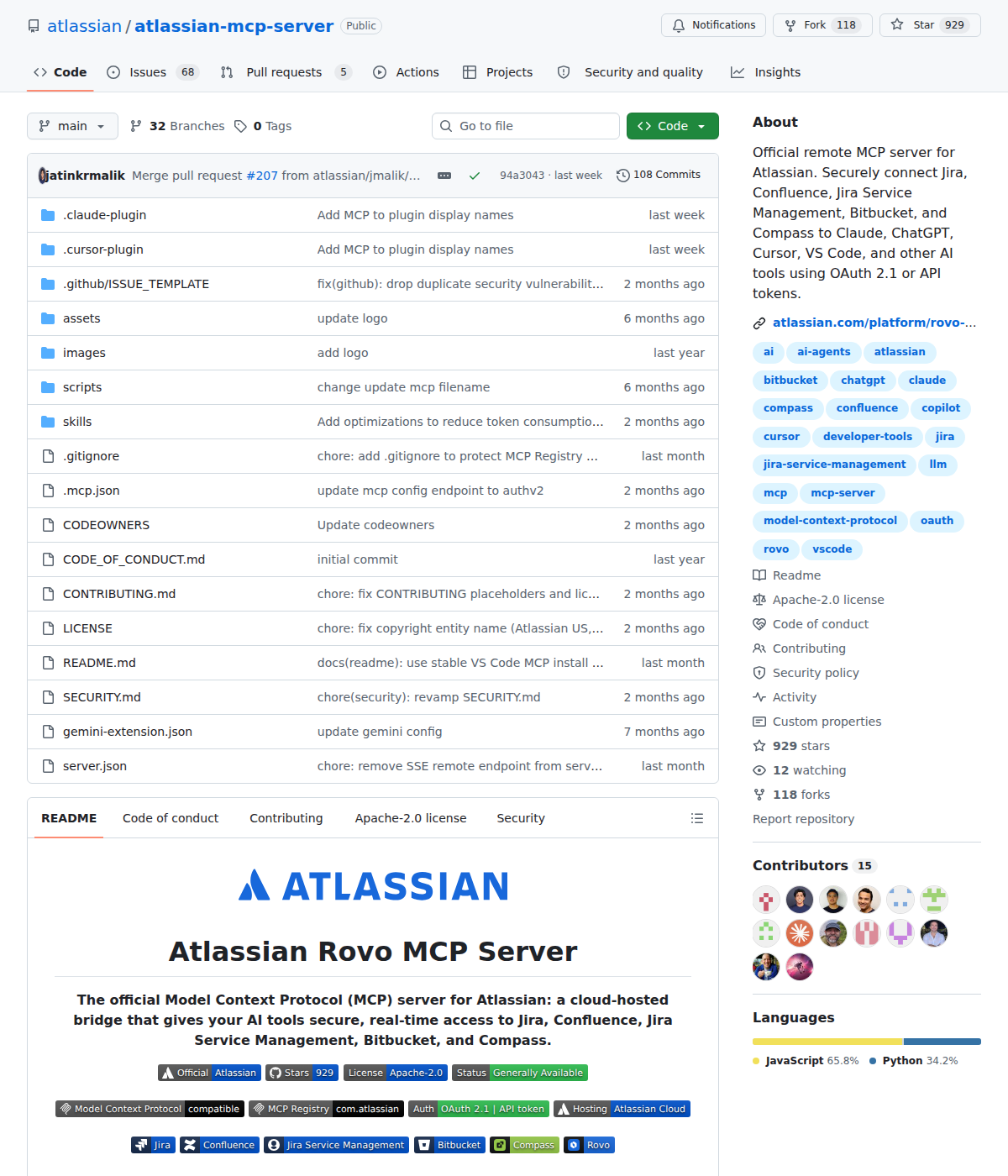
Path A: Official Atlassian Rovo MCP Server (Best for Confluence Cloud)
Atlassian's official server is a remote (cloud-hosted) MCP server built on Cloudflare's Agents SDK — you don't run a Docker container or self-host a proxy. You connect any MCP-compatible client to Atlassian's hosted endpoint via OAuth.
For OpenClaw (self-hosted at ~/.openclaw/settings.json), you can wire it in two ways:
1. Via the mcp-remote proxy (recommended for a self-hosted agent). Atlassian supports any local MCP client through the mcp-remote wrapper, which handles the OAuth 2.1 browser flow and hands your agent a token:
{
  mcpServers: {
    atlassian: {
      type: "stdio",
      command: "npx",
      args: ["-y", "@atlassian/mcp-server"]
    }
  }
}
2. As a direct remote endpoint (streamable HTTP/SSE). If Atlassian's hosted URL is configured on your instance, you can point at it directly:
{
  mcpServers: {
    atlassian: {
      type: "http",
      url: "https://mcp.atlassian.com/v1/sse",
      transport: "sse"
    }
  }
}
The OAuth flow matters. When the agent first touches a Confluence/Jira tool, it triggers Atlassian's OAuth 2.1 authorization. You approve the scopes (which include real read and write access to pages and issues) in a browser, and the token is stored by the client. The critical property: the agent can only see and change what your user account can — if you can't view a Confluence space, neither can the agent. That's the whole security model, and it means there's no separate API-key risk surface.
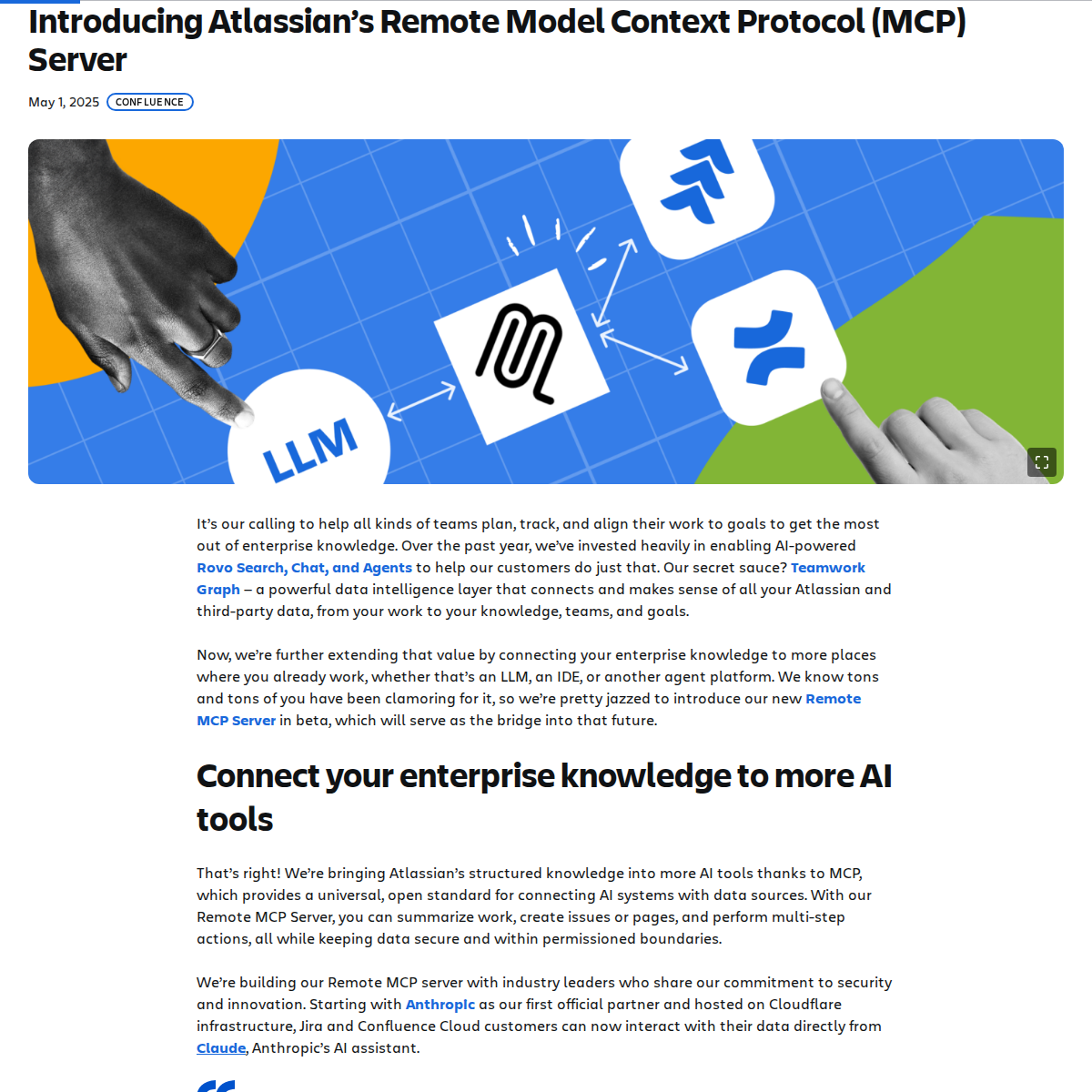
Confluence-specific capabilities (organized by Atlassian into read · write · search permission groups, each supported by both OAuth 2.1 and API tokens):
- Search — natural-language and CQL-based search across Confluence pages, spaces, and content types, with results summarized in chat.
- Read — retrieve the full body of pages, comments, and attachments so the agent can answer from your actual docs, not a stale cached copy.
- Write — create and update Confluence pages from natural language, and generate pages from meeting notes or specs. This is the big one the old REST-proxy path didn't give you out of the box.
Atlassian also exposes the Confluence search tools at the platform level (search_atlassian, read_teamwork_graph), which let an agent reach across Confluence + Jira + Compass in a single query — handy for "what did we decide and which ticket tracks it" questions.
Admin controls: on a company-managed site, an Atlassian admin must whitelist the MCP client and grant access at the permission-group level before it works. On a personal or team-managed site you can authorize it yourself.
The Cloud-only catch: the official Rovo MCP Server works only with Atlassian Cloud. If you run Confluence Server or Data Center (v6.0+), you cannot use the official server — you self-host a community server instead (Path B).
Path B: Community MCP Servers (For Confluence Server/Data Center, or More Control)
sooperset/mcp-atlassian— the most popular community server. Supports both Cloud and Server/Data Center, covers Confluence and Jira, and runs in Docker with a personal access token. This is the standard choice for self-hosted Confluence where the official cloud server doesn't apply.InfraMCP/atlassian-mcp-server— programmatically accesses and searches Confluence spaces, pages, and content via the REST API, with granular tool selection.
The trade-off: community servers are more flexible (and work on self-hosted Confluence), but you own their security, updates, and maintenance. The official Rovo server is the supported baseline for Cloud; reach for a community one when you're on Server/Data Center or need a narrower tool set.
Path C: Direct REST API + Skill File (The Classic Self-Hosted Way)
This is what the base guide above walks through, and it's still valid — especially if you don't want to add an MCP server or you need fine-grained control. In short: create an Atlassian API token, hit https://yourcompany.atlassian.net/wiki/rest/api, build a small proxy around /rest/api/content/search?cql=... (Confluence Query Language) plus a content-retrieval endpoint, and write ~/.openclaw/skills/confluence.md documenting your space keys (ENG, HR, PROD) and common search patterns.
It's the most controllable option and works everywhere, but it's the most work — and it's where the two traps in the guide's caveats (ADF JSON conversion, CQL quirks) bite hardest.
Real Use Cases: What an OpenClaw + Confluence Setup Actually Does
These are concrete workflows, not generic "search your wiki" platitudes.
1. Runbook answer without leaving Slack
Prompt: "What's the runbook for rotating the PROD database credentials? Summarize the steps and flag anything that requires a change window." OpenClaw searches the PROD space, retrieves the runbook page, and summarizes the exact steps — because the agent reads your real page, it can answer specifics you'd have to open Confluence to check.
2. ADR summary for a decision review
Prompt: "Summarize the ADRs in the PLATFORM space from the last month, and for each one list the decision, the alternatives considered, and whether it's been marked as Accepted." This is Confluence's bread-and-butter use case: turning a pile of architecture decision records into a one-screen briefing.
3. "What did we decide vs. what's tracked?" cross-tool check
Prompt: "In the last sprint retro, we agreed to move the cache off Redis. Find the Confluence page where we documented that, and check the related Jira ticket's status." Because the Rovo server exposes Confluence + Jira search together (the search_atlassian platform tools), one agent call chains page lookup to ticket status.
4. Turn meeting notes into a page
Prompt: "Take today's product sync notes and draft a Confluence page in the ENG space titled 'Q3 Platform Priorities', with the action items as a checklist, then save it as a draft." The write tools create the page in ADF for you — no manual copy-paste, and it stays a draft until you publish.
5. Onboarding doc generation
Prompt: "Generate a 'Getting Started for New Engineers' page in the ONBOARD space from the existing runbooks, READMEs, and repo links across our docs." The agent reads across spaces and assembles a coherent onboarding page — the kind of thing that takes a senior engineer an afternoon to write by hand.
Confluence-Specific Pitfalls (Know These Before You Build)
These are the traps that trip people up specifically with Confluence + an AI agent.
-
The official server is Cloud-only. The Atlassian Rovo MCP Server connects to Atlassian Cloud only. On Confluence Server or Data Center, the official server won't work — you must self-host
sooperset/mcp-atlassianin Docker with a PAT. This is the #1 gotcha: teams on self-hosted Confluence follow the "official server" tutorial and it silently fails because it's cloud-only. -
OAuth gives real write access — and admin whitelisting may block you. The scopes include creating/updating pages. On company-managed sites an admin must whitelist the MCP client first; if they haven't, your authorization or tool calls fail even though the endpoint is reachable. Budget time for the admin step on enterprise instances.
-
Content comes back as Atlassian Document Format (ADF). Confluence pages are returned as ADF JSON, not clean text. The official MCP server handles the conversion for you, but if you go the direct REST route (Path C) your proxy must convert ADF to readable text or Claude will choke on nested JSON. Atlassian provides libraries; don't skip this step.
-
CQL is powerful but easy to get wrong. Confluence Query Language takes practice — space scoping, label syntax, and content-type filters are error-prone when generated by an LLM. Expect to iterate on the skill file and give the agent example queries, or search results come back empty or over-broad.
-
A stale index defeats the purpose. The Rovo search surface reflects Atlassian's indexed content. If a Confluence page was just edited, there can be indexing lag before it appears in search results — an agent answering "what's the current runbook" may report yesterday's version. Verify freshness for time-sensitive docs.
-
Write actions are permanent and versioned, not sandboxed. When the agent creates or updates a page, it's a real change in your workspace (Confluence keeps history, but the page is live). If you're not ready for that, restrict the agent to the
readandsearchpermission groups and keepwritefor a human-approved workflow.
Also read
- How to Use Jira with OpenClaw — the companion issue-and-sprint side of your Atlassian workflow
- How to Use Notion with OpenClaw — the main alternative to Confluence for team knowledge
- How to Use GitHub with OpenClaw — where code context and PRs live
- How to Connect Confluence to ChatGPT — the ChatGPT-side integration for comparison
Skip All of This — Use Cody Instead
Cody gives your team a Confluence assistant in Slack, so people can find runbooks, summarise ADRs, review documentation context, and get the right wiki answer without digging through Confluence manually.
Related Guides
- Connecting OpenClaw with Jira: A Practical Guide
- Connecting OpenClaw with Notion: A Practical Guide
- Connecting OpenClaw with Github: A Practical Guide
Need the model-flexible version? See: How to Connect Confluence to OpenClaw: Setup, Models, and Workflow Guide.